
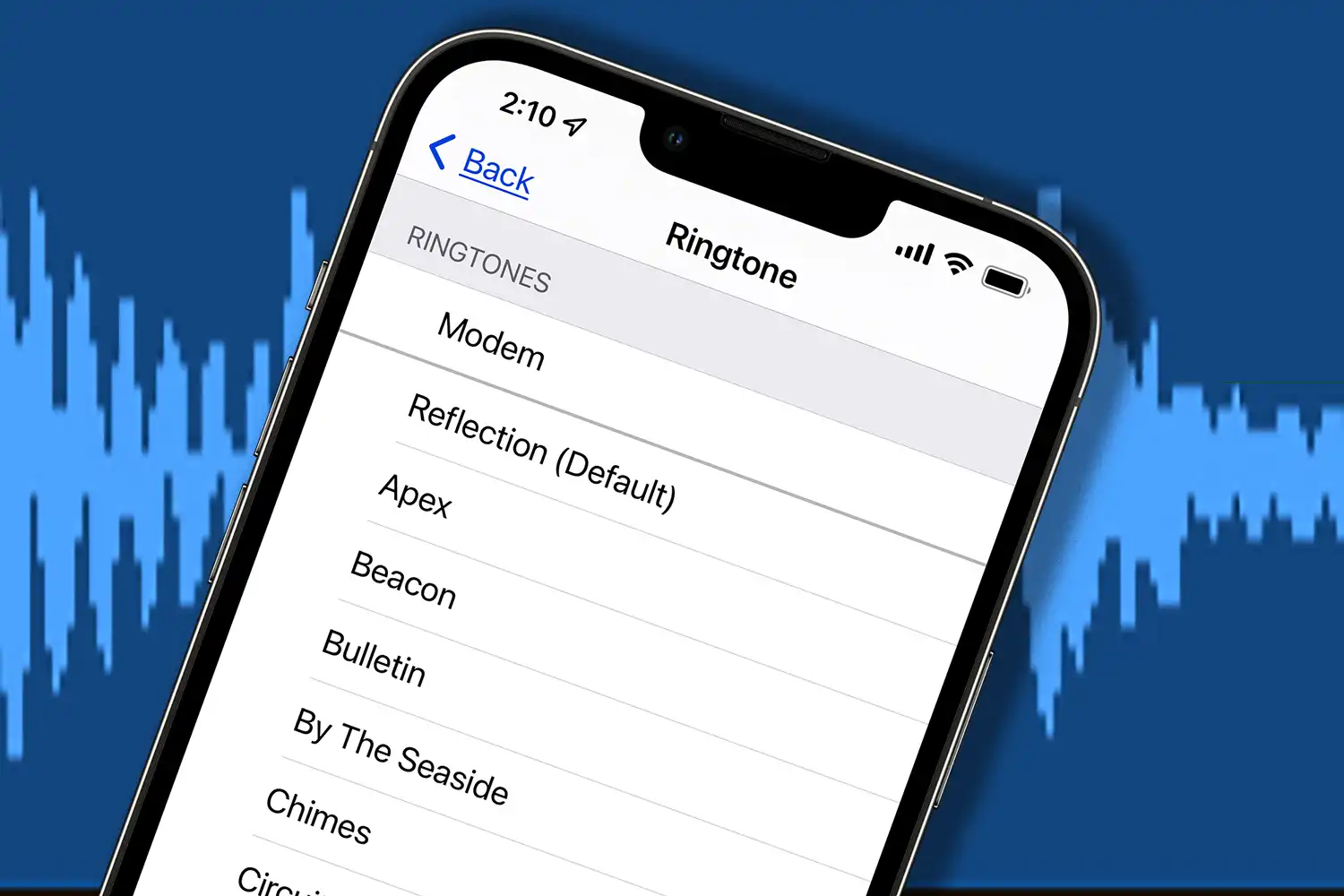
Cutting a Song For Suoneria: A Step-by-step Guide
Are you tired of using the same old suonerie on your smartphone? Do you want to create a personalized song that will make your phone stand out from the crowd? Look no further! In this article, we’ll show you how to cut a song for suoneria using various software and apps.
Why Cut a Song For Suoneria?
Before we dive into the nitty-gritty of cutting a song for suoneria, let’s talk about why it’s worth doing. Having a personalized song on your phone can be a fun way to express yourself and make your phone stand out from the crowd. Plus, it’s a great way to show off your musical tastes!
What You’ll Need
To cut a song for suoneria, you’ll need:
- A computer or smartphone with internet access
- A music editing software or app (we’ll cover some options below)
- The song you want to edit
Software Options
There are several software options available that can help you cut a song for suoneria. Here are a few popular ones:
Audacity (Windows, Macos, Linux)
Audacity is a free audio editing software that’s easy to use and has a user-friendly interface. To get started, download and install Audacity on your computer, then follow these steps:
- Open Audacity and import the song you want to edit.
- Select the portion of the song you want to cut for suoneria.
- Use the cut tool to trim the selected portion to 40 seconds or less.
- Export the edited song as an MP3 file.
Itunes/music (Windows, Macos)
If you have an iPhone, you can use iTunes or Music to cut a song for suoneria. Here’s how:
- Open iTunes and select the song you want to edit.
- Click on the “Edit” menu and select “Make MP3 version.”
- Trim the selected portion of the song to 40 seconds or less.
- Export the edited song as an MP3 file.
Cut Audio (Online)
If you don’t have any software installed on your computer, you can use online tools like Cut Audio to cut a song for suoneria. Here’s how:
- Open Cut Audio in your browser and upload the song you want to edit.
- Select the portion of the song you want to cut for suoneria.
- Trim the selected portion to 40 seconds or less.
- Download the edited song as an MP3 file.
Android Apps
If you’re using an Android device, there are several apps available that can help you cut a song for suoneria. Here are a few popular ones:
Ringtone Maker: Create Suonerie
This app is free and easy to use. To get started, download and install the app on your Android device, then follow these steps:
- Import the song you want to edit.
- Select the portion of the song you want to cut for suoneria.
- Trim the selected portion to 40 seconds or less.
- Export the edited song as a ringtone.
Garageband (iOS)
If you’re using an iPhone, you can use GarageBand to cut a song for suoneria. Here’s how:
- Open GarageBand and select the song you want to edit.
- Trim the selected portion of the song to 40 seconds or less.
- Export the edited song as a ringtone.
Conclusion
Cutting a song for suoneria is a fun and easy way to personalize your phone’s ringtone. With these software options and Android apps, you can create a unique sound that reflects your personality. So go ahead and give it a try!
Faqs
-
What is The Maximum Duration For a Suoneria?
The maximum duration for a suoneria is 40 seconds. -
Can I Cut a Song For Suoneria on my Computer or Smartphone?
Yes, you can cut a song for suoneria using software like Audacity, iTunes/Music, Cut Audio (online), Ringtone Maker: Create Suonerie (Android), and GarageBand (iOS). -
How do I Export The Edited Song as an Mp3 File?
To export the edited song as an MP3 file, follow these steps: -
In Audacity, go to File > Export > Export Audio…
- In iTunes/Music, click on the “Edit” menu and select “Make MP3 version.”
- In Cut Audio (online), click on the “Download” button.
-
In Ringtone Maker: Create Suonerie (Android), click on the “Save as ringtone” button.
-
Can I Use a Song That’s Longer Than 40 Seconds For my Suoneria?
Yes, you can use a song that’s longer than 40 seconds for your suoneria. Just trim the selected portion to 40 seconds or less using the software or app of your choice. -
How do I Add Effects to my Suoneria?
Some software and apps allow you to add effects like fade in/out, echo, and reverb to your suoneria. Experiment with different effects to find the one that suits your taste! -
Can I Use a Song From Youtube or Other Streaming Services For my Suoneria?
Unfortunately, no. You can’t use copyrighted content without permission. -
How do I Get my Edited Song Onto my Smartphone?
To get your edited song onto your smartphone, follow these steps: -
If you’re using Audacity or Cut Audio (online), export the edited song as an MP3 file and transfer it to your phone.
-
If you’re using iTunes/Music or GarageBand, export the edited song directly to your phone.
-
Can I Use a Song That’s Not in English For my Suoneria?
Yes! You can use any song that resonates with you, regardless of its language.
We hope this article has been helpful in showing you how to cut a song for suoneria. Happy editing!


