
How to Protect Your Wi-fi Network From Hackers
With the increasing use of wireless internet connections at home, it’s essential to ensure that your network is secure and protected from unauthorized access. In this article, we’ll explore some of the most effective ways to safeguard your Wi-Fi network from hackers.
Why Protecting Your Wi-fi Network Matters
Protecting your Wi-Fi network is crucial because it can provide a gateway for hackers to access sensitive information on your devices. If your network is not properly secured, hackers can use your internet connection to steal data, install malware, or even take control of your devices.
Understanding The Risks
When you connect multiple devices to your home network, you’re creating an open door for hackers to exploit vulnerabilities in your system. Even if you have a strong password, it’s still possible for hackers to gain access to your network using various techniques such as:
- Brute Force Attacks: Hackers can use specialized software to guess your password by trying millions of combinations.
- Dictionary Attacks: Hackers can use pre-computed lists of common passwords to try and crack your password.
- Phishing Attacks: Hackers can trick you into revealing your password or other sensitive information.
Protecting Your Wi-fi Network
To safeguard your Wi-Fi network, follow these steps:
- Use a strong and unique password: Choose a password that’s difficult to guess and change it regularly.
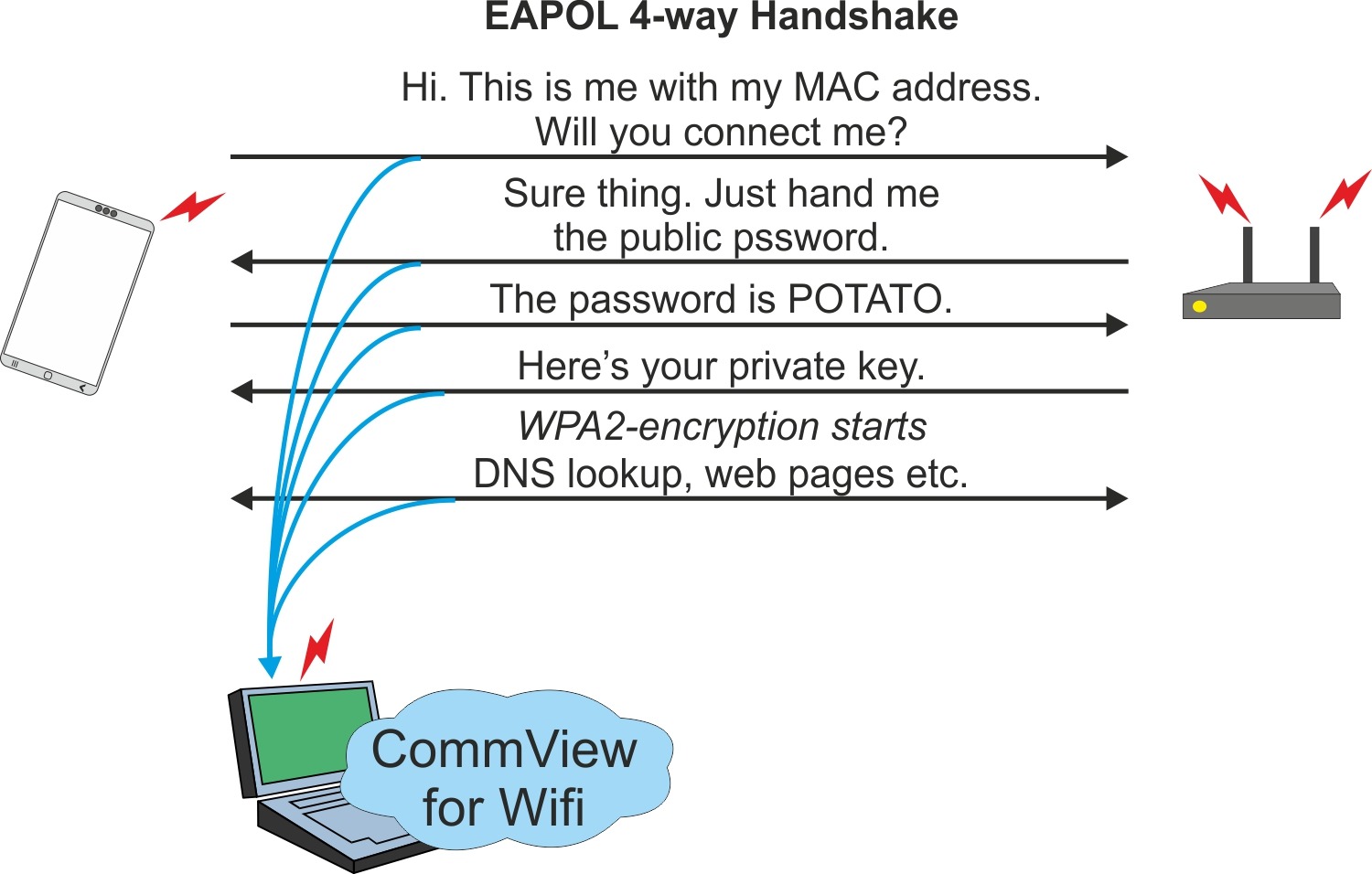
- Enable WPA2 encryption: This is the most secure type of encryption available for home networks.
- Limit access to authorized devices: Only allow devices that you trust to connect to your network.
- Regularly update your router’s firmware: Keep your router’s software up-to-date to patch security vulnerabilities.
- Use a VPN: A virtual private network (VPN) can encrypt your internet traffic and protect your data from hackers.
Additional Security Measures
In addition to the above steps, consider implementing these additional security measures:
- Firewall: Enable the firewall on your router to block unauthorized access to your network.
- Guest Network: Set up a separate guest network for visitors to use, which can be isolated from your main network.
- Network Monitoring: Regularly monitor your network for suspicious activity and take action if you notice anything unusual.
Conclusion
Protecting your Wi-Fi network is crucial in today’s digital age. By following the steps outlined above and implementing additional security measures, you can ensure that your network remains secure and protected from hackers.
Frequently Asked Questions (FAQs)
Here are some frequently asked questions related to protecting your Wi-Fi network:
- Q: How Often Should I Change my Wi-fi Password?
A: It’s recommended to change your password every 3-6 months or whenever you add new devices to your network. - Q: Can I Use a Password Manager to Generate Strong Passwords?
A: Yes, using a password manager can help you generate and store unique and complex passwords for all your devices and accounts. - Q: What is The Difference Between Wpa2 And Wpa3 Encryption?
A: WPA3 is an updated version of WPA2 that offers additional security features, but it’s still a relatively new technology and may not be supported by older devices.
By following these tips and best practices, you can help protect your Wi-Fi network from hackers and keep your data safe.


