
How to Delete Passwords Saved on Android
Are you tired of having multiple passwords stored on your Android device? Do you want to delete them without losing important data? Look no further! In this article, we’ll guide you through the process of deleting password memorized on Android.
Delete App Login Data
Most apps that require login access save their passwords for convenience. However, if you want to delete these saved passwords, it’s relatively easy to do so.
To delete the data of login of an app:
- Go to the app settings
- Tap on the “Logout” or “Disconnect” option
- Follow the prompts to delete your account
Delete Passwords Stored in a Specific App
If the app you’re using saves passwords for automatic login, it’s possible to delete them without issues.
To delete passwords stored in a specific app:
- Open the app settings
- Select the “Logout” or “Disconnect” option
- Follow the prompts to delete your account
Delete Passwords Stored on Android
To delete password memorized on Android, follow these steps:
- Open the app settings
- Select the app for which you want to delete the password
- Tap on the “Delete Account” option
- Confirm the deletion
Delete Passwords Saved in Chrome
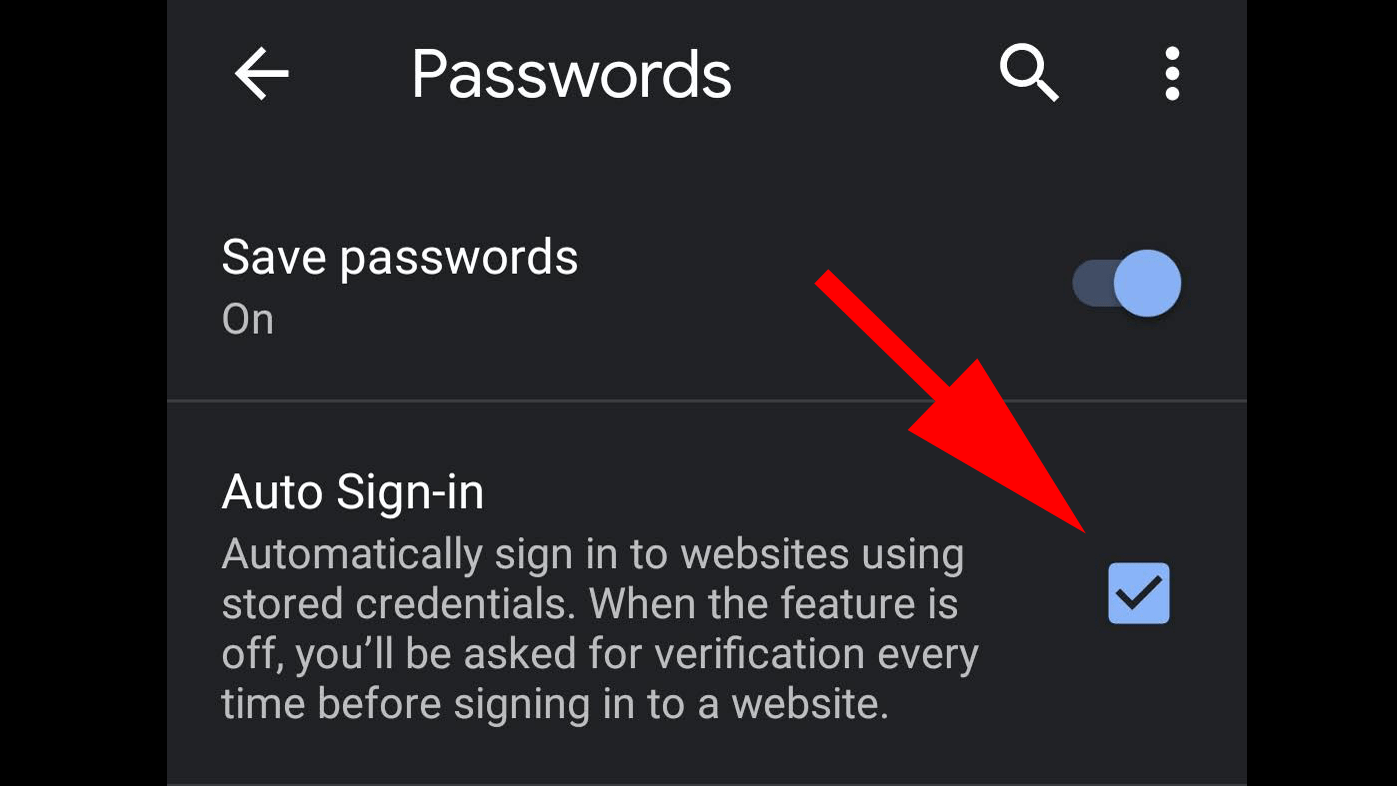
If you want to delete passwords saved in Chrome, follow these steps:
- Open the Chrome settings
- Select the “Password and security” option
- Tap on the “Manage passwords” option
- Click on the “Remove” button next to the password you want to delete
Frequently Asked Questions (FAQs)
Q: How do I delete passwords stored on Android?
A: To delete passwords stored on Android, follow the steps outlined above.
Q: Can I delete all passwords saved in Chrome for Android?
A: Yes, you can delete all passwords saved in Chrome for Android by following the steps outlined above.
Q: How do I prevent Chrome from saving passwords in the future?
A: To prevent Chrome from saving passwords in the future, follow these steps:
- Open the Chrome settings
- Select the “Password and security” option
- Tap on the toggle switch to disable password saving
…And so on.


