
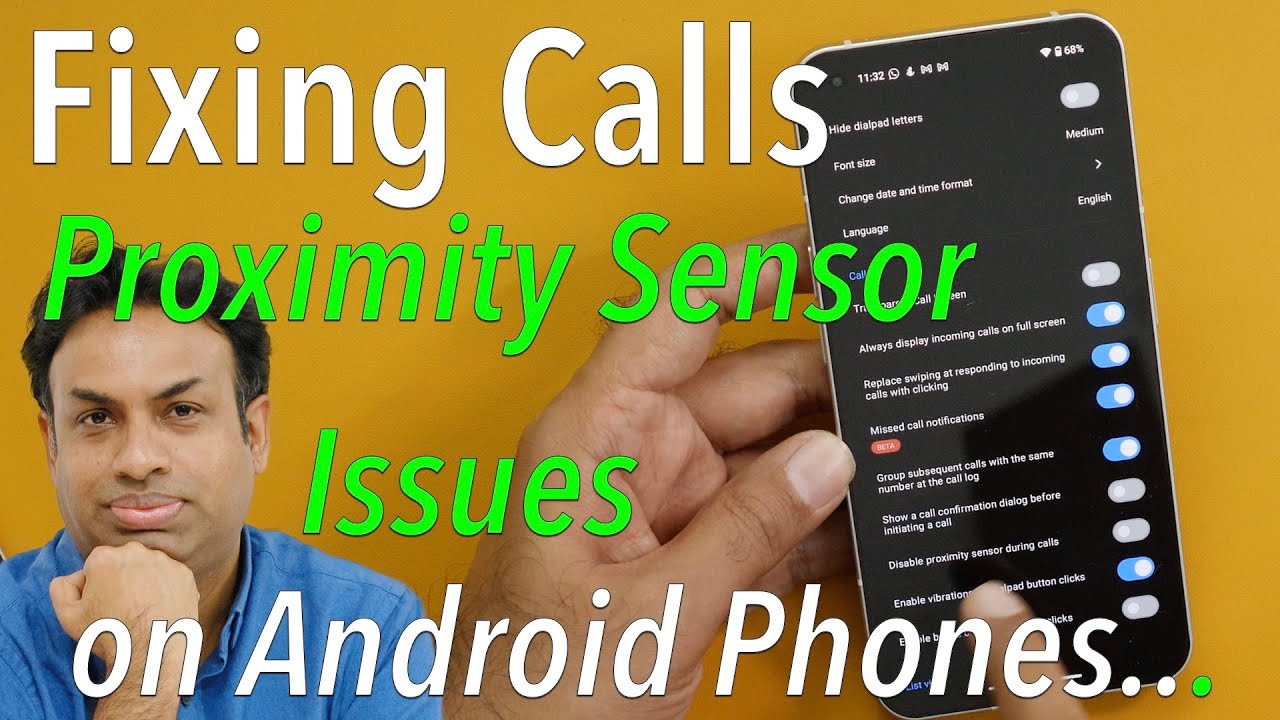
Disabling Proximity Sensor on Your Smartphone: A Step-by-step Guide
Are you tired of your smartphone’s proximity sensor acting up, causing unwanted screen activations or accidental calls? Don’t worry; we’ve got you covered! In this article, we’ll take a look at the reasons behind this issue and provide you with step-by-step guides on how to disable the proximity sensor on various smartphones.
What is The Proximity Sensor?
The proximity sensor is a small device located in the upper part of your smartphone, usually near the earpiece. Its primary function is to detect when you’re bringing your phone close to your ear during calls, automatically turning off the screen to save battery life and prevent accidental touches.
Why Does My Smartphone’s Proximity Sensor Keep Activating?
There are several reasons why your smartphone’s proximity sensor might be malfunctioning:
- Hardware Issues: The proximity sensor itself may be faulty or damaged.
- Software Glitches: Software updates or glitches can sometimes cause the sensor to behave erratically.
- Interference From Other Devices: Other electronic devices in close proximity to your phone might be interfering with the sensor’s functionality.
Disabling Proximity Sensor on Android Smartphones
If you’re using an Android smartphone, follow these steps to disable the proximity sensor:
Disabling Proximity Sensor on Xiaomi Phones
To disable the proximity sensor on your Xiaomi device:
- Open the Phone app and tap on the three horizontal lines in the top left corner.
- Select “Settings” from the menu.
- Scroll down to the “Sensor” section and toggle off the “Proximity Sensor” switch.
Disabling Proximity Sensor on Oppo Phones
For OPPO devices, follow these steps:
- Open the Settings app on your phone.
- Tap on “Additional Settings.”
- Select “Sensors” from the menu.
- Toggle off the “Proximity Sensor” switch.
Disabling Proximity Sensor on Huawei Phones
To disable the proximity sensor on your HUAWEI device:
- Open the Settings app and select “Function Accessibility.”
- Scroll down to the “Prevention accidental touch” section.
- Toggle off the switch next to it.
Disabling Proximity Sensor on Other Android Smartphones
If you’re using a different Android smartphone, follow these steps:
- Open the Settings app and select “Advanced Features.”
- Look for an option labeled “Proximity Sensor” or similar.
- Toggle off the switch next to it.
Disabling Proximity Sensor on Iphone Devices
Unfortunately, there is no direct way to disable the proximity sensor on iPhone devices. However, if you’re experiencing issues with your phone’s proximity sensor, try restarting your device or contacting Apple support for further assistance.
Conclusion
In conclusion, disabling the proximity sensor on your smartphone can be a simple process, depending on your device type. By following these step-by-step guides, you should be able to resolve any issues related to your phone’s proximity sensor. Remember to always restart your device after making any changes to its settings.


