
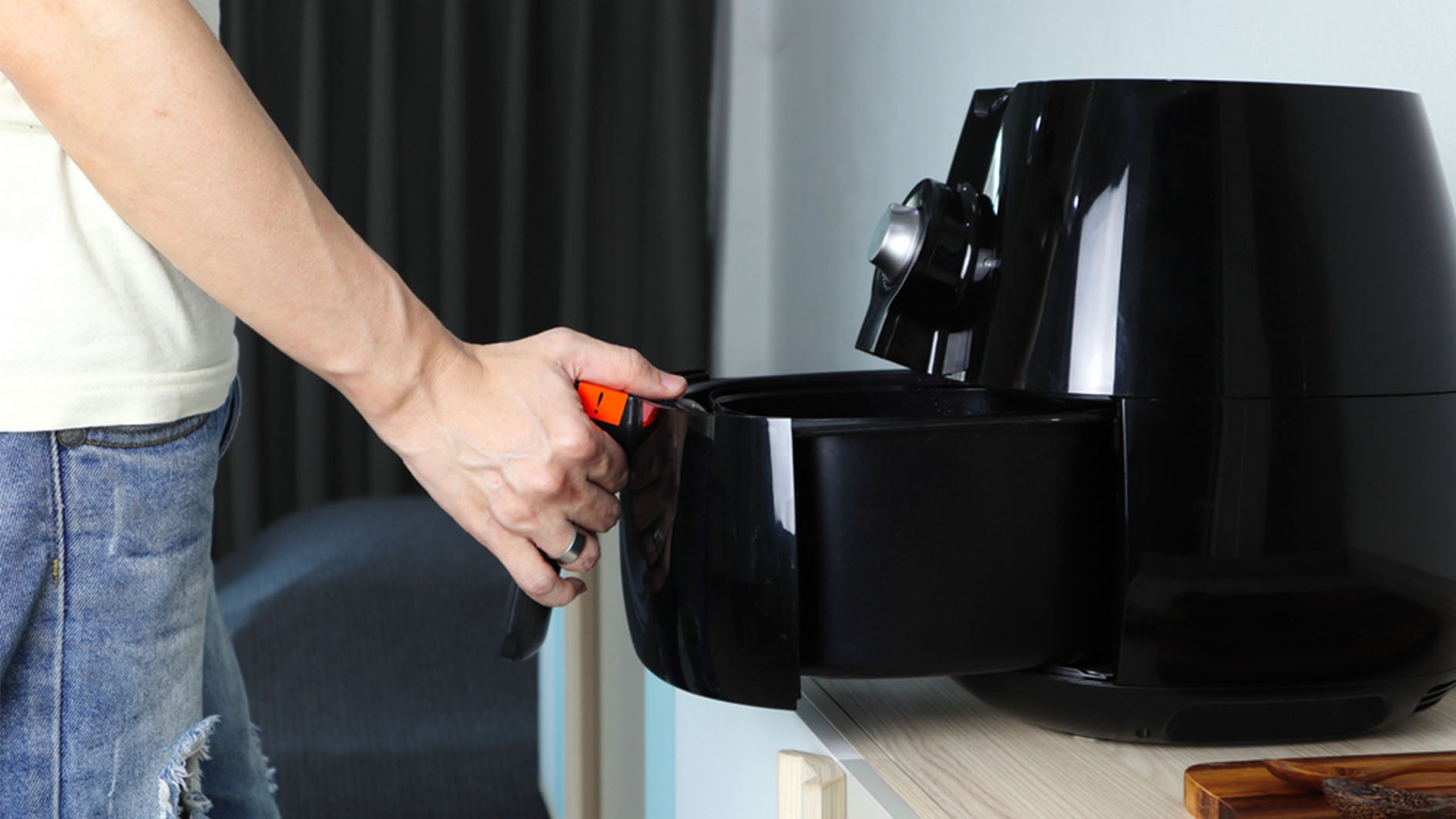
How to Disassemble And Clean a Dehumidifier: A Step-by-step Guide
Are you tired of dealing with the hassle of cleaning your dehumidifier? Do you find yourself struggling to disassemble it, only to discover that it’s still clogged with dust and debris? Look no further! In this article, we’ll take you through a step-by-step guide on how to disassemble and clean your dehumidifier, making it easier to maintain and keep running smoothly.
Why Clean Your Dehumidifier?
Cleaning your dehumidifier is essential for its proper functioning. Over time, dust and debris can accumulate inside the device, reducing its efficiency and even causing damage to its internal components. By cleaning your dehumidifier regularly, you’ll be able to:
- Improve its performance
- Extend its lifespan
- Reduce the risk of malfunctions
- Keep your home clean and healthy
The Importance of Disassembling Your Dehumidifier
Disassembling your dehumidifier is a crucial step in cleaning it. By taking it apart, you’ll be able to access all the areas that are prone to dust buildup, allowing you to thoroughly clean and maintain your device.
Step 1: Unplug And Prepare Your Dehumidifier
Before disassembling your dehumidifier, make sure to unplug it from the power source. This will prevent any accidental start-ups or electrical shocks.
Step 2: Remove The Exterior Cover
Carefully remove the exterior cover of your dehumidifier by unscrewing the screws that hold it in place. Be gentle, as some models may have fragile parts.
Step 3: Access The Coils And Fan
Once you’ve removed the exterior cover, access the coils and fan. Use a soft-bristled brush to gently sweep away any loose dust or debris.
Step 4: Clean The Filter
Clean the filter by rinsing it with water and allowing it to air dry. Replace the filter if it’s clogged or damaged.
Step 5: Disassemble The Dehumidifier
Carefully disassemble the dehumidifier by removing all the screws that hold it together. Be mindful of any fragile parts, such as wires or electrical components.
Step 6: Clean The Interior Components
Use a soft-bristled brush and a gentle cleaning solution to clean the interior components, including the coils, fan, and condenser coils. Avoid using harsh chemicals or abrasive materials that may damage your dehumidifier’s internal parts.
Step 7: Reassemble Your Dehumidifier
Once you’ve cleaned all the interior components, reassemble your dehumidifier by following the reverse steps of disassembly.
Tips For Cleaning Different Brands of Dehumidifiers
- Philips Dehumidifier: Consult the official website or user manual for specific instructions on cleaning and maintaining your Philips dehumidifier.
- Ariete Dehumidifier: Follow similar steps to those outlined above, taking care to clean the coils and fan thoroughly.
- Princess Dehumidifier: Use a soft-bristled brush to sweep away dust and debris from the coils and fan. Clean the filter regularly to maintain optimal performance.
- Innsky Dehumidifier: Search for specific instructions on the official website or user manual, as different models may have unique cleaning requirements.
- Uten Dehumidifier: Follow similar steps to those outlined above, taking care to clean the coils and fan thoroughly.
Frequently Asked Questions
- How Often Should I Clean my Dehumidifier?
- Clean your dehumidifier every 3-6 months, depending on usage and environmental conditions.
- What Cleaning Solution is Best For my Dehumidifier?
- Use a gentle cleaning solution specifically designed for electronics or appliances. Avoid harsh chemicals that may damage internal components.
- Can I Use a Vacuum Cleaner to Clean my Dehumidifier?
- No, avoid using a vacuum cleaner as it can push debris further into the device, causing more harm than good.
- What Should I do if I Encounter Stubborn Stains or Buildup on my Dehumidifier?
- Consult the user manual or manufacturer’s website for specific advice on tackling stubborn stains and buildup.
Conclusion
Cleaning your dehumidifier is a crucial step in maintaining its performance, extending its lifespan, and reducing the risk of malfunctions. By following these simple steps and tips for different brands of dehumidifiers, you’ll be able to keep your device running smoothly and efficiently. Remember to clean your dehumidifier regularly to ensure optimal performance and extend its lifespan.
Disclaimer
This article is intended as a general guide only. If you’re unsure about any aspect of cleaning or maintaining your dehumidifier, consult the official website, user manual, or manufacturer’s instructions for specific guidance.


