
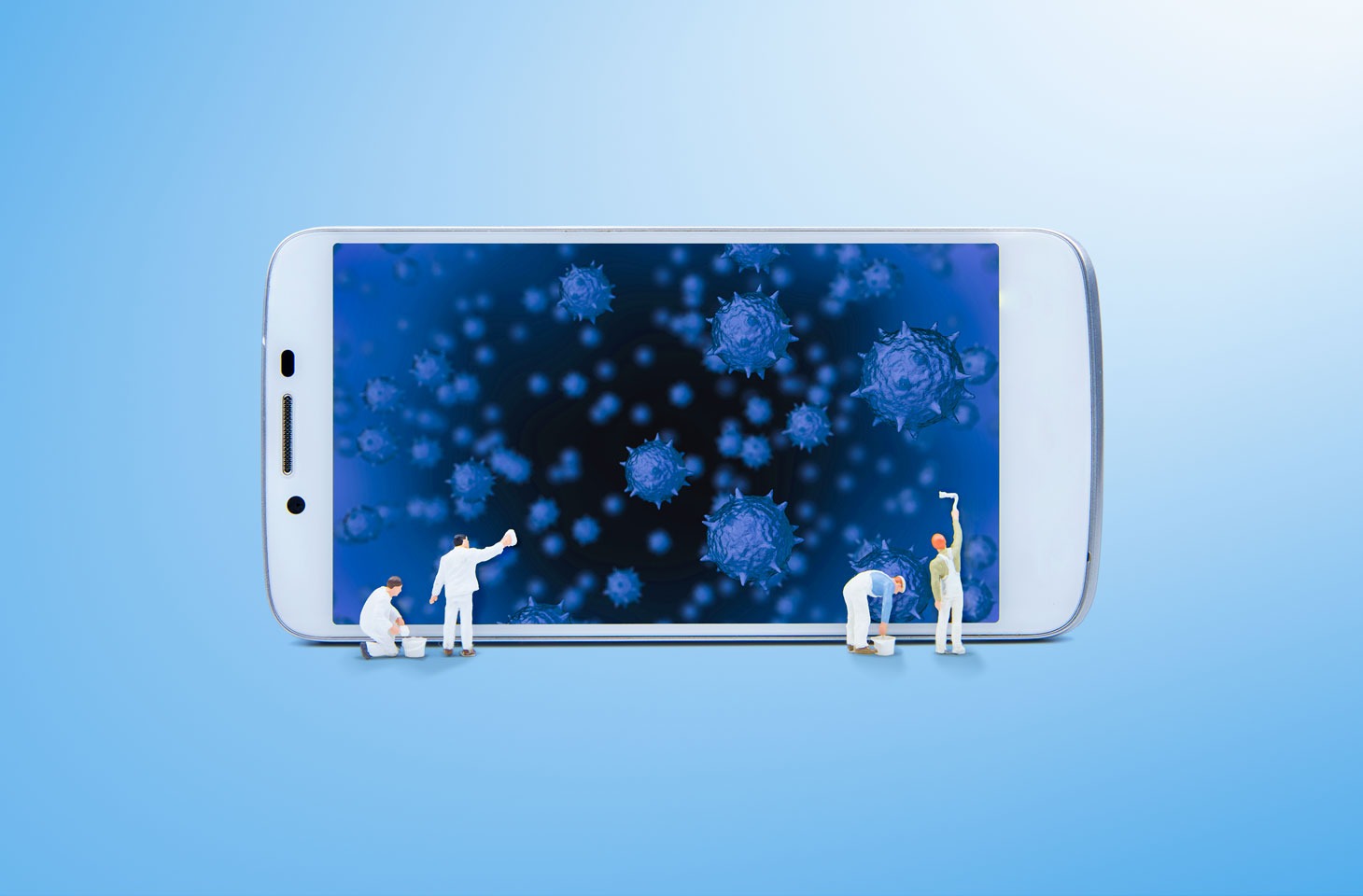
The Ultimate Guide to Disinfecting Your Smartphone
Are you aware that your smartphone can harbor a multitude of microorganisms, including bacteria and viruses? These unwanted guests can pose a significant threat to your health and well-being. In this comprehensive guide, we will walk you through the simple yet effective steps to disinfect your smartphone without causing any damage.
Why Disinfect Your Smartphone?
Before we dive into the nitty-gritty of disinfecting your smartphone, let’s quickly discuss why it’s essential to do so. The surface of your phone is a breeding ground for germs, which can be easily transmitted to your face, hands, and other areas of your body. Moreover, if you’re prone to nose-picking or eating while using your phone, the risk of germ transmission increases manifold.
What You’ll Need
To disinfect your smartphone effectively, you’ll require a few essential items:
- Microfiber Cloth: This will be your primary tool for cleaning and disinfecting your phone.
- Alcohol Wipes: You can use these to sanitize your phone’s surface.
- UV Sterilizer (optional): For an added layer of protection, consider investing in a UV sterilizer.
Disinfecting The Monitor
The monitor is one of the most delicate parts of your smartphone, so it’s essential to handle it with care. Follow these steps:
- Clean The Monitor: Gently wipe away any dirt or dust using a microfiber cloth.
- Sanitize The Monitor: Dampen a microfiber cloth with water and gently wipe down the monitor. Avoid applying too much pressure, which can damage the screen.
Disinfecting The Back of Your Smartphone
The back of your smartphone requires a similar approach:
- Clean The Back: Use a microfiber cloth to remove any dirt or dust.
- Sanitize The Back: Apply an alcohol wipe to the back surface, taking care not to get any liquids into the phone’s openings (such as the camera lens).
Using a UV Sterilizer
If you’ve invested in a UV sterilizer, now is the perfect time to utilize it. Here’s how:
- Place Your Smartphone: Put your phone inside the UV sterilizer.
- Activate The Device: Follow the manufacturer’s instructions to initiate the sterilization process.
Tips And Tricks
- Always turn off your smartphone before disinfecting it.
- Avoid using harsh chemicals or abrasive materials, which can damage your phone’s surface.
- Consider investing in a phone case with a built-in UV sterilizer for added protection.
Conclusion
Disinfecting your smartphone is a simple yet essential process that can significantly reduce the risk of germ transmission. By following these easy steps and utilizing the right tools, you’ll be able to keep your phone clean and your health intact.
Frequently Asked Questions (FAQs)
- Q: Why Should I Disinfect my Smartphone?
A: Disinfecting your smartphone helps reduce the risk of germ transmission, which can pose a threat to your health. - Q: What Items do I Need to Disinfect my Smartphone?
A: You’ll require a microfiber cloth, alcohol wipes, and a UV sterilizer (optional). - Q: How Often Should I Disinfect my Smartphone?
A: Aim to disinfect your smartphone at least once a week, or more frequently if you use it extensively. - Q: Can I Use Bleach to Disinfect my Smartphone?
A: No, avoid using bleach as it can damage your phone’s surface. - Q: How Effective is a UV Sterilizer in Killing Germs?
A: A UV sterilizer has been scientifically proven to be highly effective in killing germs and microorganisms.
Stay safe, stay clean!


