
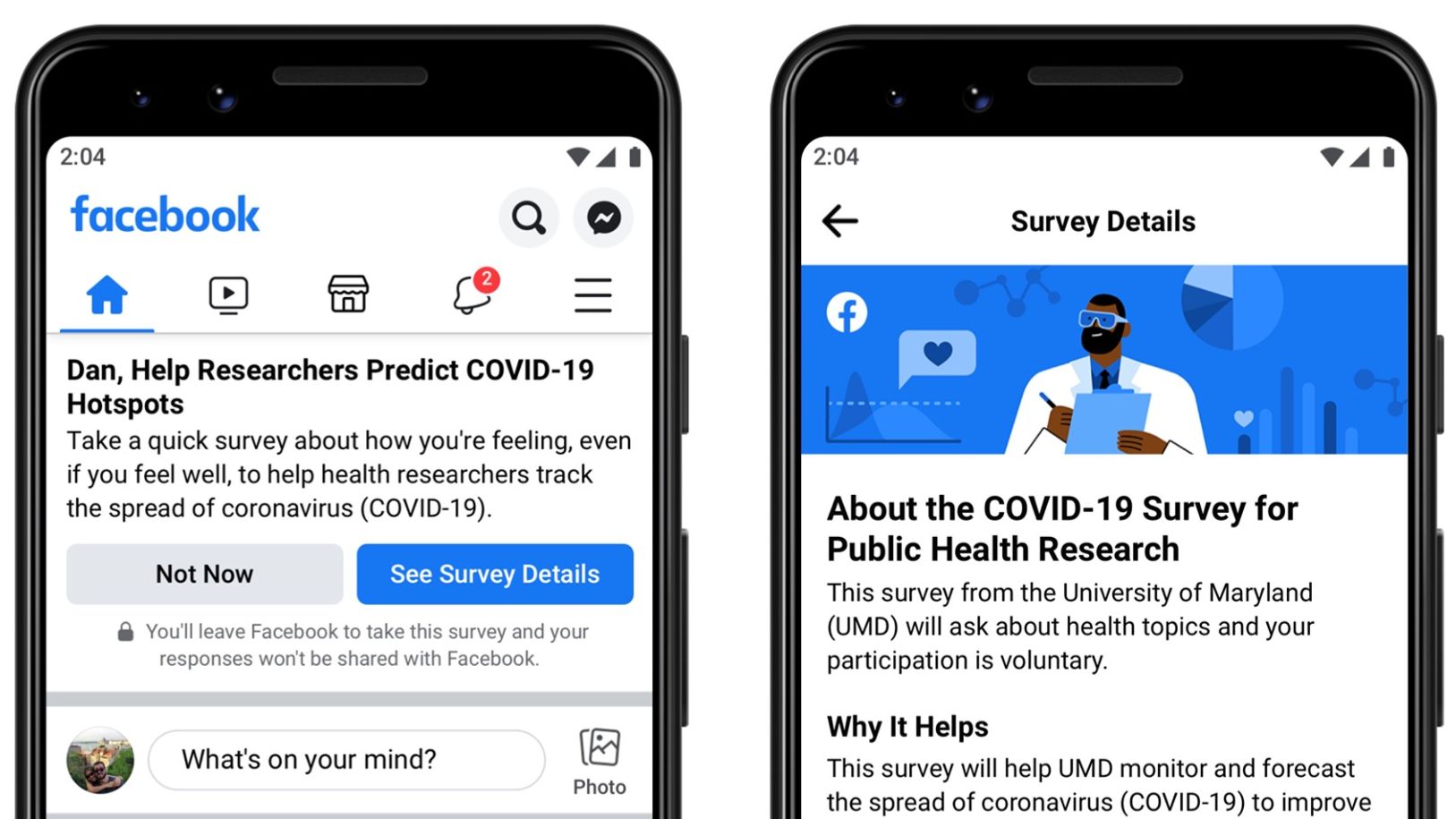
How to Do Surveys on Facebook: A Step-by-step Guide
Are you curious about how to do surveys on Facebook? Well, you’re in the right place! In this article, we’ll guide you through the process of creating and issuing surveys on both personal profiles and groups.
What You Need to Know Before Starting
Before diving into the world of Facebook surveys, it’s essential to understand that there are some limitations. For instance, you can’t create surveys directly on a page or profile. However, we’ll show you how to work around these limitations and still get the most out of your survey experience.
Creating Surveys in Groups
Let’s start with creating surveys within groups. This is perhaps the easiest way to do surveys on Facebook. Here’s what you need to do:
- Access Your Group: Find the group where you want to create a survey and click on it.
- Add a New Post: Click on the three dots at the top right corner of the group page, then select “Add a new post.”
- Choose The Survey Option: From the menu that appears, choose the “Survey” option.
- Add Your Questions And Options: Type in your survey question and add up to 10 options for people to respond with.
- Customize Your Survey Settings: You can adjust settings like allowing users to add new answers or choose multiple options.
- Publish Your Survey: Click the “Public” button to publish your survey.
Once you’ve published your survey, group members will be able to see it and start responding. You’ll be able to view the results and analyze the responses.
Creating Surveys on Pages
Now, let’s talk about creating surveys directly on a Facebook page. Unfortunately, there isn’t a straightforward way to do this using the Facebook app or website. However, you can create a survey within a post by choosing the “Survey” option from the post menu. Here’s how:
- Access Your Page: Find your page and click on it.
- Click The “+” Button: At the top right corner of the page, click the “+” button to add a new post.
- Choose The Survey Option: From the menu that appears, select “Survey.”
- Add Your Questions And Options: Type in your survey question and add up to two options for people to respond with.
Keep in mind that this option is quite limited compared to creating surveys within groups or using external tools.
Creating Surveys on Profiles
Unfortunately, it’s not possible to create surveys directly on a Facebook profile. You can, however, create a post with a survey question and allow users to respond through comments.
- Access Your Profile: Find your profile and click on it.
- Click The “+” Button: At the top right corner of your profile, click the “+” button to add a new post.
- Choose The “Survey” Option: From the menu that appears, select “Survey.”
- Add Your Questions And Options: Type in your survey question and add up to two options for people to respond with.
Again, this option is quite limited compared to other methods.
Using External Tools
If you need more advanced features or customization options for your surveys, consider using external tools like SurveyMonkey or Google Forms. These tools can integrate with Facebook and allow you to create more complex surveys.
Benefits of Using External Tools
- Advanced Features: You’ll have access to a wide range of features, such as conditional logic and weighted scoring.
- Customization Options: Customize your surveys with your own branding and design.
- Integration: Integrate your external tool with Facebook for seamless sharing and engagement.
Conclusion
In conclusion, while creating surveys on Facebook directly is limited, there are still ways to achieve this using groups or external tools. Remember to follow the steps outlined above and experiment with different options to find what works best for you.
Frequently Asked Questions (FAQs)
Here are some frequently asked questions that might help clarify things:
- Q: Can I Create Surveys on a Facebook Page?
A: Yes, but only by choosing the “Survey” option from within a post. - Q: Can I Create Surveys on my Profile?
A: Unfortunately, no. You can create a post with a survey question and allow users to respond through comments. - Q: What Are Some Good External Tools For Creating Surveys?
A: Consider using SurveyMonkey or Google Forms for more advanced features and customization options.
Stay connected and engaged with your audience by leveraging the power of Facebook surveys!


