
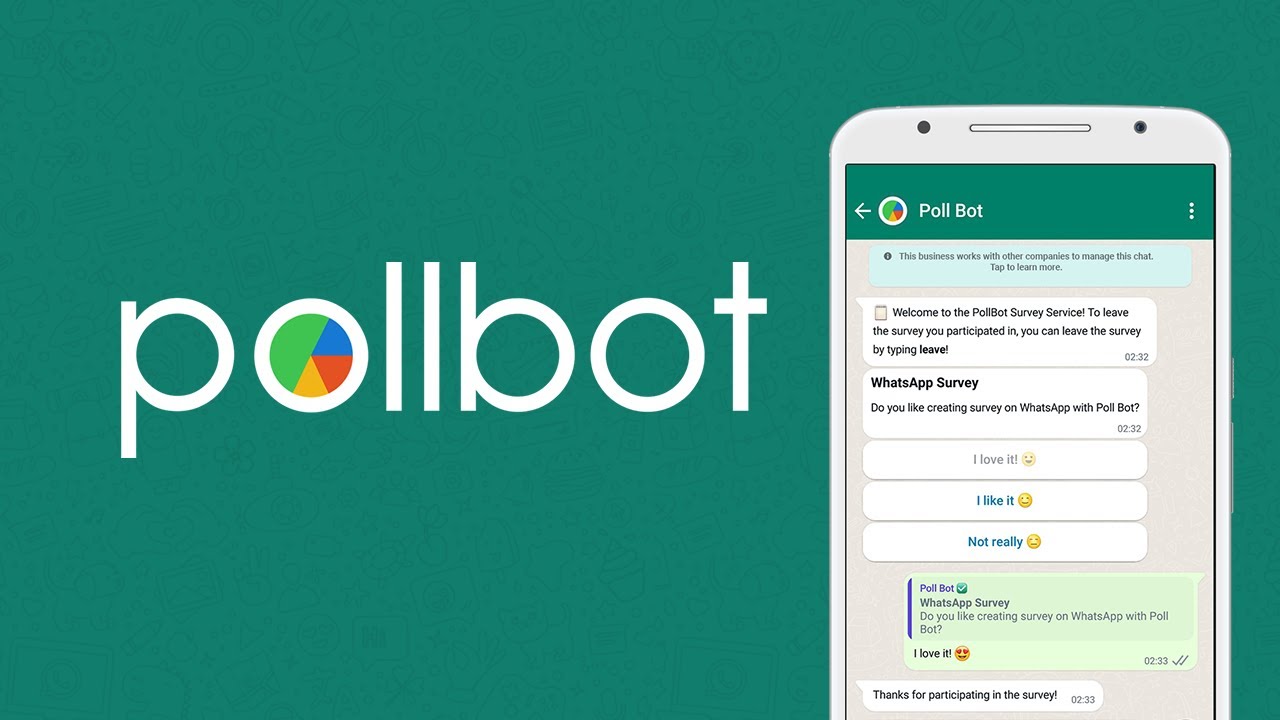
How to Create Surveys on Whatsapp: A Step-by-step Guide
Are you tired of guessing what your friends think about a particular topic? Do you want to know their opinions and preferences in real-time? Look no further than WhatsApp surveys! With the recent introduction of a native survey function, creating polls and gathering feedback has never been easier. In this article, we will explore how to create surveys on WhatsApp, both on mobile and desktop devices.
The Benefits of Creating Surveys on Whatsapp
Before we dive into the step-by-step guide, let’s discuss the benefits of creating surveys on WhatsApp:
- Instant feedback: With WhatsApp surveys, you can collect responses in real-time, making it ideal for events, meetings, or group discussions.
- Convenience: No need to worry about creating a separate survey platform or collecting email addresses. Your friends and contacts are already on WhatsApp!
- Easy sharing: Share your survey with your entire contact list or specific groups, making it easy to gather feedback from everyone who matters.
Creating Surveys on Whatsapp (Android/iOS)
To create surveys on WhatsApp for Android and iOS devices, follow these steps:
- Open the WhatsApp app and navigate to the chat where you want to share the survey.
- Tap the pencil icon in the bottom left corner (Android) or tap the “+” button (iOS).
- Select “Survey” from the menu.
- Enter your question and up to 12 answer options.
- Choose whether participants can select multiple answers or not.
- Add any additional text, if needed.
- Tap the “Send” button to share the survey with your contacts.
Creating Surveys on Whatsapp (PC)
To create surveys on WhatsApp for PC users, follow these steps:
- Open the WhatsApp desktop app or access WhatsApp Web by scanning a QR code.
- Navigate to the chat where you want to share the survey.
- Click on the “New Message” button and select the conversation.
- Tap the pencil icon in the top right corner.
- Select “Survey” from the menu.
- Enter your question and up to 12 answer options.
- Choose whether participants can select multiple answers or not.
- Add any additional text, if needed.
- Click the “Send” button to share the survey with your contacts.
Alternative Services For Creating Surveys on Whatsapp
If you prefer using an external service, there are several alternatives available:
- Strawpoll: A free online poll maker that allows you to create surveys and share them on WhatsApp.
- Google Forms: Create a survey using Google Forms and share the link with your contacts via WhatsApp.
Tips And Variations
- Use descriptive titles and questions to ensure participants understand what they’re being asked.
- Limit answer options to keep the survey concise and easy to understand.
- Consider adding restrictions to voting based on IP addresses for added security.
- Experiment with different question types, such as multiple-choice or open-ended questions.
Conclusion
Creating surveys on WhatsApp is a simple and effective way to gather feedback from your friends and contacts. Whether you’re hosting an event, conducting market research, or just curious about what people think, WhatsApp surveys have got you covered. Follow the steps outlined in this guide to create your own surveys and start collecting valuable insights today!


