
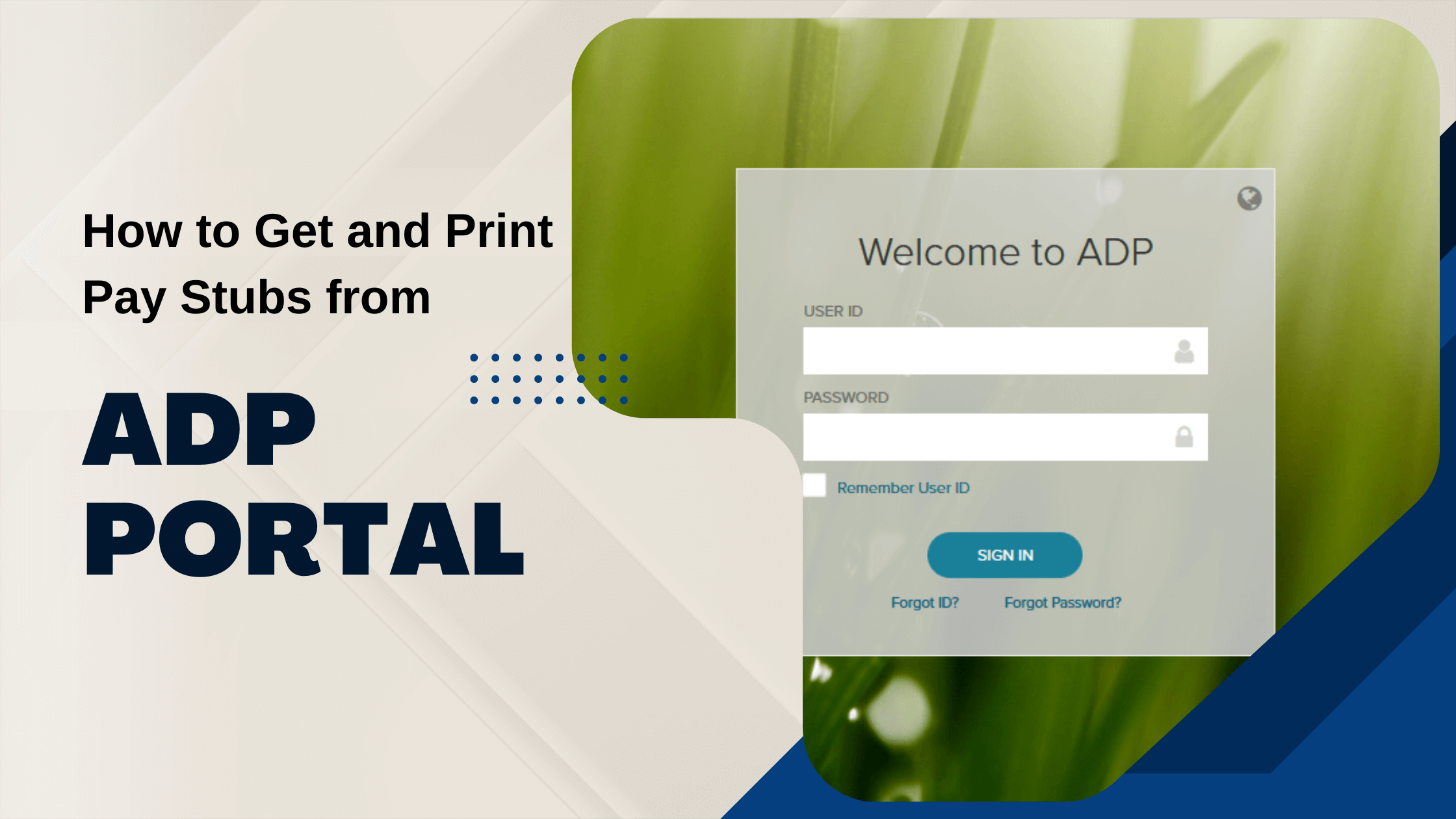
Downloading Your Pay Slip on Adp: A Step-by-step Guide
Are you a company employee who’s finally ready to take a closer look at your pay slip? After reaching out to your HR representative, you might have been told to access the ADP website and download the document. But if you’re here, it’s likely because you encountered some issues during the process. Don’t worry; we’ve got you covered with this tutorial that will walk you through the steps to resolve the problem.
What is Adp?
ADP (Automatic Data Processing) is a company that provides advanced human resources management services, including payroll, benefits, and labor schedule control. Many companies rely on ADP to make their employees’ pay slips available online. It’s essential to learn how to utilize this portal effectively.
Downloading Your Pay Slip on PC
To download your pay slip on a PC, follow these steps:
- Access The Adp Website: Open your preferred browser (e.G., Chrome, Firefox, Edge, Safari) and go to the official ADP website.
- Log In With Your ID And Password: Enter the ID user and password provided by your HR manager. If you don’t have these credentials, you won’t be able to download your pay slip.
- Click on “Area Clients”: Click on the button labeled “Area Clients” located in the top-right corner of the page.
- Select The Appropriate Link: Choose one of the links provided, which will take you to a login page with a welcome message from ADP HCM.
- Enter Your ID And Password Again: Enter your ID user and password once more to access your personal area within the ADP system.
- Verify Your Information: Ensure that your name and surname are displayed in the top-left section of the screen, along with the company you work for.
Your Personal Area
Once logged in, you’ll have access to various sections, including:
- Your Dashboard: Displays recent information about ADP.
- Your Activities: Shows a chart of your presences and absences.
- Your Documents: Contains files that can be downloaded.
Downloading Your Pay Slip
To download your pay slip, follow these steps within the “Your Documents” section:
- Select The Pay Slip: Choose the pay slip option from the available documents list.
- Click on The Download Icon: Select the icon preceding the month you want to view or download.
Downloading Your Pay Slip on Smartphone And Tablet
If you prefer to access your pay slip directly on your smartphone or tablet, follow these steps:
- Download The Adp Mobile Solutions App: Search for the app in the Google Play Store (for Android devices) or the Apple App Store (for iOS/iPadOS devices).
- Open The App And Log In: Enter your ID user and password to access your mobile account.
- Click on “Access”: Select the “Access” option to enter your pay slip.
Troubleshooting Issues
If you’re having trouble accessing your pay slip, check if:
- You have entered the correct login credentials.
- The ADP app is up-to-date.
- Your account has been blocked or suspended.
Conclusion
Downloading your pay slip on ADP may seem daunting at first, but following these steps should help you resolve any issues and access your document successfully. If you’re still facing problems, don’t hesitate to reach out to your HR representative for assistance.
Frequently Asked Questions (FAQs)
- Q: What is the purpose of accessing my pay slip on ADP?
A: Accessing your pay slip allows you to view and download your employment documents. - Q: Why do I need an ID user and password to access my pay slip?
A: These credentials ensure that only authorized individuals can access confidential employee information. - Q: Can I access my pay slip on multiple devices?
A: Yes, as long as you have the correct login credentials and a compatible device. - Q: What should I do if I encounter issues while downloading my pay slip?
A: Check your login credentials, ensure the ADP app is up-to-date, or contact your HR representative for assistance.
Additional Resources
If you’re interested in learning more about managing your employee benefits or resolving common issues related to your pay slip, consider exploring these resources:
- Your company’s HR policies and procedures.
- Online forums and communities dedicated to ADP users.
- Contacting a trusted HR professional or expert for guidance.
By following the steps outlined in this guide, you should be able to successfully download your pay slip on ADP.


