
How to Download Android Apps For Free: A Step-by-step Guide
As a smartphone or tablet user, you’re probably familiar with the convenience of downloading apps from the Google Play Store. However, not all apps are free, and some may even be quite expensive. In this article, we’ll show you how to download Android apps for free using various methods.
Why Download Free Apps?
Before we dive into the details, let’s quickly discuss why downloading free apps is a good idea. By doing so, you can:
- Save money on app purchases
- Try out new apps without committing to a purchase
- Access a wide range of free apps that cater to your interests
Method 1: Downloading Apps From The Google Play Store
The most straightforward way to download Android apps for free is by using the Google Play Store. Here’s how:
Step 1: Create or Log In to Your Google Account
Before you can start downloading apps, you need to create or log in to your Google account. This will allow you to access the Play Store and download apps.
Step 2: Open The Play Store App
Find the Play Store icon on your device’s home screen or drawer and tap it to open.
Step 3: Search For Free Apps
Use the search bar at the top of the screen to find free apps. You can type in keywords related to the app you’re looking for, such as “game” or “productivity.”
Step 4: Browse Categories
You can also browse through various categories, such as Games, Entertainment, and Lifestyle, to find free apps.
Step 5: Select a Free App
When you find an app that interests you, select it by tapping on its icon. If the app is free, you’ll see a green button with “Install” written on it.
Step 6: Install The App
Tap the “Install” button to download and install the app on your device.
Method 2: Downloading Apps From Apkmirror
Another way to download Android apps for free is by using APKMirror, an alternative store that offers a wide range of free apps. Here’s how:
Step 1: Enable Installation From Unknown Sources
To use APKMirror, you need to enable installation from unknown sources on your device.
Step 2: Download The Apk File
Visit APKMirror and search for the app you want to download. Tap on the “Download” button to get the APK file.
Step 3: Install The App
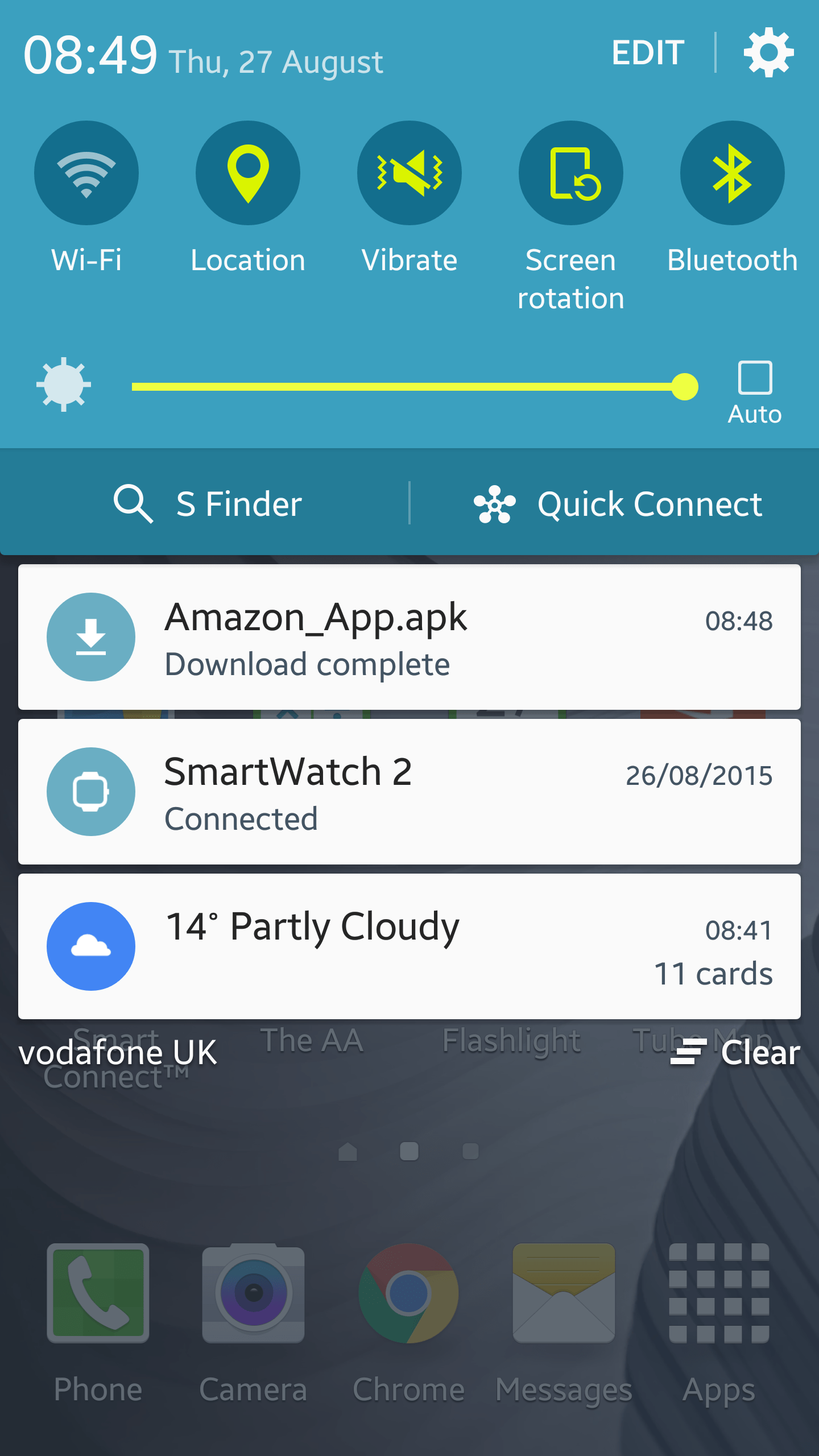
Once the download is complete, find the APK file in your device’s notification panel or Downloads folder and tap on it to install the app.
Method 3: Downloading Apps From Amazon App Store
The Amazon App Store is another alternative store that offers free apps. Here’s how:
Step 1: Create or Log In to Your Amazon Account
Create or log in to your Amazon account to access the Amazon App Store.
Step 2: Search For Free Apps
Use the search bar at the top of the screen to find free apps.
Step 3: Select a Free App
Select an app that interests you by tapping on its icon. If the app is free, you’ll see a green button with “Install” written on it.
Step 4: Install The App
Tap the “Install” button to download and install the app on your device.
Method 4: Downloading Apps From Apkpure
APKPure is another alternative store that offers free apps. Here’s how:
Step 1: Search For Free Apps
Use the search bar at the top of the screen to find free apps.
Step 2: Select a Free App
Select an app that interests you by tapping on its icon. If the app is free, you’ll see a green button with “Install” written on it.
Step 3: Install The App
Tap the “Install” button to download and install the app on your device.
Conclusion
Downloading Android apps for free can be a convenient and cost-effective way to access various apps without breaking the bank. By using the methods outlined in this article, you can find and download free apps from the Google Play Store, APKMirror, Amazon App Store, and APKPure.
Frequently Asked Questions (FAQs)
- Q: Can I Download Free Apps Directly on my Pc?
A: Unfortunately, no. Android apps are designed for mobile devices and cannot be downloaded directly on a PC. - Q: What is The Difference Between Downloading an App From The Google Play Store And Apkmirror?
A: The main difference is that the Google Play Store verifies the authenticity of apps before making them available for download, while APKMirror may not always do so. - Q: Can I Install an Emulator to Run Android Apps on my Pc?
A: Yes, you can install an emulator like BlueStacks or NoxPlayer to run Android apps on your PC. - Q: What Are Some Alternatives to The Google Play Store For Downloading Free Apps?
A: Some alternatives include APKMirror, Amazon App Store, and APKPure.
We hope this article has been helpful in answering your questions about downloading Android apps for free!


