
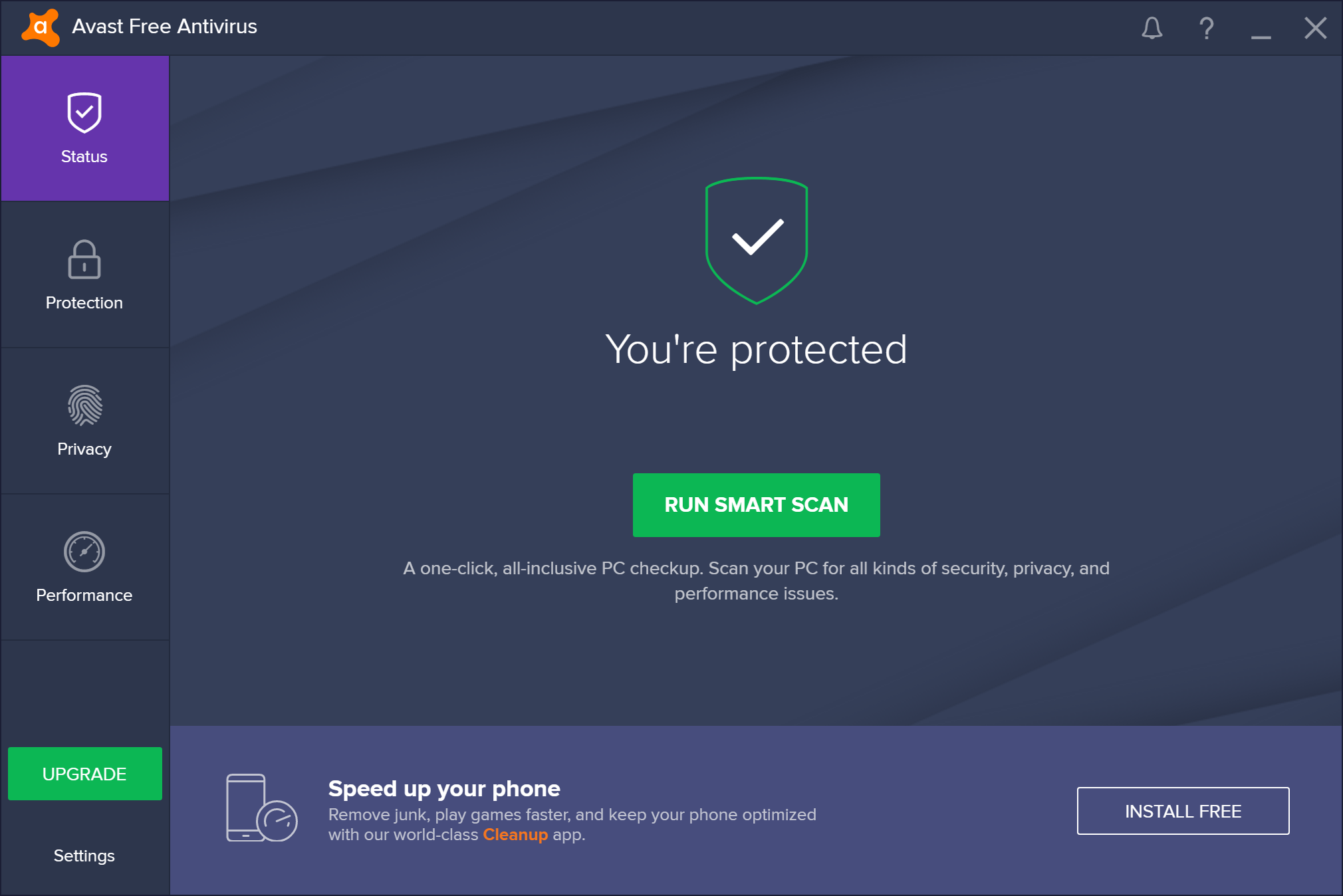
How to Download Avast Free Antivirus For Windows, Mac, Android, And Ios/ipados
Are you searching for a good antivirus for your PC but don’t know which one to choose from the multitude of options available in the market? Don’t worry, you’re not alone! Nowadays, many houses compete to offer the best software protection for computers, with varying degrees of satisfaction. Among these, Avast is definitely one of the most popular and highly-regarded antivirus options available for Windows, macOS, Android, and iOS/iPadOS (although the latter was not exactly an antivirus).
Avast provides 360-degree protection that covers all leading computer threats by controlling open files, web navigation, email, and many other aspects. If you’re interested in learning how to download Avast Free Antivirus free of cost, I’ll guide you through a step-by-step process for each operating system supported.
Why Choose Avast?
Avast is considered one of the best antivirus options available due to its comprehensive protection features and user-friendly interface. It offers real-time protection against malware, viruses, ransomware, and other online threats. Additionally, Avast provides features like password management, browser cleanup, and firewall protection, ensuring your device remains safe from potential intrusions.
How to Download Avast Free Antivirus For Windows
To download Avast Free Antivirus on Windows:
- Go to the official Avast website.
- Click on the “Download” button for the free protection.
- Open the downloaded file (usually in .Exe format) and click on the “Yes” button in the window that appears.
- If prompted, choose to install the secure browser or proceed with a standard installation of the antivirus.
How to Download Avast Free Antivirus For Mac
If you have a Mac, you can utilize the version of Avast available for macOS to protect your computer just like on Windows. The download process is identical:
- Visit the official Avast website.
- Click on the “Download” button for the free protection.
- Open the downloaded file (usually in .Dmg format) and follow the prompts.
How to Download Avast Free Antivirus For Android
If you have an Android smartphone or tablet, you can download Avast for mobile devices:
- Go to the Play Store and search for “Avast.”
- Tap on the “Install” button.
- Once installed, tap on the app icon to open it.
- Tap on the “To start” button and follow the prompts.
How to Download Avast Free Antivirus For Ios/ipados
If you have an iPhone or iPad, you can download the Avast app from the App Store:
- Visit the App Store and search for “Avast.”
- Tap on the “Get” button.
- Once downloaded, tap on the “Open” button.
What to Expect After Installation
After completing the installation process, your device will undergo a prime scanning by Avast, which may detect potential threats and display them in a window with advanced problems. This is an essential step to ensure your safety and security.
Using Avast
Avast provides various features, including firewall protection, software updates, browser cleanup, password management, and network control. If you’re unsure about the settings or need more detailed information on how to use Avast, I recommend checking out my dedicated guides for using Avast.
Installation Steps For Each Operating System
Windows Installation Steps
- Download the Avast Free Antivirus software from the official website.
- Open the downloaded file and follow the prompts.
- Choose to install the secure browser or proceed with a standard installation of the antivirus.
- Confirm all necessary settings to activate the free protection.
Mac Installation Steps
- Download the Avast Free Antivirus software from the official website.
- Open the downloaded file and follow the prompts.
- Proceed with installing the software, following any on-screen instructions.
Android Installation Steps
- Search for “Avast” in the Play Store.
- Tap on the “Install” button to download and install the app.
- Once installed, tap on the app icon to open it and follow the prompts.
- Choose to guarantee administrator access for privacy and general safety.
Ios/ipados Installation Steps
- Search for “Avast” in the App Store.
- Tap on the “Get” button to download and install the app.
- Once downloaded, tap on the “Open” button to open the app.
- Follow any prompts or settings to ensure your safety.
Troubleshooting And Support Resources
Need help with installation or have other questions? Check out my guides for:
- Setting up Avast: Detailed instructions on how to configure Avast for optimal protection.
- Renewing Avast Free: A step-by-step guide on how to renew your Avast subscription.
- Disabling Avast: Information on how to temporarily or permanently disable Avast if needed.
- Removing Avast: A guide on how to uninstall Avast from your device.


