
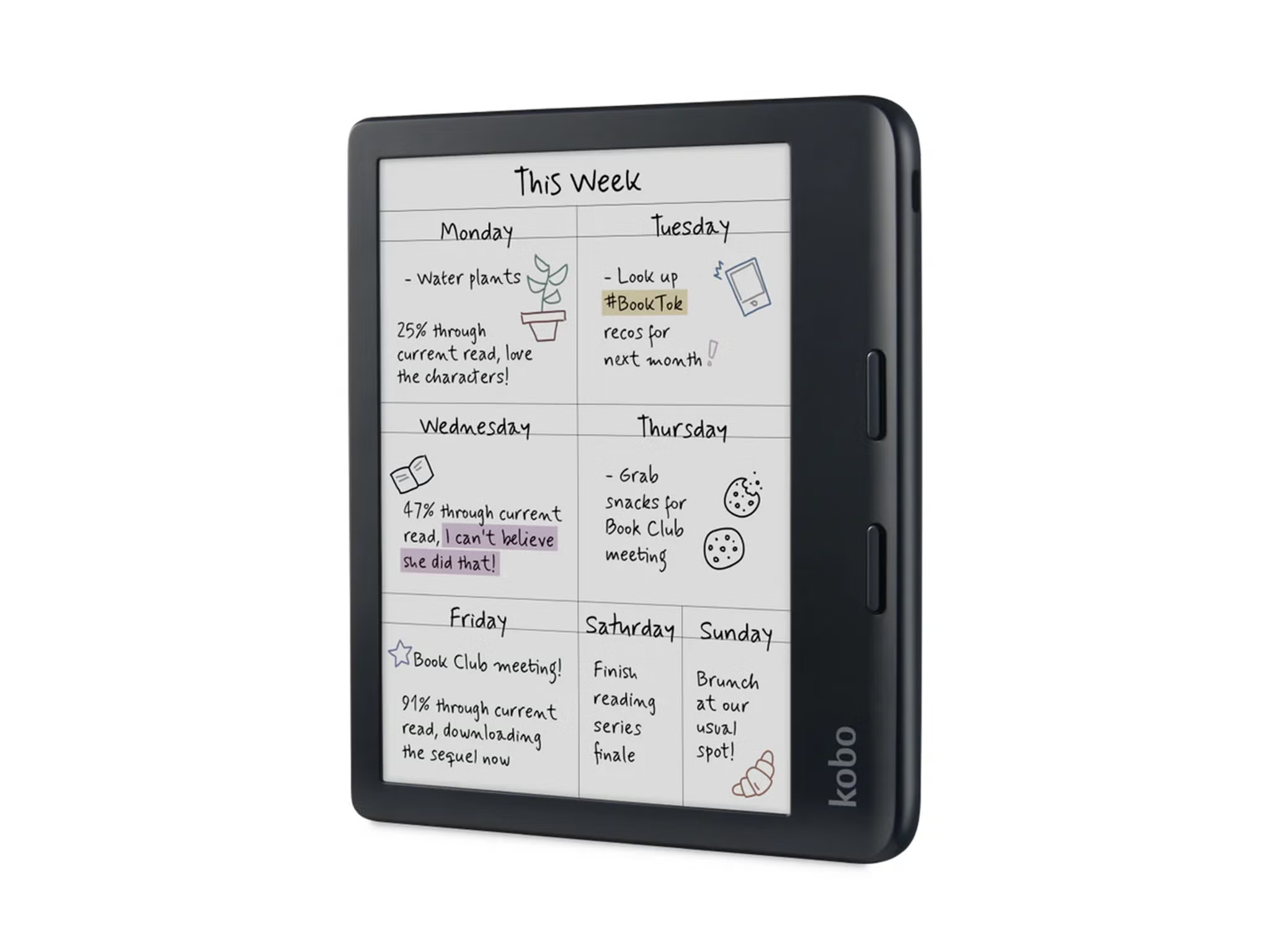
How to Download Books on Kobo: A Step-by-step Guide
Are you an avid reader looking for a convenient way to access your favorite books? Look no further than Kobo, a popular e-reader platform that allows you to download and read books on various devices. In this article, we will guide you through the process of downloading books on Kobo using different methods.
Getting Started With Kobo
Before we dive into the details, let’s take a brief look at what Kobo has to offer. Kobo is an e-reader platform that allows users to download and read books on various devices, including smartphones, tablets, and e-readers. With over 5 million titles in its catalog, Kobo offers a vast selection of books across various genres.
Downloading Books on Kobo Using an E-reader
If you have a Kobo e-reader, downloading books is a straightforward process. Here’s how to do it:
- Connect Your E-reader to Wi-fi: Make sure your e-reader is connected to a stable Wi-Fi network.
- Access The Kobo Store: Open the Kobo store on your e-reader and sign in with your account credentials.
- Search For Books: Use the search bar to find the book you want to download. You can also browse through categories, top picks, or recommended titles.
- Select a Book: Once you’ve found the book you want, tap on it to open its page.
- Download The Book: Tap on the “Add to my books” button to add the book to your library.
Downloading Books on Kobo Using a Smartphone or Tablet
If you don’t have an e-reader, you can still download books on Kobo using your smartphone or tablet. Here’s how:
- Install The Kobo App: Download and install the Kobo app from the App Store (for iOS devices) or Google Play Store (for Android devices).
- Sign in to Your Account: Open the app, sign in with your account credentials, and follow the prompts to link your device.
- Search For Books: Use the search bar to find the book you want to download.
- Select a Book: Once you’ve found the book, tap on it to open its page.
- Download The Book: Tap on the “Add to my books” button to add the book to your library.
Downloading Books on Kobo Using a PC
If you prefer reading on your computer, here’s how to download books on Kobo:
- Create a Kobo Account: Go to the Kobo website and create an account.
- Sign in to Your Account: Open the Kobo website, sign in with your account credentials, and follow the prompts to link your device.
- Search For Books: Use the search bar to find the book you want to download.
- Select a Book: Once you’ve found the book, click on it to open its page.
- Download The Book: Click on the “Add to my books” button to add the book to your library.
Free Books on Kobo
Did you know that there are thousands of free books available on Kobo? You can access them by:
- Visiting The Kobo Website: Go to the Kobo website and sign in with your account credentials.
- Searching For Free Books: Use the search bar to find free books.
- Selecting a Book: Once you’ve found a free book, click on it to open its page.
- Downloading The Book: Click on the “Add to my books” button to add the book to your library.
Other Ways to Download Books on Kobo
You can also download books on Kobo using other methods, such as:
- Mlol (Italian Public Digital Libraries): MLOL offers a vast selection of free e-books that you can read on Kobo.
- Ibs: IBS is another platform where you can find and download e-books to read on Kobo.
Conclusion
Downloading books on Kobo is a straightforward process, whether you’re using an e-reader, smartphone, tablet, or PC. With over 5 million titles in its catalog, Kobo offers something for every reader’s taste. By following the steps outlined above, you can easily access and download your favorite books.
Frequently Asked Questions
- How do I Download Free Books on Kobo?
You can search for free books on the Kobo website or mobile app. - Can I Read Mlol E-books on Kobo?
Yes, but only if they are compatible with Kobo’s format (Adobe DRM). - How do I Transfer my Kobo Books to a Pc?
You can use Adobe Digital Editions or the Kobo Desktop client to transfer your books. - Can I Read Amazon E-books on Kobo?
Unfortunately, no, as Amazon e-books are compatible only with Kindle devices.
How to Download Books on Kobo: A Step-by-step Guide
- Connect Your E-reader to Wi-fi
- Connect your e-reader to a stable Wi-Fi network.
- Access The Kobo Store
- Open the Kobo store and sign in with your account credentials.
- Search For Books
- Use the search bar to find the book you want to download.
- Select a Book
- Tap on the book’s cover to open its page.
- Download The Book
- Tap on the “Add to my books” button to add the book to your library.
Step-by-step Guide For Downloading Books on Kobo Using a Smartphone or Tablet
- Install The Kobo App
- Install the Kobo app from the App Store (for iOS devices) or Google Play Store (for Android devices).
- Sign in to Your Account
- Sign in with your account credentials and link your device.
- Search For Books
- Use the search bar to find the book you want to download.
- Select a Book
- Tap on the book’s cover to open its page.
- Download The Book
- Tap on the “Add to my books” button to add the book to your library.
Step-by-step Guide For Downloading Books on Kobo Using a PC
- Create a Kobo Account
- Create an account on the Kobo website.
- Sign in to Your Account
- Sign in with your account credentials and link your device.
- Search For Books
- Use the search bar to find the book you want to download.
- Select a Book
- Click on the book’s cover to open its page.
- Download The Book
- Click on the “Add to my books” button to add the book to your library.
Other Ways to Download Books on Kobo
- Mlol (Italian Public Digital Libraries): MLOL offers a vast selection of free e-books that you can read on Kobo.
- Ibs: IBS is another platform where you can find and download e-books to read on Kobo.
Frequently Asked Questions
- How do I Download Free Books on Kobo?
- You can search for free books on the Kobo website or mobile app.
- Can I Read Mlol E-books on Kobo?
- Yes, but only if they are compatible with Kobo’s format (Adobe DRM).
- How do I Transfer my Kobo Books to a Pc?
- You can use Adobe Digital Editions or the Kobo Desktop client to transfer your books.
- Can I Read Amazon E-books on Kobo?
- Unfortunately, no, as Amazon e-books are compatible only with Kindle devices.
Conclusion
Downloading books on Kobo is a straightforward process that requires minimal technical knowledge. With its user-friendly interface and vast selection of titles, Kobo offers an ideal platform for book lovers to explore their favorite genres and discover new authors. By following the steps outlined above, you can easily access and download your favorite books.
How Do I Download Books on Kobo?
To download books on Kobo, follow these simple steps:
- Connect your e-reader to a stable Wi-Fi network.
- Open the Kobo store and sign in with your account credentials.
- Use the search bar to find the book you want to download.
- Tap or click on the “Add to my books” button to add the book to your library.
Can I Download Free Books on Kobo?
Yes, you can download free books on Kobo by searching for them in the Kobo website or mobile app. You can also check out MLOL (Italian Public Digital Libraries) and IBS platforms for free e-books compatible with Kobo’s format (Adobe DRM).
How Do I Transfer My Kobo Books to a Pc?
You can use Adobe Digital Editions or the Kobo Desktop client to transfer your books from Kobo to a PC.
Can I Read Amazon E-books on Kobo?
Unfortunately, no, as Amazon e-books are compatible only with Kindle devices.


