
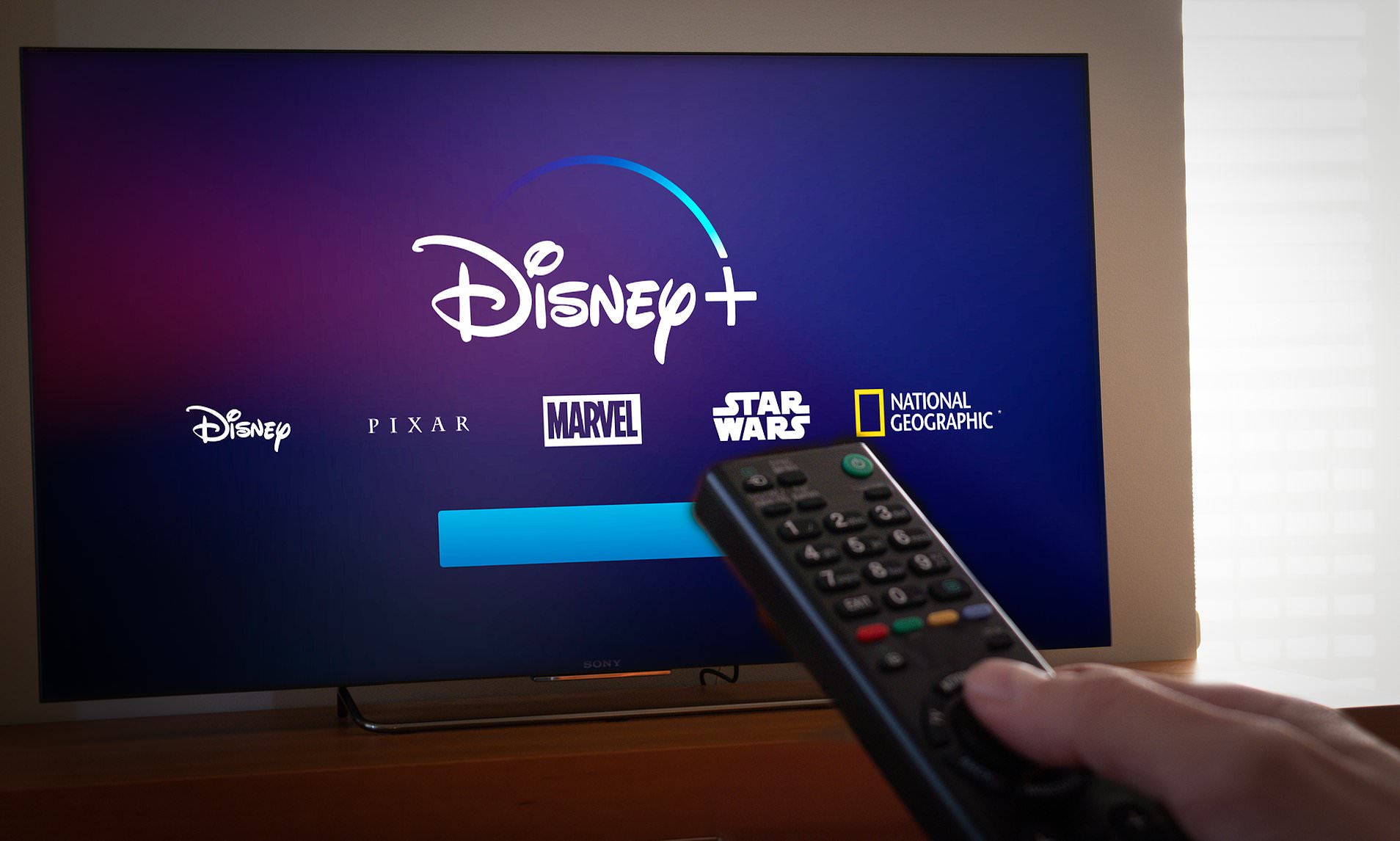
How to Download Disney+ on Smart Tv: A Step-by-step Guide
Are you a fan of Disney, Pixar, Star Wars, Marvel, and National Geographic? Do you want to watch your favorite movies and shows in the comfort of your own home? Look no further than Disney+, the ultimate streaming service. But before you can enjoy all that Disney+ has to offer, you need to download it on your Smart TV. In this article, we’ll show you how to do just that.
What is Disney+?
Disney+ is a streaming service that offers a vast collection of movies and shows from Disney, Pixar, Star Wars, Marvel, and National Geographic. With Disney+, you can watch all the classics, including The Lion King, Toy Story, and Frozen, as well as new releases like The Mandalorian and Encanto. You’ll also find exclusive content, like original series and documentaries.
Why Choose Disney+?
There are many reasons to choose Disney+. Here are just a few:
- Huge Content Library: With thousands of movies and shows to choose from, you’ll never be bored.
- Exclusive Originals: Get access to exclusive content that’s only available on Disney+.
- Family-friendly: Disney+ is perfect for families with kids, as it offers a range of kid-friendly content.
- 4K Resolution: Enjoy your favorite movies and shows in stunning 4K resolution.
What Devices is Disney+ Compatible With?
Disney+ is compatible with a wide range of devices, including:
- Smart Tvs: Download the Disney+ app on your Smart TV to enjoy seamless streaming.
- Streaming Devices: Use Disney+ on devices like Roku, Amazon Fire TV, and Google Chromecast.
- Gaming Consoles: Stream Disney+ on your PlayStation 4 or Xbox One console.
How to Download Disney+ on Smart TV
Now that you know what Disney+ is all about, it’s time to download it on your Smart TV. Here are the steps:
- Connect Your TV to Wi-fi: Make sure your TV is connected to the internet via Wi-Fi.
- Go to The App Store: Open the app store on your Smart TV and search for Disney+.
- Download The App: Once you’ve found the Disney+ app, download it onto your TV.
- Sign In With Your Account: Sign in with your Disney+ account or create a new one.
- Start Watching: Begin watching your favorite movies and shows on Disney+.
Alternative Ways to Watch Disney+
If you don’t have a Smart TV or want to watch Disney+ on another device, there are several alternatives:
- Streaming Devices: Use Disney+ on devices like Roku, Amazon Fire TV, or Google Chromecast.
- Gaming Consoles: Stream Disney+ on your PlayStation 4 or Xbox One console.
- Mobile Devices: Watch Disney+ on your smartphone or tablet using the mobile app.
Troubleshooting Tips
If you encounter any issues while downloading Disney+ on your Smart TV, try these troubleshooting tips:
- Restart Your TV: Sometimes, a simple restart can resolve connectivity issues.
- Check Your Wi-fi Connection: Ensure that your TV is connected to the internet via Wi-Fi.
- Clear Cache And Data: Clear cache and data from the Disney+ app.
Conclusion
Disney+ is an amazing streaming service that offers a vast collection of movies and shows from Disney, Pixar, Star Wars, Marvel, and National Geographic. By following these simple steps, you can download Disney+ on your Smart TV and start watching your favorite content today. Don’t forget to explore the various alternative ways to watch Disney+, and don’t hesitate to reach out if you encounter any issues.
Faqs
- What Devices is Disney+ Compatible With?
Disney+ is compatible with a wide range of devices, including Smart TVs, streaming devices like Roku and Amazon Fire TV, gaming consoles like PlayStation 4 and Xbox One, and mobile devices. - How do I Download Disney+ on my Smart Tv?
To download Disney+ on your Smart TV, go to the app store, search for Disney+, and follow the prompts to download and install the app. - Can I Watch Disney+ on Other Devices?
Yes, you can watch Disney+ on other devices like streaming devices, gaming consoles, and mobile devices. - What Content is Available on Disney+?
Disney+ offers a vast collection of movies and shows from Disney, Pixar, Star Wars, Marvel, and National Geographic, including classics, new releases, and exclusive original content. - Is Disney+ Family-friendly?
Yes, Disney+ is perfect for families with kids, as it offers a range of kid-friendly content. - Can I Pause or Resume Watching on One Device And Pick up Where I Left Off on Another?
Yes, your watch history is synced across all devices connected to the same account, so you can start watching on one device and pick up where you left off on another. - How do I Troubleshoot Issues With Disney+ on my Smart Tv?
Try restarting your TV, checking your Wi-Fi connection, or clearing cache and data from the Disney+ app. - Can I Create Multiple Profiles on Disney+?
Yes, you can create up to 7 profiles on a single account, each with its own watch history and preferences.


