
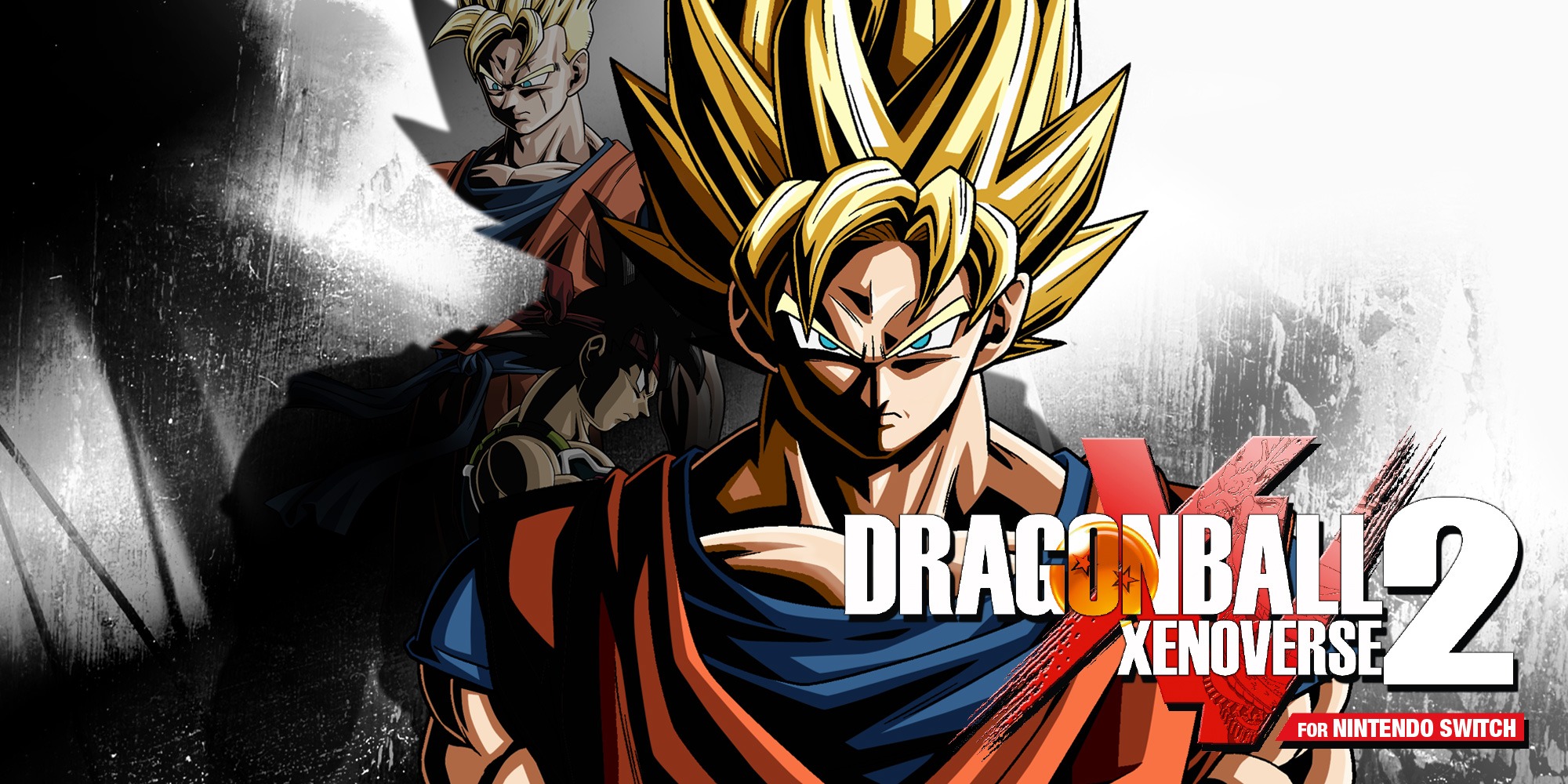
How to Download Dragon Ball Xenoverse on PC And Console
Are you a big fan of video games and especially Dragon Ball? Then, your collection of titles cannot be complete without Dragon Ball Xenoverse: A divertentissimo picchiaduro 3D that has already reached its second chapter. This game allows you to immerse yourself in the most important battles of Goku and his partners using a character personalizzabile down to the minimum details.
What is Dragon Ball Xenoverse?
Dragon Ball Xenoverse is an action-packed fighting game set in the world of Dragon Ball. The game follows the story of Goku and his friends as they face off against powerful enemies. The game features a unique combat system, allowing players to combine attacks and use special abilities.
System Requirements For PC
Before you start playing, make sure your PC meets the minimum requirements:
- Windows Seen (x64) / Windows 7 (x64) / Windows 8 (x64)
- Intel Core 2 Duo 2.4Ghz / AMD Athlon 64 X2 5200+ 2.6GHz (Advised Intel Core i3-530, 2.93 GHz / AMD Phenom II X4 940 3.0GHz)
- 2GB RAM (advised 4GB)
- Nvidia GeForce 8800 512MB / ATI Radeon HD 3870 (advised Nvidia GeForce GTX 550Ti 1GB / AMD Radeon HD 6790)
- DirectX: Version 9.0C
- 10 GB of free disk space
How to Download Dragon Ball Xenoverse on PC
To download the game, follow these steps:
- Download And Install Steam: First, you need to download and install Steam, the official client for digital distribution.
- Create a New Account: Once installed, create a new account or sign in with an existing one.
- Search For Dragon Ball Xenoverse: Search for the game in the Steam store and select it from the search results.
- Add to Cart And Purchase: Add the game to your cart and purchase it using PayPal, credit card, Skrill, or Paysafecard.
- Download And Install: Once purchased, click on the “Install” button to start downloading and installing the game.
How to Download Dragon Ball Xenoverse on Console
If you prefer playing on a console, don’t worry! The game is also available on PlayStation 4, PlayStation 3, Xbox One, and Xbox 360. To download and play on your console:
- Connect to Internet: Connect your console to the internet using an Ethernet cable or Wi-Fi.
- Access Your Account: Access your PSN or Xbox Live account on your console.
- Search For Dragon Ball Xenoverse: Search for the game in the PlayStation Store or Xbox Store and select it from the search results.
- Purchase And Download: Purchase the game and download it to your console.
Tips And Tricks
- Make sure you have a stable internet connection to download and play online.
- If you experience any issues during installation, check the Steam support page for solutions.
- To enrich your gaming experience, consider purchasing DLC packs that add new characters and content to the game.


