
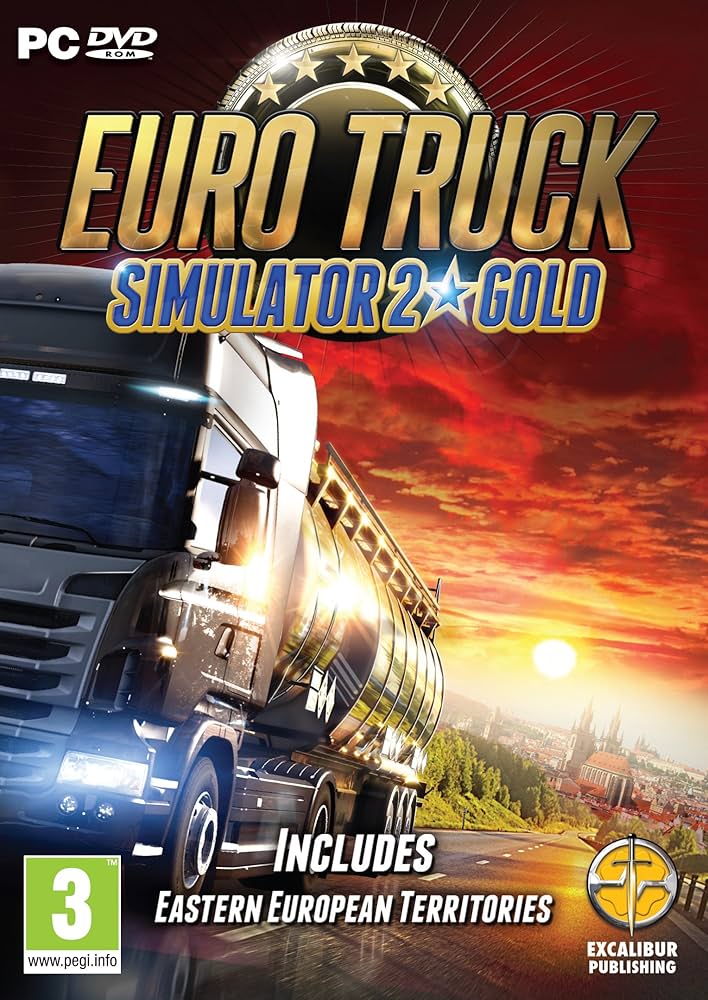
How to Download Euro Truck Simulator: A Step-by-step Guide
Are you ready to embark on a thrilling journey through the European roads as a truck driver? Look no further than Euro Truck Simulator, one of the most popular and engaging driving simulators available today! In this comprehensive guide, we’ll walk you through the steps to download and install Euro Truck Simulator on your PC.
What is Euro Truck Simulator?
Euro Truck Simulator is a driving simulator game developed by SCS Software. The game allows players to take on the role of a truck driver, exploring various European countries, delivering goods, and managing their own trucking company. With its realistic gameplay, detailed graphics, and addictive gameplay, Euro Truck Simulator has become a favorite among gamers and truck enthusiasts alike.
Available Chapters And Prices
Before we dive into the download process, let’s take a look at the available chapters of Euro Truck Simulator and their prices:
- Euro Truck Simulator: The original game, released in 2008, is available for PC (Windows and macOS). It can be purchased for €4.99.
- Euro Truck Simulator 2: The sequel to the original game, released in 2013, is also available for PC (Windows, macOS, and Linux). It costs €19.99, With additional expansions available.
Downloading Euro Truck Simulator
To download Euro Truck Simulator, follow these steps:
Step 1: Create a Steam Account
If you don’t already have a Steam account, create one by following the instructions in our guide on how to create a Steam account.
Step 2: Download And Install Steam
Download and install Steam on your PC. You can find detailed installation instructions in our guide on how to download and install Steam.
Step 3: Purchase Euro Truck Simulator
Once you have Steam installed, purchase Euro Truck Simulator from the Steam store. Simply search for “Euro Truck Simulator” in the Steam store, click on the game’s page, and follow the prompts to purchase and download the game.
Step 4: Download And Install Euro Truck Simulator
After purchasing the game, click on the “Install” button to begin downloading and installing Euro Truck Simulator. The game will be installed automatically once the download is complete.
Step 5: Launch Euro Truck Simulator
Once the installation is complete, launch Euro Truck Simulator by clicking on its icon in the Steam library.
Downloading Euro Truck Simulator 2
To download Euro Truck Simulator 2, follow these steps:
Step 1: Create a Steam Account (If You Haven’t Already)
If you don’t already have a Steam account, create one by following the instructions in our guide on how to create a Steam account.
Step 2: Download And Install Steam (If You Haven’t Already)
Download and install Steam on your PC. You can find detailed installation instructions in our guide on how to download and install Steam.
Step 3: Purchase Euro Truck Simulator 2
Once you have Steam installed, purchase Euro Truck Simulator 2 from the Steam store. Simply search for “Euro Truck Simulator 2” in the Steam store, click on the game’s page, and follow the prompts to purchase and download the game.
Step 4: Download And Install Euro Truck Simulator 2
After purchasing the game, click on the “Install” button to begin downloading and installing Euro Truck Simulator 2. The game will be installed automatically once the download is complete.
Step 5: Launch Euro Truck Simulator 2
Once the installation is complete, launch Euro Truck Simulator 2 by clicking on its icon in the Steam library.
Downloading Euro Truck Simulator 2 on Android And Iphone
Unfortunately, it’s not possible to download Euro Truck Simulator 2 directly on Android or iPhone devices. However, there are other great truck simulator games available for mobile devices, such as Ultimate Truck Simulator (available for free on Android).
Downloading Euro Truck Simulator 2 on Ps4
As Euro Truck Simulator is only available for PC and macOS, it’s not possible to download the game on a PS4 or other console platforms. However, you can explore similar truck simulator games available on these platforms, such as On the Road – Truck Simulator (available on PS4).
Conclusion
Downloading and installing Euro Truck Simulator is a straightforward process that requires creating a Steam account, purchasing the game, and following the prompts to download and install it. Whether you’re interested in Euro Truck Simulator 2 or other truck simulator games, we hope this guide has provided you with the necessary information to get started.
Frequently Asked Questions
- Q: What is Euro Truck Simulator?
A: Euro Truck Simulator is a driving simulator game developed by SCS Software. The game allows players to take on the role of a truck driver, exploring various European countries, delivering goods, and managing their own trucking company. - Q: How Much Does Euro Truck Simulator Cost?
A: The original game (Euro Truck Simulator) costs €4.99, While the sequel (Euro Truck Simulator 2) costs €19.99. - Q: Can I Download Euro Truck Simulator on Android or Iphone Devices?
A: Unfortunately, it’s not possible to download Euro Truck Simulator directly on Android or iPhone devices. However, there are other great truck simulator games available for mobile devices. - Q: Is Euro Truck Simulator Available on Ps4 or Other Console Platforms?
A: No, Euro Truck Simulator is only available for PC and macOS. However, you can explore similar truck simulator games available on these platforms.
We hope this guide has provided you with the necessary information to download and install Euro Truck Simulator. If you have any further questions or need additional help, don’t hesitate to reach out!


