
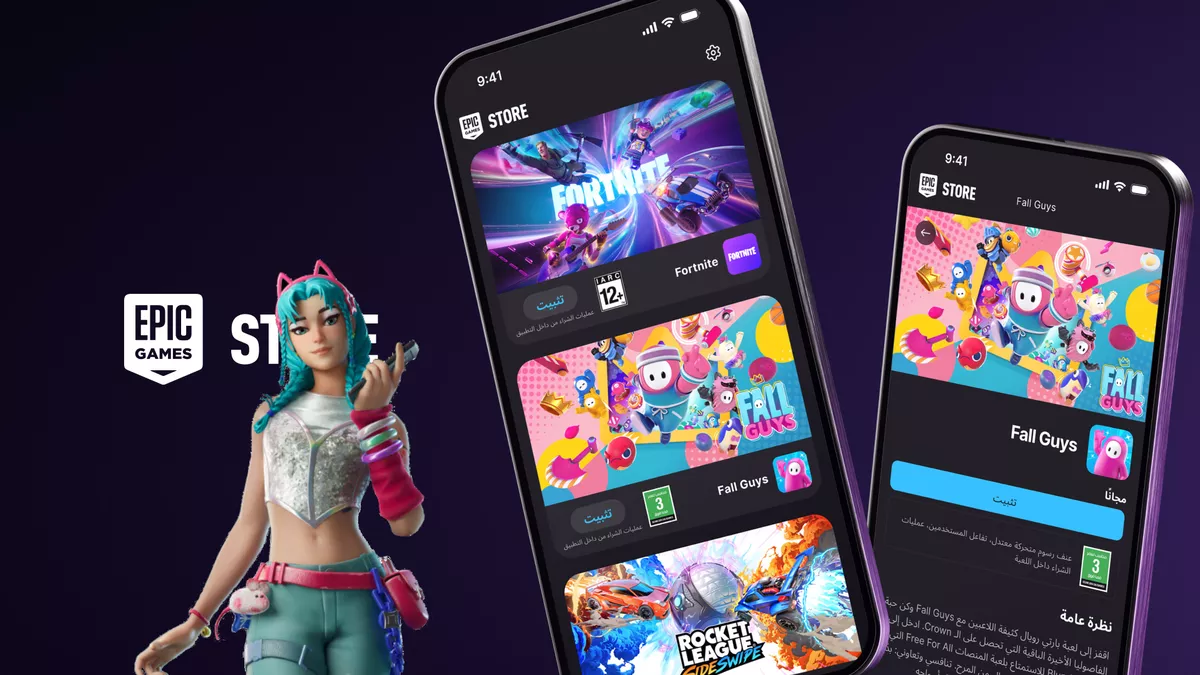
How to Download Fortnite on Play Store: A Step-by-step Guide
Are you curious about downloading Fortnite on your smartphone or tablet? Don’t worry, I’ve got you covered! As a passionate tech enthusiast, I’ll guide you through the process of downloading this popular video game from the Play Store.
What You Need to Know Before Downloading Fortnite
Before we dive into the step-by-step instructions, let’s cover some essential information. To download Fortnite on your Android device, you need:
- A device with an operating system version 10 or later (64-bit)
- At least 4GB of RAM
- A GPU Adreno 530 or superior (or Evil-G71 MP20, Evil-G72 MP12, or superior)
If you’re unsure about your device’s compatibility, don’t worry! We’ll cover that in the next section.
Download Fortnite Without Play Store
You might be wondering why we need to download Fortnite without the Play Store. Well, due to various divergences, Fortnite is no longer available on the Play Store, Galaxy Store, and App Store. But fear not, my friend! In this guide, we’ll explore alternative methods to get you playing Fortnite on your Android device.
Epic Games Cloud Gaming
One of the most exciting options for downloading Fortnite is through Epic Games’ cloud gaming service. This means you can play Fortnite directly from the cloud without installing it on your device. To access this feature, follow these steps:
- Go to the official Fortnite website and sign in with your account.
- Click on the “Cloud Gaming” tab and select the device you want to play on.
- Wait for the game to load, and voilà! You’re ready to play.
Download Fortnite From Epic Games Official Website
If you prefer to download Fortnite directly from the official website, follow these steps:
- Go to the Epic Games official website and click on the “Download” button.
- Select your device type (Android) and choose the version of the game you want to download.
- Wait for the file to download, then open it and follow the installation prompts.
Cloud Gaming Services
If you’re interested in exploring other cloud gaming services, I recommend checking out my guides on:
- Xbox Cloud Gaming
- Amazon Luna (associated with Amazon Prime)
- NVIDIA GeForce NOW
These services offer a range of benefits, including access to a vast library of games without the need for hardware upgrades.
Conclusion
Downloading Fortnite on your Android device is easier than you think! With this guide, you’ve learned how to download Fortnite from the official website and explore alternative cloud gaming options. Remember to always follow safety guidelines when downloading apps from unknown sources.
Frequently Asked Questions (FAQs)
- Can I Still Play Fortnite on my Android Device?
Yes, with some workarounds, you can still enjoy Fortnite on your Android device. - What Are The System Requirements For Downloading Fortnite?
You’ll need an operating system version 10 or later (64-bit), at least 4GB of RAM, and a GPU Adreno 530 or superior (or Evil-G71 MP20, Evil-G72 MP12, or superior). - Can I Download Fortnite From The Play Store?
Unfortunately, no, due to various divergences, Fortnite is no longer available on the Play Store. - What Are Some Alternative Cloud Gaming Services?
Check out my guides on Xbox Cloud Gaming, Amazon Luna (associated with Amazon Prime), and NVIDIA GeForce NOW. - How do I Ensure my Device’s Security When Downloading Apps From Unknown Sources?
Always follow safety guidelines and be cautious when downloading apps from unfamiliar websites.
Get in Touch
If you have any questions or need further assistance, feel free to reach out to me directly!


