
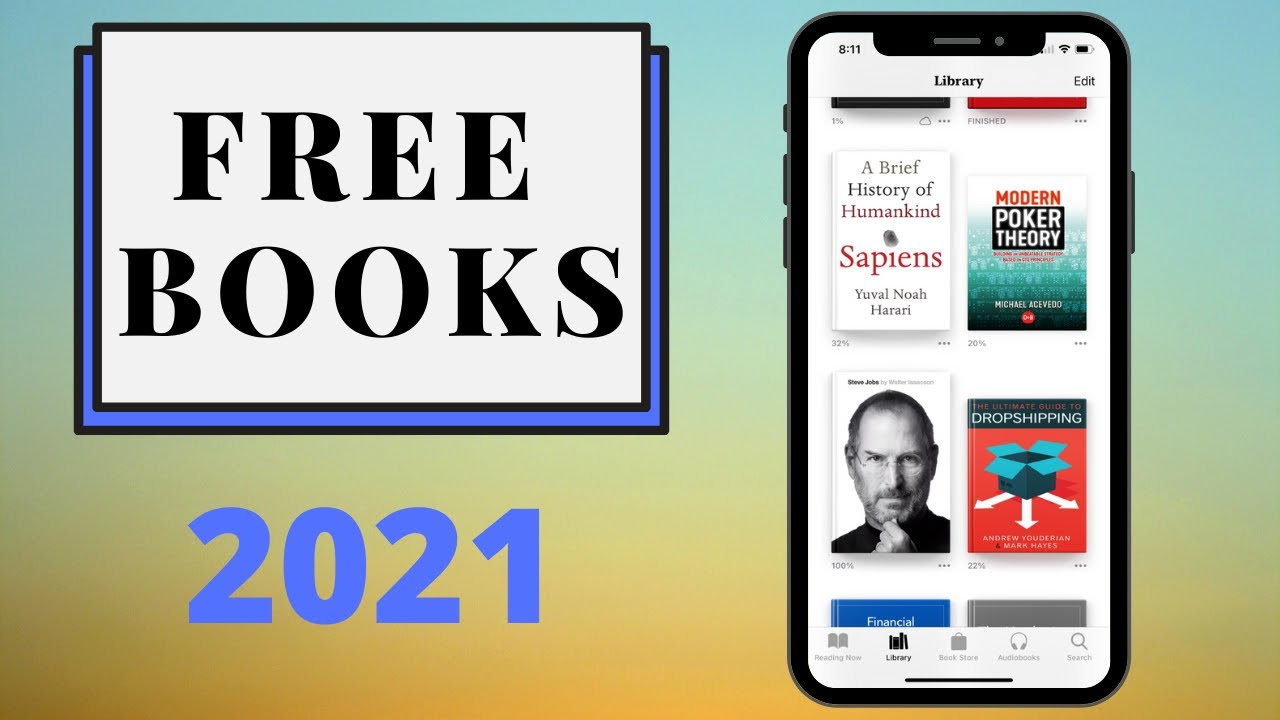
How to Download Free Books on Iphone: A Step-by-step Guide
Are you an avid reader looking to explore the world of free books on your iPhone? Look no further! In this article, we’ll guide you through the process of downloading free books on your iPhone, using various apps and websites.
Why Choose Free Books on Iphone?
With a vast collection of free books available on the internet, it’s easy to get started with reading on your iPhone. Not only is it convenient, but it also saves you money. No more buying expensive novels or textbooks; with free books on your iPhone, you can access thousands of titles without breaking the bank.
Step 1: Find Free Book Apps on Your Iphone
To begin, open the App Store and search for “free book apps” or “eBook readers.” You’ll find a list of popular apps that offer free books. Some notable ones include:
- Books (previously iBooks)
- Kindle (Amazon’s eBook reader app)
- Kobo
- Wattpad
Using The Books App
The Books app, previously known as iBooks, is a great place to start your free book journey. Here’s how to use it:
- Open the Books app on your iPhone.
- Tap the “Book Store” tab at the bottom of the screen.
- Select the “Free” section to browse through available titles.
- Choose a book that interests you and tap on its cover.
- If you want to download the book, tap the “Download” button.
- Once downloaded, you can access your book in the Books app.
Using Kindle
If you’re already an Amazon Prime member or have a Kindle account, you can use the Kindle app to read free books:
- Open the Kindle app on your iPhone.
- Tap the “Menu” icon (three horizontal lines) and select “Discover.”
- Browse through available categories or search for specific titles.
- Choose a book that interests you and tap on its cover.
- If you want to download the book, tap the “Download” button.
Other Free Book Apps
Besides Books and Kindle, there are other apps like Kobo and Wattpad that offer free books:
- Kobo: A popular eBook reader app with a vast collection of titles.
- Wattpad: A social storytelling platform where you can find user-generated content.
Websites to Download Free Books on Iphone
If you prefer reading directly from websites, here are some notable ones:
- Project Gutenberg: A classic website with over 70,000 free eBooks in various languages.
- Liber Liber: An Italian eBook repository with a vast collection of public domain works.
- ManyBooks: A website that offers hundreds of free eBooks and audiobooks.
How to Download Free Books From Websites
To download free books from these websites, follow these steps:
- Open the website on your iPhone’s browser (e.G., Safari).
- Search for specific titles or browse through available categories.
- Choose a book that interests you and select the format you prefer (e.G., EPUB, PDF).
- Tap the “Download” button to initiate the download process.
Tips And Variations
- To access free books on Project Gutenberg, tap the “Search & Browse” tab and select your preferred search parameters.
- On Liber Liber, tap the “Menu” icon and select “Books” to explore available contents.
- When using Wattpad, you can browse through user-generated content or purchase additional features.
Conclusion
Downloading free books on iPhone is a straightforward process that requires minimal effort. With these steps and tips, you’ll be well on your way to exploring the world of free eBooks and audiobooks. Whether you prefer apps or websites, there’s something for everyone.
Frequently Asked Questions (FAQs)
Q: What are the best free book apps for iPhone?
A: Some popular options include Books (previously iBooks), Kindle, Kobo, and Wattpad.
Q: How do I download free books from websites on my iPhone?
A: Open the website in your browser, search for titles or browse through categories, select the format you prefer, and tap the “Download” button to initiate the process.
Q: Can I access free books directly online without downloading them?
A: Yes, many websites allow you to read free books directly on their platforms. However, some may require registration or sign-in.
Q: Are all free book apps and websites safe to use?
A: As with any digital content, exercise caution when using third-party apps or websites. Always review ratings and reviews before downloading or accessing content.
Q: Can I transfer free eBooks from my iPhone to other devices?
A: This varies depending on the app or website used to download the book. Some may offer cloud storage or file transfer capabilities, while others may not.
Q: Are there any limitations or restrictions when using free books on iPhone?
A: While most free books are available for personal use, some may have copyright restrictions or limited availability in certain regions.
Additional Tips And Recommendations
- Always check the app or website’s terms of service before downloading content.
- Consider registering for a Kindle Unlimited subscription to access a vast library of eBooks.
- Join online communities or forums to discuss your favorite books and authors.
- Experiment with different formats, such as EPUB, PDF, or audiobooks, to find what suits you best.


