
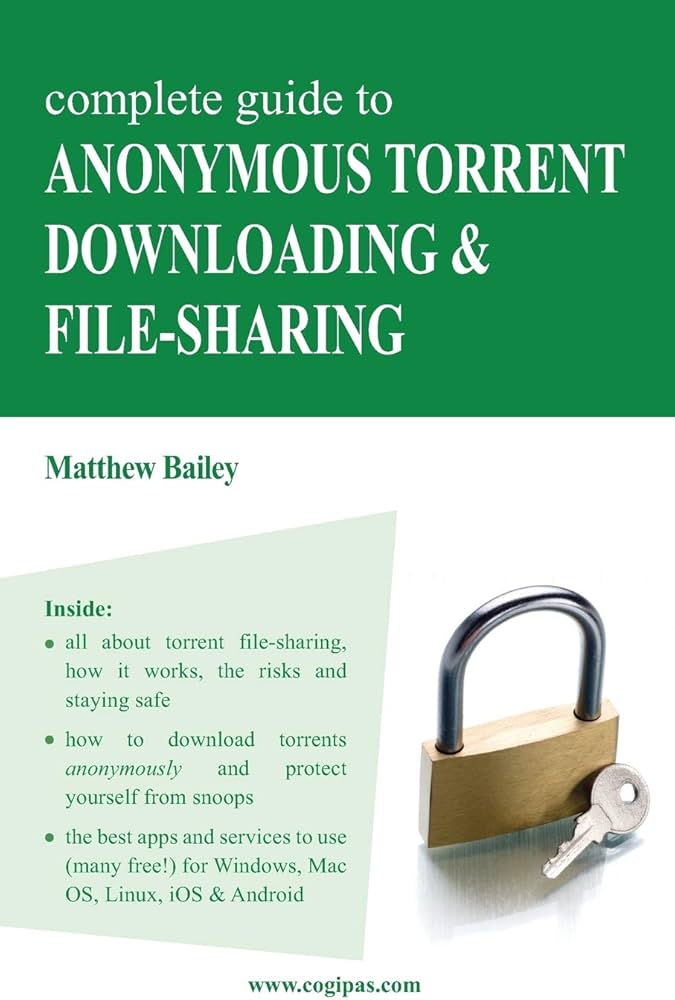
The Ultimate Guide to Downloading Bittorrent Files Anonymously
Are you curious about how to download BitTorrent files anonymously? Look no further! In this article, we’ll guide you through the process of using a VPN, Anomos, uTorrent, and other alternative clients to download files from the internet while maintaining your online privacy.
What is Anonymous Downloading?
Anonymous downloading refers to the practice of downloading files from the internet without revealing your IP address or location. This can be useful for protecting your personal data and maintaining your online anonymity.
Why Use a Vpn?
A VPN (Virtual Private Network) is a great way to ensure anonymous downloading. By encrypting your internet traffic, a VPN makes it difficult for anyone to track your online activities. There are many excellent VPN services available, including NordVPN and Surfshark.
Using Anomos For Anonymous Downloading
Anomos is a free program that allows you to download BitTorrent files anonymously. It’s compatible with Windows and Linux operating systems. Here’s how to use it:
- Download And Install Anomos: Visit the official website of Anomos and click on the “Download” button.
- Run Anomos: Once installed, run Anomos and follow the prompts to install it.
- Configure Anomos: Configure Anomos by selecting the option to anonymize your downloads.
Configuring Utorrent For Anonymous Downloading
UTorrent is a popular BitTorrent client that can be configured for anonymous downloading. Here’s how:
- Choose a Proxy Server: Select a proxy server that will hide your IP address and location.
- Configure Utorrent: Configure uTorrent by selecting the option to use the proxy server you’ve chosen.
- Anonymize Your Downloads: Make sure to anonymize your downloads in the settings of uTorrent.
Alternative Clients For Anonymous Downloading
There are several alternative clients available that can be used for anonymous downloading, including:
- Qbittorrent: A free and open-source client that’s compatible with Windows, Mac, and Linux.
- Transmission: A free and simple client that’s compatible with Mac, Windows, and Linux.
Finding The File You Want to Download
If you’re having trouble finding the file you want to download, try using an engine of search such as Zooqle. This will give you a list of files available for download, along with their peer counts and other relevant information.
Conclusion
Anonymous downloading is a simple process that can be achieved by using a VPN or alternative clients like Anomos and uTorrent. By following the steps outlined in this article, you’ll be able to download BitTorrent files while maintaining your online privacy.
Frequently Asked Questions (FAQs)
- Q: What is Anonymous Downloading?
A: Anonymous downloading refers to the practice of downloading files from the internet without revealing your IP address or location. - Q: Why Use a Vpn For Anonymous Downloading?
A: A VPN encrypts your internet traffic, making it difficult for anyone to track your online activities. - Q: How do I Configure Anomos For Anonymous Downloading?
A: Follow the prompts in the Anomos software to configure it for anonymous downloading. - Q: Can I Use Utorrent For Anonymous Downloading?
A: Yes, uTorrent can be configured for anonymous downloading by selecting a proxy server and anonymizing your downloads. - Q: What Are Some Alternative Clients For Anonymous Downloading?
A: Some popular alternative clients include qBitTorrent and Transmission. - Q: How do I Find The File I Want to Download?
A: Use an engine of search like Zooqle to find the file you’re looking for. - Q: What Are Some Vpn Services That Can be Used For Anonymous Downloading?
A: Some popular VPN services include NordVPN and Surfshark. - Q: Is it Legal to Download Copyrighted Material Anonymously?
A: No, downloading copyrighted material anonymously is still considered piracy and is not allowed under copyright law.


