
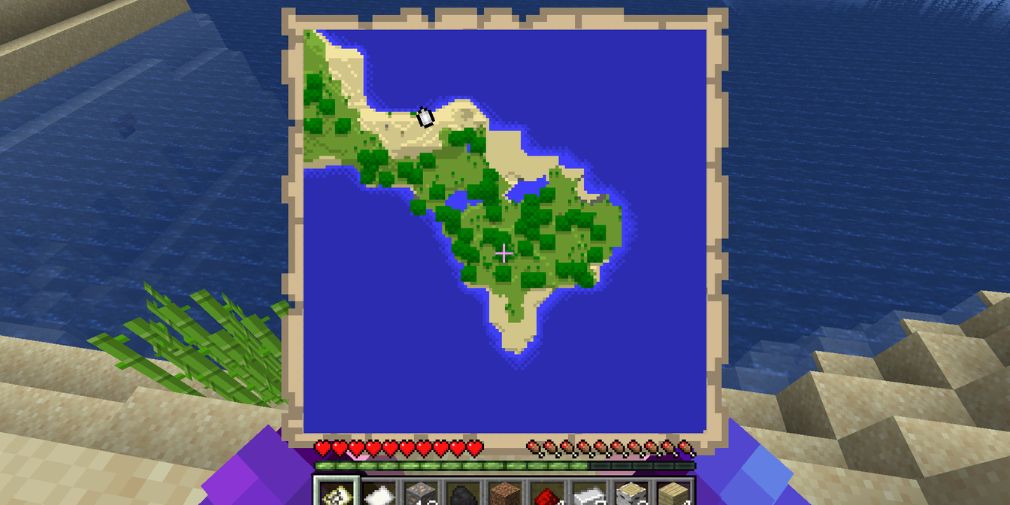
Unlocking The Endless Possibilities of Minecraft: A Guide to Downloading Maps
Are you tired of exploring the same old worlds in Minecraft? Do you want to discover new biomes, challenge yourself with custom maps, or simply have a more personalized gaming experience? Look no further! In this article, we’ll delve into the world of Minecraft map downloading and provide you with a comprehensive guide on how to do it.
What Are Minecraft Maps?
Minecraft maps are user-generated creations that can be downloaded and played in-game. They offer a vast array of possibilities, from simple puzzle maps to complex adventure scenarios. These maps can be created by anyone using various software tools and can range from simple to incredibly detailed and intricate designs.
Why Download Maps?
Downloading maps can greatly enhance your Minecraft experience in several ways:
- New Biomes: Explore new and exciting biomes that you wouldn’t normally encounter in the game.
- Custom Challenges: Take on custom challenges designed by other players, pushing yourself to the limit.
- Personalization: Add a personal touch to your gameplay experience with unique maps tailored to your preferences.
How to Download Maps
There are two main ways to download Minecraft maps:
- Minecraft Java Edition: For PC users running the Java edition of Minecraft, you can download maps from various websites and add them to your game.
- Minecraft Bedrock Edition (PE): If you’re playing on a mobile device or using the Bedrock edition on PC, you can find and download maps directly within the game through the Marketplace.
Downloading Maps For Java Edition
To download maps for Minecraft’s Java edition, follow these steps:
- Choose a Website: Select a reputable website that offers Minecraft map downloads. Some popular options include Minecraft Maps, Planet Minecraft, and CurseForge.
- Find Your Map: Browse through the available maps and select the one you’re interested in. Make sure it’s compatible with your version of Minecraft.
- Download The Map: Click on the “Download” button to obtain the map file.
- Extract The Map: Once downloaded, extract the map from its ZIP folder and place it in the correct directory within your Minecraft saves folder.
Downloading Maps For Bedrock Edition (PE)
For Minecraft’s Bedrock edition, you can find and download maps directly within the game:
- Launch The Game: Start Minecraft on your mobile device or PC.
- Access The Marketplace: Go to the Marketplace by clicking on the “Marketplace” button in-game.
- Browse Maps: Browse through the available maps, filtering by free content and Minecoins (the in-game currency).
- Download Your Map: Select your desired map and click on the “Download” button.
Safety Precautions
When downloading maps from third-party websites, exercise caution to avoid potential threats:
- Only download maps from reputable sources.
- Be aware of the permissions required for each map.
- Ensure you have the necessary Minecoins or other in-game currency if prompted.
By following these steps and taking necessary precautions, you can unlock a whole new world of possibilities within Minecraft. Happy gaming!
Faqs
Q: What are Minecraft maps?
A: Minecraft maps are user-generated creations that can be downloaded and played in-game, offering a vast array of possibilities from simple puzzle maps to complex adventure scenarios.
Q: Why download maps?
A: Downloading maps can enhance your Minecraft experience by providing new biomes, custom challenges, and personalization.
Q: How do I download maps for Java Edition?
A: For Java Edition, you can download maps from various websites, add them to your game, and extract the map file into the correct directory within your Minecraft saves folder.
Q: How do I download maps for Bedrock Edition (PE)?
A: In Bedrock Edition, access the Marketplace by clicking on the “Marketplace” button in-game, browse through available maps, filter by free content and Minecoins, and select your desired map to download.
Q: What safety precautions should I take when downloading maps?
A: Be cautious when downloading maps from third-party websites. Only download from reputable sources, be aware of permissions required for each map, and ensure you have the necessary in-game currency if prompted.
Q: Can I find free maps in Bedrock Edition?
A: Yes, you can find a variety of free maps within the Marketplace in Bedrock Edition.
Q: What are Minecoins?
A: Minecoins are the in-game currency used to purchase premium content or packs in Minecraft’s Bedrock edition.


