
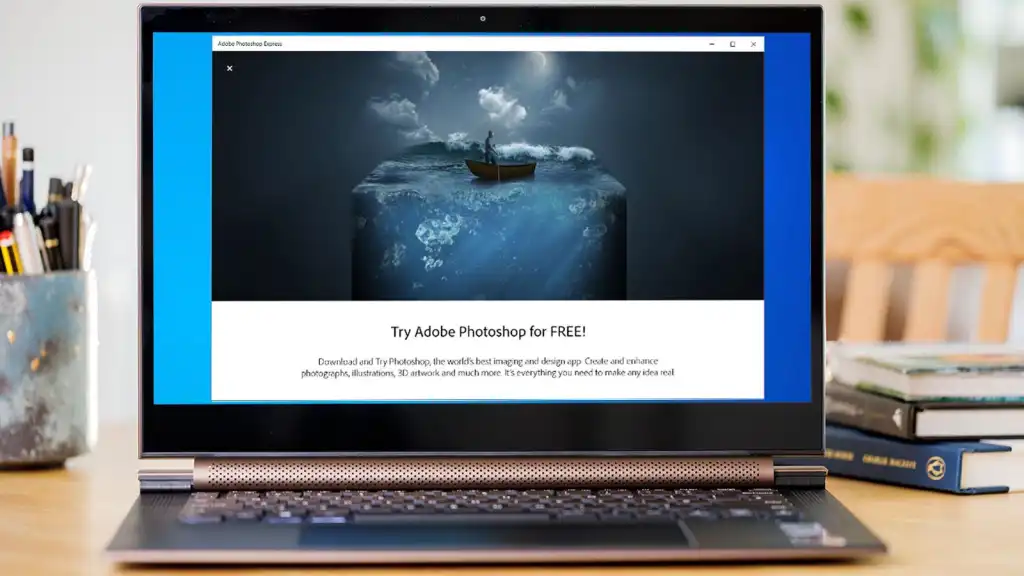
Downloading Photoshop Free: A Step-by-step Guide
Are you looking to download Photoshop free on your Windows or Mac computer? Or perhaps you want to try out the free version of Photoshop on your Android device or iPad? Look no further! In this article, we will guide you through the process of downloading and installing Photoshop free on various platforms.
What is Photoshop?
Photoshop is a professional software used for photo editing and manipulation. It’s a powerful tool that allows users to edit images, create graphics, and more. However, it comes with a price tag – a regular license is required to use the full version of the software.
Downloading Photoshop Free on Windows
To download Photoshop free on your Windows computer, follow these steps:
- Go to The Adobe Website: Visit the Adobe website and click on the “Download” button.
- Choose The Right Plan: Select the free trial plan that suits your needs.
- Fill Out The Form: Fill out the required information, including your email address and password.
- Select The Subscription Plan: Choose a subscription plan that works for you (12 or 19 euros/month).
- Download The File: Download the installation file and follow the on-screen instructions to complete the setup.
Downloading Photoshop Free on Mac
The process of downloading Photoshop free on your Mac computer is similar to that of Windows:
- Go to The Adobe Website: Visit the Adobe website and click on the “Download” button.
- Choose The Right Plan: Select the free trial plan that suits your needs.
- Fill Out The Form: Fill out the required information, including your email address and password.
- Select The Subscription Plan: Choose a subscription plan that works for you (12 or 19 euros/month).
- Download The File: Download the installation file and follow the on-screen instructions to complete the setup.
Downloading Photoshop Free on Android
If you have an Android device, you can download the free version of Photoshop Express:
- Go to The Play Store: Visit the Google Play Store and search for “Photoshop Express”.
- Download The App: Download and install the app on your device.
- Follow The Instructions: Follow the on-screen instructions to complete the setup.
Downloading Photoshop Free on Ipad
To download Photoshop free on your iPad, follow these steps:
- Go to The App Store: Visit the Apple App Store and search for “Photoshop”.
- Download The App: Download and install the app on your device.
- Follow The Instructions: Follow the on-screen instructions to complete the setup.
Free Alternatives to Photoshop
If you’re looking for free alternatives to Photoshop, here are some options:
- Gimp: A free and open-source photo editing software that’s available for Windows, Mac, and Linux.
- Photoworks: A user-friendly photo editing software that’s available for Windows and Mac.
- Paintbrush: A simple yet powerful photo editing software that’s exclusive to Mac devices.
- Photoshop On The Web: A free online version of Photoshop that allows users to edit photos directly from their browser.
- Photopea: A web-based photo editing software that offers advanced features and a user-friendly interface.
Conclusion
Downloading Photoshop free on your Windows, Mac, Android, or iPad device is a straightforward process. Simply follow the steps outlined above, and you’ll be able to enjoy the full version of Photoshop for 7 days (on Windows and Mac) or 30 days (on iPad). If you’re looking for free alternatives, consider trying out GIMP, PhotoWorks, Paintbrush, Photoshop On the Web, or Photopea.
Frequently Asked Questions
Q: Is Photoshop free?
A: No, a regular license is required to use the full version of Photoshop. However, you can try out the free trial plan for 7 days on Windows and Mac or 30 days on iPad.
Q: Can I download Photoshop free on my Android device?
A: Yes, you can download the free version of Photoshop Express on your Android device.
Q: What are some free alternatives to Photoshop?
A: Some popular free alternatives include GIMP, PhotoWorks, Paintbrush, Photoshop On the Web, and Photopea.
Get Started With Downloading Photoshop Free!
Now that you know how to download Photoshop free on various platforms, it’s time to get started! Take advantage of the free trial plan and try out the full version of Photoshop. If you’re looking for free alternatives, consider trying out one of the options listed above. Happy editing!


