
Unlocking The Power of Adobe Photoshop: A Comprehensive Guide
Are you ready to unleash your creativity and take your graphic design skills to the next level? Look no further than Adobe Photoshop, the industry-standard software for editing and manipulating images. In this article, we’ll guide you through the process of downloading and installing Photoshop on various devices, including PC, Mac, smartphones, and tablets.
What is Adobe Photoshop?
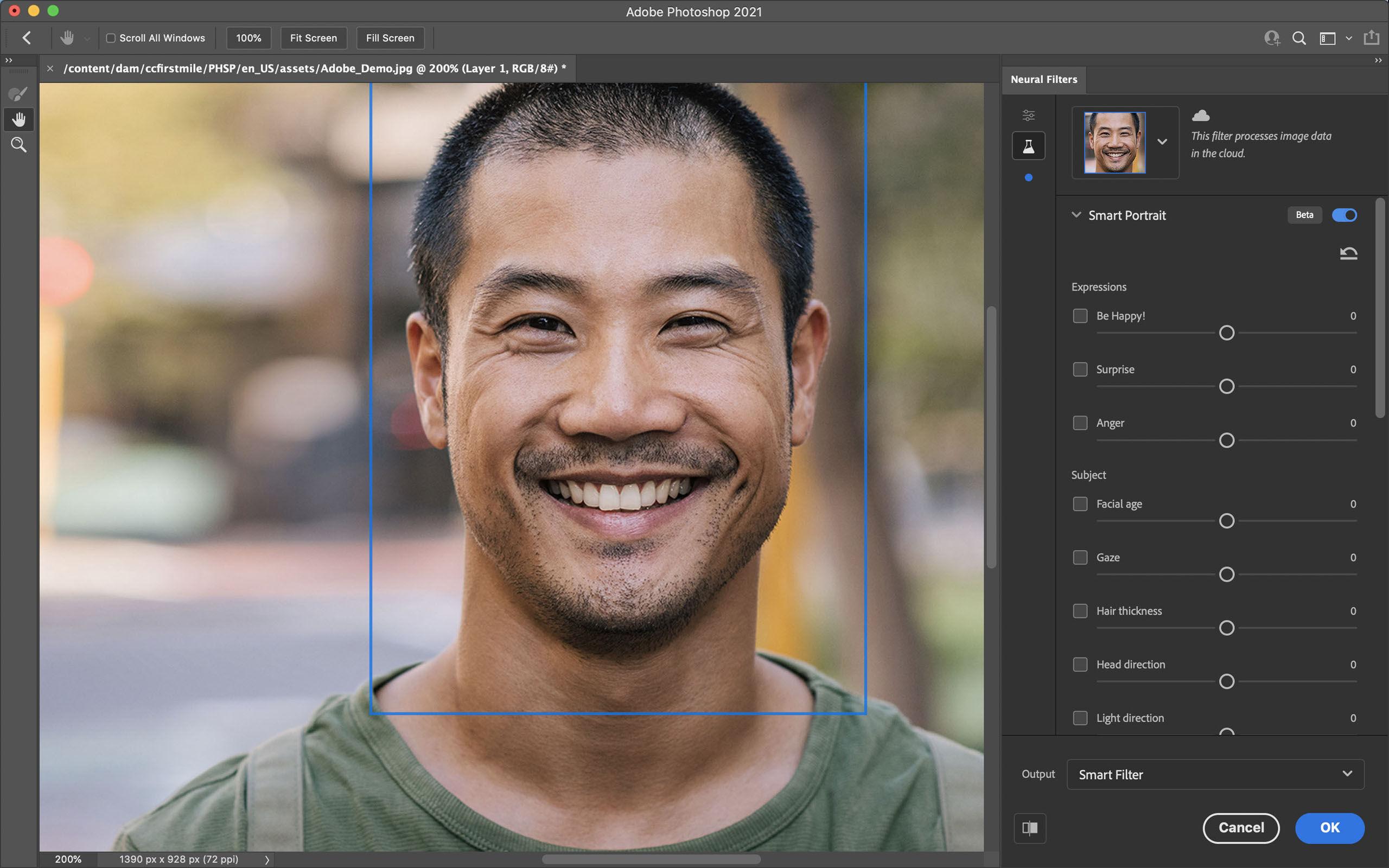
Adobe Photoshop is a powerful image editing software that offers a wide range of tools and features to help you edit, enhance, and create stunning visuals. From basic photo editing to advanced compositing and 3D graphics, Photoshop has it all. With its intuitive interface and robust feature set, Photoshop is the go-to choice for professionals and hobbyists alike.
Downloading Adobe Photoshop on PC
To get started with Photoshop, you’ll need to download the software from the official Adobe website. Here’s a step-by-step guide:
- Visit The Adobe Website: Go to the Adobe website (www.Adobe.Com) and navigate to the Photoshop page.
- Choose Your Plan: Select the plan that suits your needs, whether it’s a monthly or annual subscription.
- Download The Software: Click on the “Download” button to start the download process.
- Install Photoshop: Run the installer file and follow the prompts to install the software.
Downloading Adobe Photoshop on Mac
The process of downloading and installing Photoshop on Mac is similar to that on PC:
- Visit The Adobe Website: Go to the Adobe website (www.Adobe.Com) and navigate to the Photoshop page.
- Choose Your Plan: Select the plan that suits your needs, whether it’s a monthly or annual subscription.
- Download The Software: Click on the “Download” button to start the download process.
- Install Photoshop: Run the installer file and follow the prompts to install the software.
Downloading Adobe Photoshop on Smartphone And Tablet
Adobe Photoshop is also available on smartphones and tablets, including iOS and Android devices. Here’s how you can get started:
- Visit The App Store or Google Play: Go to the App Store (for iOS) or Google Play (for Android) and search for “Adobe Photoshop”.
- Download The App: Click on the “Get” or “Install” button to download the app.
- Launch The App: Once installed, launch the app and sign in with your Adobe ID.
Adobe Photoshop Express: The Free Version
If you’re new to Adobe Photoshop or want to try out the software without committing to a subscription, Adobe Photoshop Express is an excellent option. This free version offers many of the same features as the full version, including editing tools, filters, and effects.
Other Adobe Apps For Photo Editing
Adobe offers several other apps for photo editing, including:
- Lightroom: A powerful app for editing and organizing photos.
- Photoshop Chamber: An app that allows you to apply filters and effects to your photos.
- Adobe Portfolio: A website builder that lets you create stunning portfolios using your edited photos.
Conclusion
In conclusion, Adobe Photoshop is a powerful software that can help you unlock your creative potential. Whether you’re a professional designer or a hobbyist, Photoshop offers a wide range of tools and features to help you edit, enhance, and create stunning visuals. With this guide, you should now be able to download and install Photoshop on various devices, including PC, Mac, smartphones, and tablets.
Frequently Asked Questions (FAQs)
- Q: Is Adobe Photoshop Free?
A: While the full version of Photoshop is a subscription-based service, Adobe offers a free trial period and a free version called Photoshop Express. - Q: What Devices Can I Use Adobe Photoshop On?
A: You can use Adobe Photoshop on PC, Mac, smartphones (iOS and Android), and tablets (iOS and Android). - Q: How do I Download Adobe Photoshop?
A: To download Adobe Photoshop, visit the official Adobe website and follow the prompts to select your plan and download the software. - Q: What is Adobe Photoshop Express?
A: Adobe Photoshop Express is a free version of Photoshop that offers many of the same features as the full version, including editing tools, filters, and effects. - Q: Are There Any Other Adobe Apps For Photo Editing?
A: Yes, Adobe offers several other apps for photo editing, including Lightroom, Photoshop Chamber, and Adobe Portfolio.


