
How to Download Raft: A Step-by-step Guide
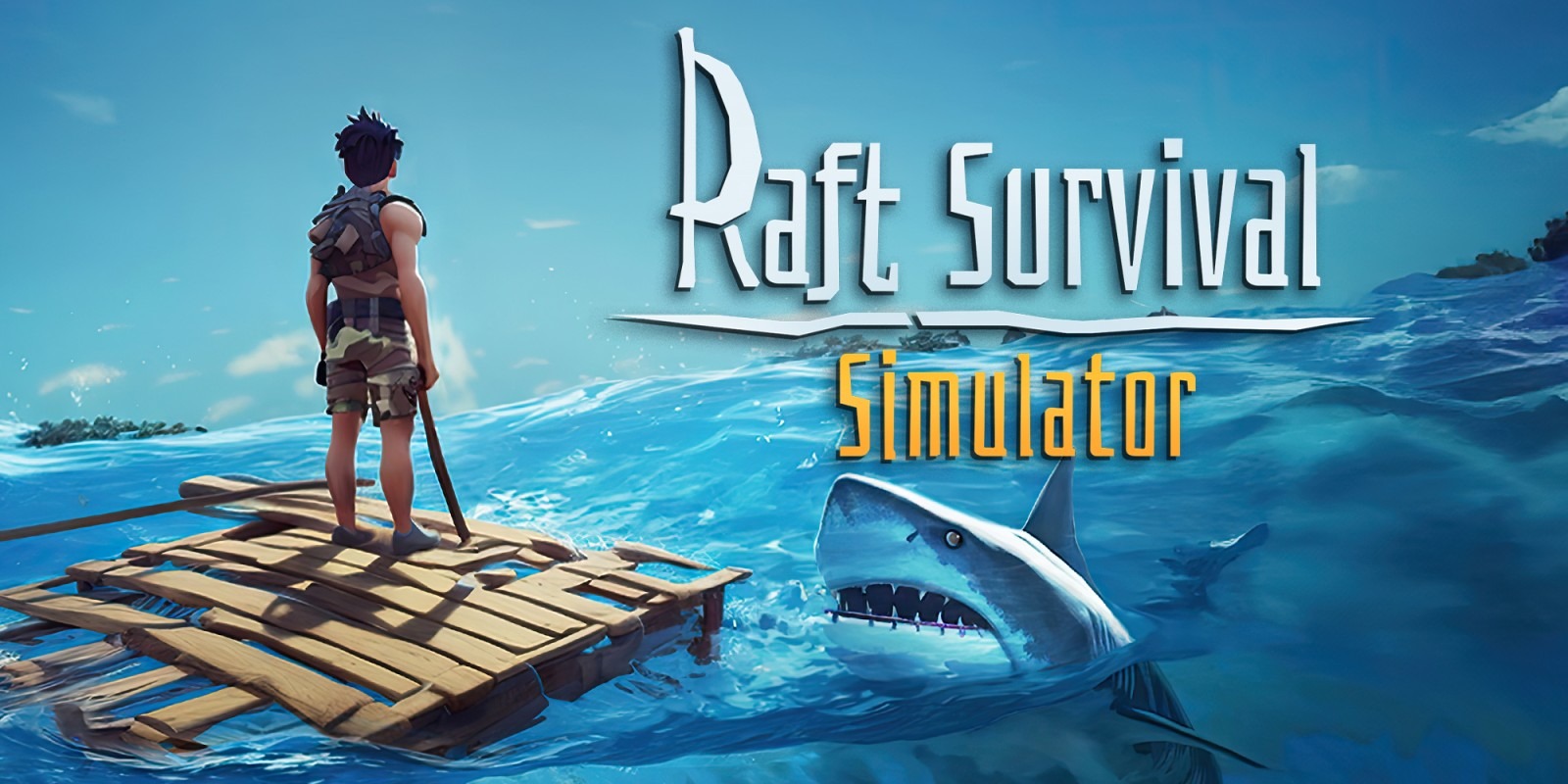
Are you ready to embark on a thrilling adventure? Look no further than Raft, the popular video game that challenges you to survive in the ocean. With its unique gameplay mechanics and stunning graphics, it’s no wonder why players are hooked. But how do you download Raft? Don’t worry; we’ve got you covered.
System Requirements
Before we dive into the download process, let’s take a look at the system requirements for Raft. To play this game, you’ll need:
- Operating System: Windows 7
- Processor: Intel Core i5 2.6GHz or equivalent
- Memory: 6 GB
- Graphics Card: GeForce GTX 700 series or equivalent
- DirectX: Version 11
- Free Disk Space: 10 GB
Minimum Requirements
For a smoother gaming experience, consider upgrading to the following system requirements:
- Operating System: Windows 7
- Processor: Intel Core i5-6600 3.3GHz or equivalent
- Memory: 8 GB
- Graphics Card: GeForce GTX 1050 series or equivalent
- DirectX: Version 11
- Free Disk Space: 10 GB
Why Steam?
To download Raft, you’ll need to use the Steam platform developed by Valve. This is because Raft is an exclusive Steam game, and the only way to access it is through this platform.
Downloading Raft on PC
Now that we’ve covered the system requirements, let’s move on to the download process.
- Create a Steam Account: If you don’t already have a Steam account, now’s the time to create one.
- Download And Install Steam: Head over to the Steam website and download the installer. Follow the prompts to install Steam on your computer.
- Launch Steam: Once installed, launch Steam and log in with your credentials.
- Search For Raft: In the top right corner of the Steam window, click on the “Store” tab. Type “Raft” into the search bar and press Enter.
- Acquire Raft: Click on the “Acquire” button next to the Raft game title.
- Choose a Payment Method: Select your preferred payment method (e.G., PayPal, credit card, etc.) And follow the prompts to complete the purchase.
Downloading Raft on Mobile Devices
If you’re using a mobile device, don’t worry – we’ve got options for you too!
Android Devices
- Search For Raft: Open the Google Play Store app on your Android device.
- Search For Raft: Type “Raft” into the search bar and press Enter.
- Install Raft: Click on the install button next to the Raft game title.
Ios Devices (iPhone, Ipad)
- Open The App Store: Open the App Store app on your iOS device.
- Search For Raft: Type “Raft” into the search bar and press Enter.
- Install Raft: Click on the install button next to the Raft game title.
Conclusion
And there you have it – a step-by-step guide on how to download Raft. With its engaging gameplay mechanics, stunning graphics, and immersive storyline, this game is sure to keep you hooked for hours on end. Happy gaming!
Frequently Asked Questions (FAQs)
- What Are The System Requirements For Raft?
Raft requires a Windows 7 operating system, Intel Core i5 2.6GHz or equivalent processor, 6 GB of memory, and a GeForce GTX 700 series or equivalent graphics card.
- Can I Play Raft on my Mobile Device?
Yes! You can download and install Raft on your Android or iOS device using the Google Play Store or App Store respectively.
- Do I Need to Create a Steam Account to Play Raft?
Yes, you will need to create a Steam account to access and play Raft.
- How do I Know Which Version of Raft to Download?
You can check the game’s title in the store to determine which version is best suited for your device.
- Can I Play Raft Online With Other Players?
Yes, Raft has a multiplayer mode that allows you to play with other players online.
- What if I Encounter Issues During The Download Process?
If you experience any issues during the download process, feel free to reach out to our support team for assistance.
- Is Raft Available in my Region?
Raft is available worldwide, but please note that some regions may have specific restrictions or availability issues.
- Can I Get a Refund if I’m Not Satisfied With The Game?
Steam has a clear refund policy; you can request a refund within 2 weeks of purchase if you’re not satisfied with the game.
- How do I Update Raft to The Latest Version?
To update Raft, simply launch the Steam client and follow the prompts to download the latest patch.
- What if I Need Help or Have Questions About Raft?
You can contact our support team through various channels (e.G., Email, live chat, etc.) For assistance with any Raft-related queries!


