
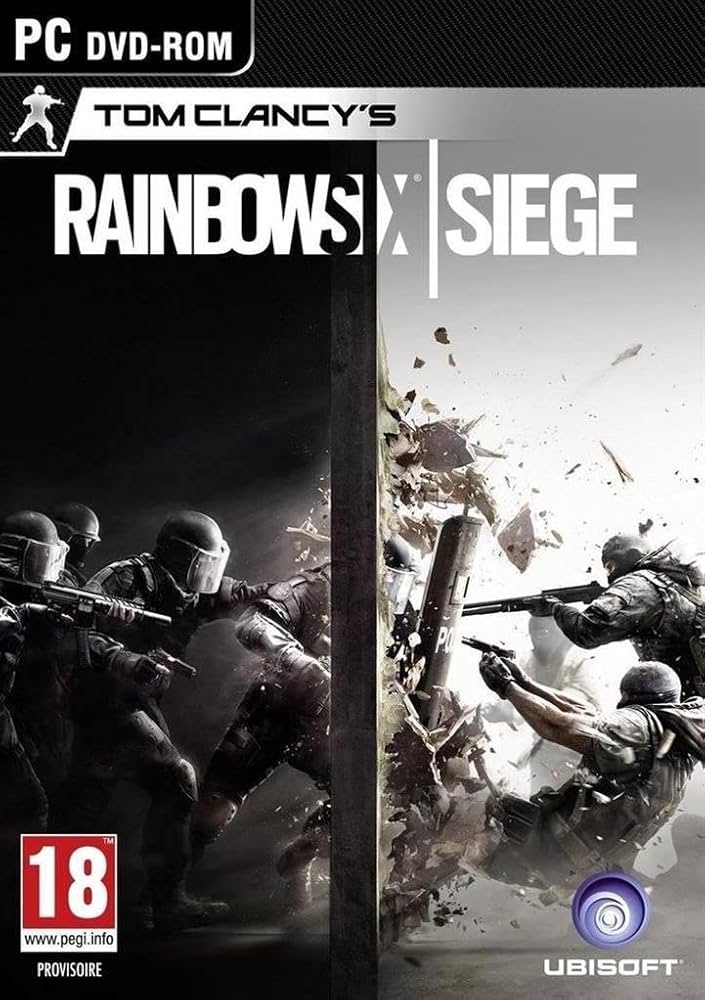
How to Download Rainbow Six Siege on Pc: A Step-by-step Guide
Are you a fan of tactical first-person shooters? Look no further than Rainbow Six Siege, the highly acclaimed game developed by Ubisoft. In this article, we will guide you through the process of downloading and installing Rainbow Six Siege on your PC.
Minimum Requirements to Download Rainbow Six Siege
Before we dive into the download process, let’s take a look at the minimum requirements to run the game smoothly.
- Operating System: Windows 7 with 64-bit architecture
- Processor: Intel Core i3 560 or AMD Phenom II X4 945
- Memory: 6 GB RAM
- Graphics Card: NVIDIA GeForce GTX 460 or AMD Radeon HD 5870
- Free Space on Disk: 30 GB
If you meet these requirements, you’re good to go!
Available Editions of Rainbow Six Siege
Rainbow Six Siege has several editions available for purchase. Here are the main differences between each edition:
Standard Edition (19.99 Euros)
This is the base game with all the standard maps and operators.
Deluxe Edition (29.99 Euros)
This edition includes the 8 operators introduced in Season 1, in addition to the Standard Edition.
Gold Edition (59.99 Euros)
This edition includes the 8 operators from Seasons 1-4, on top of the Deluxe Edition.
Ultimate Edition (99.99 Euros)
The most comprehensive version of the game, featuring all operators and seasons.
How to Download Rainbow Six Siege For Free
While Rainbow Six Siege is a paid game, Ubisoft has occasionally offered free trials or promotions in the past. Keep an eye on their website or social media channels for potential giveaways!
However, we have some good news: Epic Games, another popular gaming platform, has offered a free trial version of Rainbow Six Siege in the past.
How to Download Rainbow Six Siege From Uplay
To download Rainbow Six Siege from Uplay, follow these steps:
- Visit the official Ubisoft website and click on the “Download” button.
- Click on the “Uplay” tab and select the game you want to download (Rainbow Six Siege).
- Follow the prompts to complete the installation process.
How to Download Rainbow Six Siege From Epic Games
To download Rainbow Six Siege from Epic Games, follow these steps:
- Visit the official Epic Games website and click on the “Store” tab.
- Search for Rainbow Six Siege in the search bar.
- Click on the game tile to access its store page.
- Select the edition you want to purchase (Standard, Deluxe, Gold, or Ultimate).
- Follow the prompts to complete the installation process.
How to Download Rainbow Six Siege From Steam
To download Rainbow Six Siege from Steam, follow these steps:
- Visit the official Steam website and log in to your account.
- Click on the “Store” tab and search for Rainbow Six Siege.
- Click on the game tile to access its store page.
- Select the edition you want to purchase (Standard, Deluxe, Gold, or Ultimate).
- Follow the prompts to complete the installation process.
Conclusion
Downloading and installing Rainbow Six Siege is a relatively straightforward process, even for those who are new to PC gaming. By following these steps, you’ll be able to enjoy this highly acclaimed game on your computer in no time!
Frequently Asked Questions (FAQs)
Here are some additional questions and answers to help clarify the process:
Q: What is the minimum system requirement to run Rainbow Six Siege?
A: The minimum requirements include a 64-bit operating system, Intel Core i3 processor, 6 GB RAM, NVIDIA GeForce GTX 460 graphics card, and 30 GB free space on disk.
Q: Can I download Rainbow Six Siege for free?
A: While there are no current promotions or free trials available, Epic Games has offered a free trial version of the game in the past. Keep an eye on their website or social media channels for potential giveaways!
Q: What is the difference between each edition of Rainbow Six Siege?
A: Each edition includes additional content, such as operators and seasons. The Ultimate Edition is the most comprehensive version, featuring all operators and seasons.
Q: Can I download Rainbow Six Siege from multiple platforms (Uplay, Epic Games, Steam)?
A: Yes, you can download and install the game from each of these platforms.
Q: Do I need to create an account on each platform to download and play the game?
A: Yes, creating an account is necessary for each platform to access and play the game.
Q: What are the system requirements to run Rainbow Six Siege smoothly?
A: The recommended system requirements include a 64-bit operating system, Intel Core i5 processor, 8 GB RAM, NVIDIA GeForce GTX 670 graphics card, and 47 GB free space on disk.


