
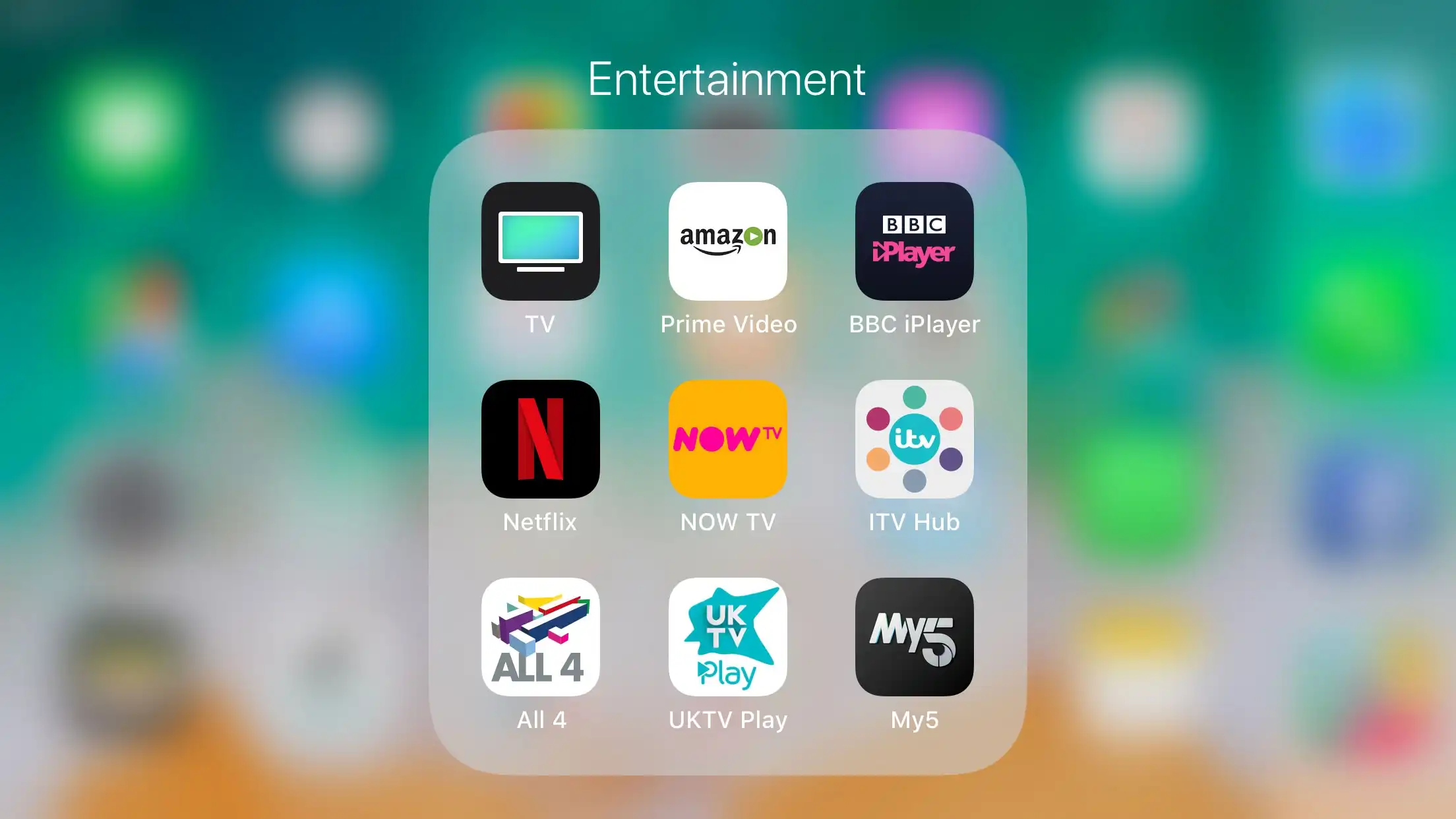
How to Download TV on Iphone: A Step-by-step Guide
Are you tired of missing out on your favorite TV shows? Do you want to be able to watch live TV on the go with your iPhone? Look no further! In this article, we’ll show you how to download TV on your iPhone using various streaming services and apps.
Why Download TV on Your Iphone?
Downloading TV on your iPhone offers several benefits. For one, it allows you to watch your favorite shows anywhere, anytime, without being tied to a television set. You can also pause, rewind, and fast-forward through programs, giving you more control over your viewing experience.
Services of Streaming
Many TV channels offer streaming services that allow you to watch live TV on your iPhone. Here are some popular options:
- Raiplay: RaiPlay is the official streaming service of Italian public broadcaster RAI. With RaiPlay, you can watch live TV and on-demand content from various channels, including Rai 1, Rai 2, and Rai 3.
- Mediaset Infinity: Mediaset Infinity is another popular streaming service that offers live TV and on-demand content from various channels, including Channel 5, Italia 1, and Net 4.
- Discovery+: Discovery+ is a relatively new streaming service that offers a wide range of content, including documentaries, reality shows, and dramas.
How to Use These Services
Here’s how to use these services on your iPhone:
Raiplay
- Download the RaiPlay app from the App Store.
- Tap on the Channels TV tab and select the channel you want to watch.
- Tap on the Direct button to start watching live TV.
- To access on-demand content, tap on the Catalogue tab and select the show or movie you want to watch.
Mediaset Infinity
- Download the Mediaset Infinity app from the App Store.
- Tap on the Recorded tab and select the channel you want to watch.
- Tap on the Direct button to start watching live TV.
- To access on-demand content, tap on the Catalogue tab and select the show or movie you want to watch.
Discovery+
- Download the Discovery+ app from the App Store.
- Tap on the Home tab and select the channel you want to watch.
- Tap on the Look hour button to start watching live TV.
- To access on-demand content, tap on the Catalogue tab and select the show or movie you want to watch.
Other Platforms of Streaming
If you’re not interested in using RaiPlay, Mediaset Infinity, or Discovery+, there are other streaming services available:
- Now: NOW is a streaming service that offers live TV and on-demand content from various channels.
- Superguidatv: SuperGuidaTV is a guide to the programming of various Italian TV channels.
How to Record TV on Your Iphone
If you want to record your favorite shows or movies, here’s how to do it:
- Open the Control Center by swiping up from the bottom of the screen.
- Tap on the Screen Recording button to start recording.
- To stop recording, tap on the Stop button.
Tips And Variations
Here are some additional tips and variations for using these services:
- Use a Vpn: If you’re having trouble accessing certain streaming services, consider using a VPN (Virtual Private Network) to mask your IP address.
- Try Iptv: IPTV is another technology that allows you to watch live TV online without geographic restrictions. However, be aware that this service may not be available in all areas.
Conclusion
Downloading TV on your iPhone offers many benefits, including the ability to watch your favorite shows anywhere, anytime. By using various streaming services and apps, such as RaiPlay, Mediaset Infinity, and Discovery+, you can enjoy a wide range of content on demand.
Frequently Asked Questions (FAQs)
Here are some frequently asked questions about downloading TV on your iPhone:
- Q: What is The Best Streaming Service For Watching Live Tv?
A: The best streaming service for watching live TV depends on your personal preferences and viewing habits. - Q: Can I Record TV Shows or Movies Using These Services?
A: Yes, some of these services allow you to record TV shows or movies directly on your iPhone. - Q: Are There Any Fees Associated With Using These Services?
A: Some of these services may require a subscription fee to access certain content. - Q: Can I Use a Vpn to Mask my IP Address And Access Restricted Streaming Services?
A: Yes, you can use a VPN to mask your IP address and access restricted streaming services.
Conclusion
Downloading TV on your iPhone is easy and convenient with the right streaming services and apps. By following these step-by-step guides and tips, you can enjoy a wide range of content anywhere, anytime.


