
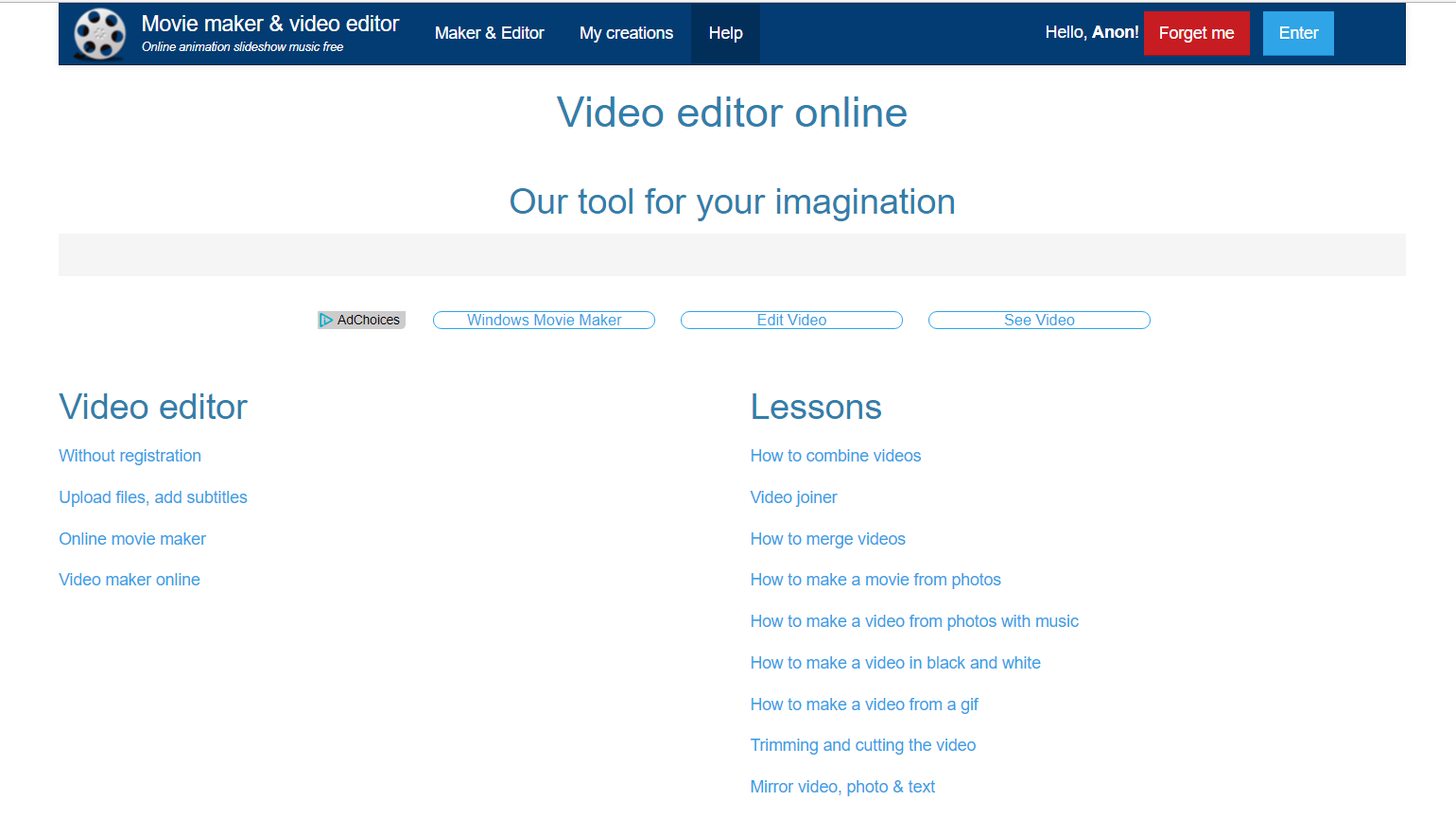
How to Edit a Video Online: A Comprehensive Guide
Are you tired of editing videos on your computer? Do you want to edit a video online without having to download any software or apps? Look no further! In this article, we will guide you through the process of editing a video online using various tools and services.
Editing a Video on Youtube
If you have already uploaded a video on YouTube, but want to make some changes before sharing it with your followers, you can do so directly from the platform. Here’s how:
- Access Your Account: Log in to your YouTube account through the official website.
- Go to Youtube Studio: Click on your profile picture in the top right corner of the screen, and then click on “YouTube Studio” or click here to access it directly.
- Find The Video: In the sidebar, select the video you want to edit by clicking on its title.
- Edit The Video: Click on the video’s cover image to access the editing section.
- Choose Editing Tools: Select the editing tools you need from the sidebar, such as “Details” for basic edits or “Editor” for more advanced features.
Editing a Video on Tiktok
If you’re looking to edit a video on TikTok, here are the steps:
- Open The App: Launch the TikTok app and tap on the “+” button in the bottom right corner.
- Choose an Option: Select “Fotocamera” or “History” to create your video with filters and audio.
- Apply Effects: Tap on “Effects” and choose from a variety of options, including speed adjustments and filter applications.
- Enhance Your Video: If you want to enhance the appearance of your subject, tap on the “Enhance” button for access to various improvement tools.
Other Online Video Editing Tools
If you don’t have an account on YouTube or TikTok, but still want to edit a video online, here are some alternative tools:
- Magisto: A service that allows you to edit videos online with some limitations in the free version.
- Sign Up: Create an account on Magisto’s website and select “Get Started” to begin editing your video.
- Upload Your Video: Click on “Add media” and upload your video to the platform.
- Edit Your Video: Use Magisto’s editor to add music, texts, and effects to your video.
- Wevideo: A free online video editor with some limitations in the basic plan.
- Sign Up: Create an account on WeVideo’s website and select “Sign Up” to begin editing your video.
- Upload Your Video: Click on “Browse” to select the file you want to edit.
- Edit Your Video: Use WeVideo’s editor to add music, texts, and effects to your video.
Other Online Video Editing Tools
If you’re looking for more online video editing tools, here are a few alternatives:
- Kapwing: A free service that allows you to edit videos online without any limitations.
- Clipchamp: A free platform that offers advanced video editing features with some limitations in the basic plan.
- Video Toolbox: A free service that provides a range of video editing tools, including compression and rotation.
Conclusion
Editing a video online has never been easier! With these tools and services, you can edit your videos directly from your browser without having to download any software or apps. Whether you’re on YouTube, TikTok, or using alternative platforms like Magisto, WeVideo, Kapwing, Clipchamp, or Video ToolBox, the process is straightforward and user-friendly.
Frequently Asked Questions
- Can I Edit a Video Online For Free?
Yes, many online video editing tools offer free versions with some limitations. - How do I Access Youtube Studio?
You can access YouTube Studio by clicking on your profile picture in the top right corner of the screen and then selecting “YouTube Studio” or click here to access it directly. - What is Magisto?
Magisto is an online video editing service that allows you to edit videos with some limitations in the free version. - Can I Use Wevideo on my Smartphone or Tablet?
Yes, WeVideo has a mobile app for Android and iOS devices. - Is Kapwing a Paid Service?
Kapwing offers a basic plan for free, but the complete version requires a subscription. - What is Clipchamp?
Clipchamp is an online video editing platform that offers advanced features with some limitations in the basic plan. - Can I Edit Videos on Video Toolbox?
Yes, Video ToolBox provides a range of video editing tools, including compression and rotation.
How to Edit a Video Online: A Step-by-step Guide
- Choose an online video editing tool or service that suits your needs.
- Create an account or log in if you already have one.
- Upload the video you want to edit from your device or directly from YouTube or TikTok.
- Use the editor’s tools and features to make changes to your video, such as adding music, texts, or effects.
- Review and save your edited video.
Common Mistakes to Avoid When Editing a Video Online
- Don’t Upload Copyrighted Content: Make sure you have the necessary permissions or licenses to use any copyrighted material in your video.
- Be Mindful of Video Length Limitations: Some online video editing tools may limit the duration of your edited video.
- Use The Correct Resolution And Format: Ensure that your edited video is saved in the correct resolution and format for optimal playback.
By following these guidelines and tips, you’ll be able to edit your videos like a pro, even when working online!


