
How to Modify Rows Audio: A Step-by-step Guide
Are you tired of dealing with audio files that are not formatted the way you want them? Do you struggle to edit or cut audio segments without compromising their quality? Look no further! In this article, we will explore various ways to modify rows audio on your computer, online, and even on your smartphone.
Why Modify Rows Audio?
Before we dive into the methods, let’s quickly discuss why modifying rows audio is important. Whether you’re a musician, podcaster, or content creator, having control over your audio files can make a huge difference in the quality of your final product. From editing out unwanted parts to adding effects and filters, being able to modify rows audio gives you creative freedom and flexibility.
Modifying Rows Audio on PC And Mac
If you’re using a computer or Mac, there are several software options available that can help you modify rows audio. Here are some of the most popular ones:
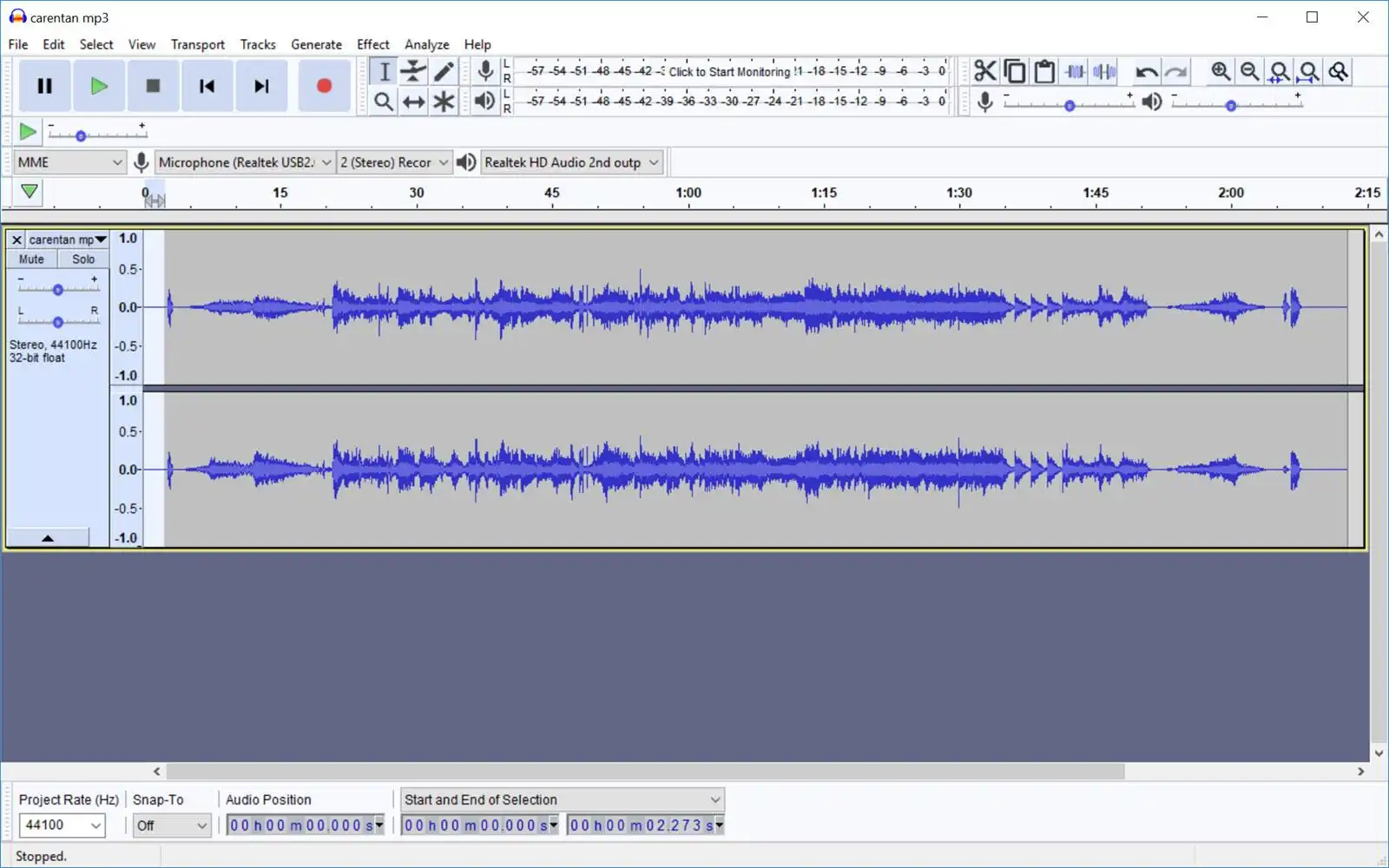
- Audacity: This is a free, open-source audio editing software that’s available for Windows, macOS, and Linux. Audacity offers a wide range of features, including cutting, copying, and pasting audio segments, as well as applying effects and filters.
- Adobe Audition: If you’re looking for a more professional-grade audio editing software, Adobe Audition is an excellent choice. It’s available for Windows and macOS, and offers advanced features like multi-track editing, noise reduction, and spectral editing.
Other Solutions to Modify Rows Audio on PC And Mac
If Audacity or Adobe Audition don’t meet your needs, there are other options available:
- Mp3directcut: This is a free software for Windows that allows you to cut MP3 files without re-encoding them.
- Garageband: If you’re using a Mac, GarageBand is a great option for editing and modifying audio files.
Modifying Rows Audio Online
If you don’t want to download any software or prefer to edit your audio files online, there are several cloud-based options available:
- Cut Audio of 123Apps: This is an online tool that allows you to cut audio files without downloading any software.
- Audio Trimmer: Another online tool that enables you to trim and modify audio segments.
Modifying Rows Audio on Android And Iphone
If you’re using a smartphone, there are also several options available:
- Mp3 Cutter: This is a free app for Android that allows you to cut MP3 files without re-encoding them.
- Garageband: If you’re using an iOS or iPadOS device, GarageBand is a great option for editing and modifying audio files.
Conclusion
Modifying rows audio can be a daunting task, but with the right tools and techniques, it’s achievable. Whether you’re using a computer, online platform, or smartphone app, there are options available that cater to your specific needs. Remember to choose software or apps that suit your level of expertise and requirements.
Frequently Asked Questions
Here are some frequently asked questions about modifying rows audio:
- What is The Best Software For Modifying Rows Audio?
The best software for modifying rows audio depends on your specific needs and preferences. Some popular options include Audacity, Adobe Audition, Mp3DirectCut, and GarageBand. - Can I Modify Rows Audio Online?
Yes, you can modify rows audio online using cloud-based platforms like Cut Audio of 123Apps or Audio Trimmer. - How do I Cut an Audio File on my Smartphone?
You can use apps like MP3 Cutter (for Android) or GarageBand (for iOS and iPadOS) to cut and modify audio files on your smartphone. - What Are The Benefits of Modifying Rows Audio?
Modifying rows audio gives you creative freedom and flexibility, allowing you to edit out unwanted parts, add effects and filters, and improve overall sound quality.
Conclusion
In conclusion, modifying rows audio is a valuable skill that can enhance the quality of your final product. Whether you’re using software on your computer, online platforms, or smartphone apps, there are options available that cater to your specific needs. Remember to choose tools that suit your level of expertise and requirements.


