
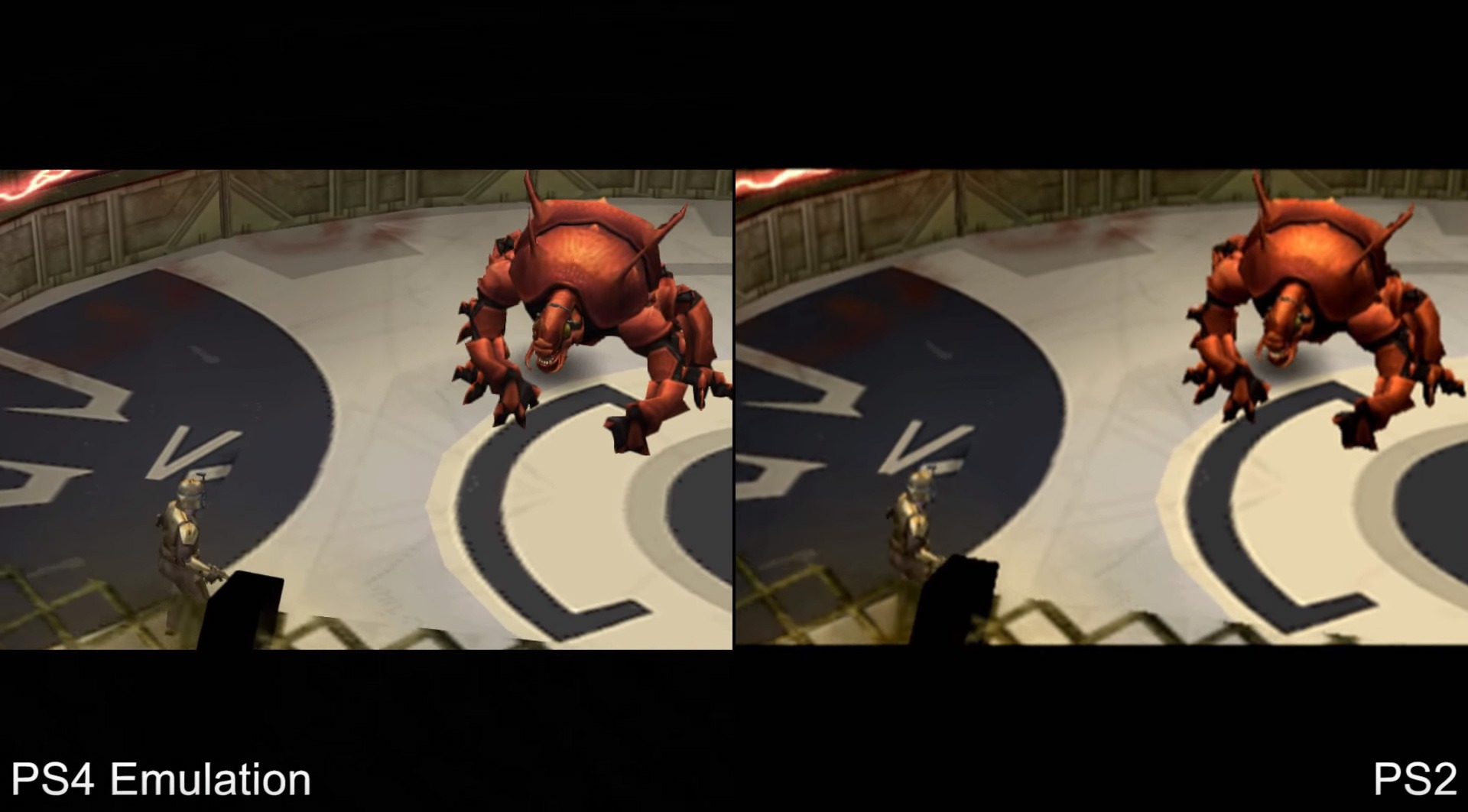
Emulating Ps2 on Pc: A Step-by-step Guide
Are you a retro gaming enthusiast looking to relive the nostalgia of playing PlayStation 2 (PS2) games on your PC? Look no further! Emulating PS2 on PC is possible, and we’ll guide you through the process.
Why Emulate Ps2 on Pc?
Emulating PS2 on PC offers several advantages over using a physical console:
- Convenience: No need to dig out your old PS2 console or worry about dust accumulation.
- Space-saving: Save space in your home by not having to store an extra console.
- Cost-effective: Avoid buying a new console and save money on gaming costs.
Requirements For Emulation
Before we dive into the setup process, ensure you have:
- A Computer With Sufficient Specifications:
- 8GB of RAM
- A processor (i5 or i7) with a minimum speed of 2.8 GHz or equivalent AMD Ryzen 5/7 processor.
- A graphics card that supports Pixel Shader Model 2.0.
- A Version of Windows:
- Windows 7 or later is recommended, but you can also use macOS.
Setting Up Pcsx2
PCSX2 is a free emulator for PS2 games on PC. Follow these steps to set it up:
- Download the PCSX2 installer from their official website.
- Open the installation package and follow the prompts to install PCSX2.
- Once installed, launch PCSX2.
Configuring Pcsx2
Before playing, configure PCSX2 by following these steps:
- Configure Settings: Select “Normal Installation” and then “Next.” Confirm any security warnings that appear during the installation process.
- Copy Bios Files: Copy the PS2 BIOS files to the PCSX2 folder.
- Update Pcsx2: Update PCSX2 by selecting “Update.”
Emulating Ps2 on Android
AetherSX2 is a promising emulator for PS2 games on Android, but it’s still in its early stages of development.
- Download Aethersx2: Install AetherSX2 from the Google Play Store or an alternative store.
- Configure Settings: Configure settings within AetherSX2 by selecting “Settings” and adjusting parameters to suit your needs.
Tips For Enhanced Emulation Experience
To enhance your emulation experience, consider these tips:
- Use a Controller: Connect a controller to your device for a more authentic gaming experience.
- Adjust Resolution: Adjust the resolution settings within AetherSX2 or PCSX2 to improve graphics quality.
- Explore Advanced Settings: Experiment with different settings to find the optimal configuration for your emulator.
Conclusion
Emulating PS2 on PC and Android is possible, but it requires some technical know-how and patience. By following this guide, you’ll be able to set up PCSX2 or AetherSX2 and enjoy playing PS2 games on your device.
Frequently Asked Questions (FAQs)
- Q: What Are The System Requirements For Emulating Ps2 on Pc?
- A: You need a computer with at least 8GB of RAM, an i5 or i7 processor, and a graphics card that supports Pixel Shader Model 2.0.
- Q: Which emulator is better, PCSX2 or AetherSX2?
- A: PCSX2 is more developed than AetherSX2, but it’s also more complex to set up.
- Q: Can I Emulate Ps2 Games on a Mac?
- A: Yes, you can emulate PS2 games on a Mac using PCSX2 or other emulators like Play!.
- Q: How do I Configure Settings Within The Emulator?
- A: The configuration process varies depending on the emulator and device you’re using. Consult the user manual for specific instructions.
By following this guide, you’ll be able to set up PCSX2 or AetherSX2 and enjoy playing PS2 games on your PC or Android device. Happy gaming!


