
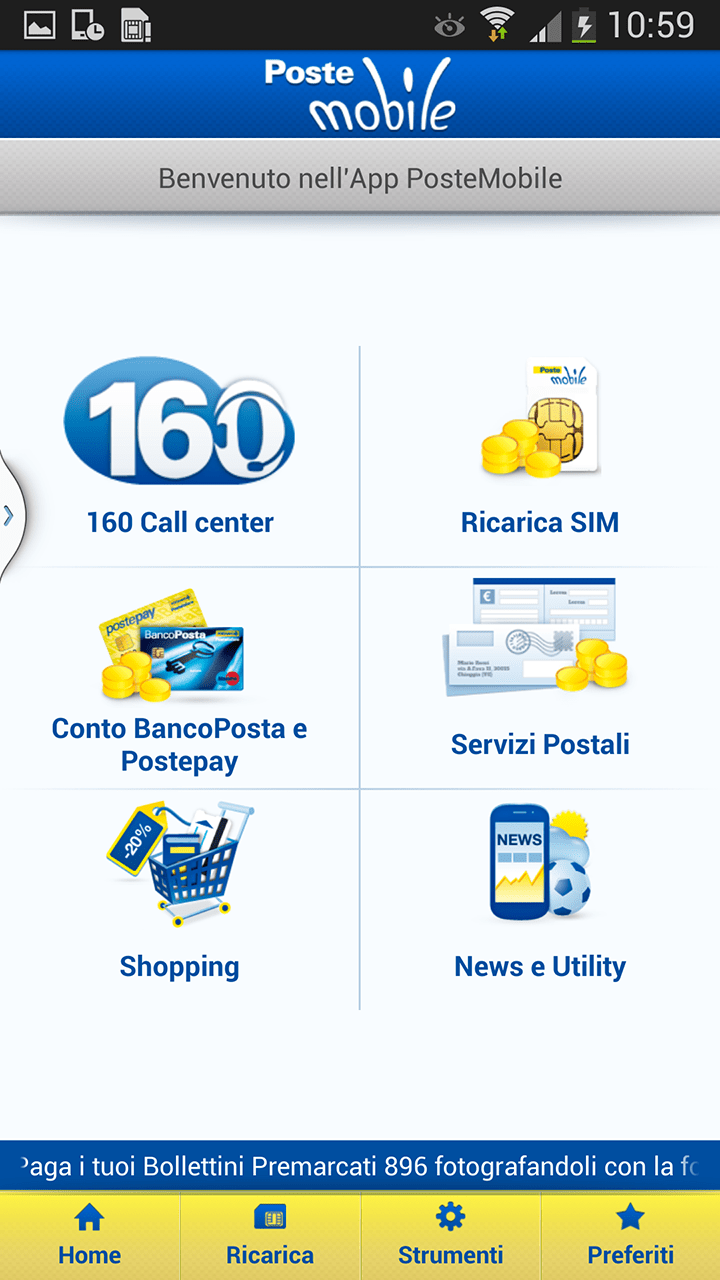
Qualifying Postepay in App: A Step-by-step Guide
Are you tired of not being able to shop online safely due to a non-functional Postepay card? Look no further! This article will guide you through the process of qualifying your Postepay card in app, ensuring smooth and secure transactions.
Why Qualify Your Postepay Card?
Qualifying your Postepay card is essential for carrying out online shopping with complete safety. Without a qualified card, you won’t receive the confirmation code via app or SMS, making it impossible to complete transactions.
The Procedure: A Step-by-step Guide
To qualify your Postepay card in app, follow these simple steps:
Step 1: Attach Your Card to Your Mobile Number
Attach your Postepay card to your mobile number by following one of the two available methods:
- Visit a postal office and have a representative assist you.
- Use an ATM (Postamat) to attach your card to your mobile number.
Step 2: Download And Install The App
Download and install the BancoPosta app on your Android device or the Postepay app on your iOS/iPadOS device. Follow the same installation process described above.
Step 3: Log In And Qualify Your Card
Log in to the app using your MyPoste credentials, then follow these steps:
1. Select the Accounts and Cards option from the menu.\
2. Tap on the Postepay card image.\
3. Choose the Qualify the card in app option.\
4. Enter the date of expiration reported on the card.\
5. Confirm the operation.
Step 4: Complete The Verification Process
You will receive a SMS from PosteInfo with a security code. Enter this code in the app to complete the verification process.
Additional Tips And Considerations
If you’re unable to qualify your card using the app, don’t worry! There are alternative solutions available:
- Contact the Customer Service of Italian Mails at 800.003.322 (Monday to Saturday).
- Use online forms or social media channels for assistance.
- Visit a postal office where a representative can assist you in qualifying your card.
Conclusion
Qualifying your Postepay card in app is a straightforward process that ensures secure and smooth online shopping experiences. By following the steps outlined above, you’ll be able to complete transactions with confidence.
Frequently Asked Questions (FAQs)
Here are some frequently asked questions related to qualifying Postepay cards:
-
Q: Why do I Need to Qualify my Postepay Card?
A: Qualifying your Postepay card is essential for carrying out online shopping with complete safety. Without a qualified card, you won’t receive the confirmation code via app or SMS.
-
Q: How do I Attach my Postepay Card to my Mobile Number?
A: You can attach your Postepay card to your mobile number by visiting a postal office or using an ATM (Postamat).
-
Q: What if I’m Unable to Qualify my Card Using The App?
A: Don’t worry! There are alternative solutions available, including contacting the Customer Service of Italian Mails at 800.003.322.
-
Q: Can I Use a Different Method to Qualify my Postepay Card?
A: Yes, you can also use an ATM (Postamat) or contact a postal office for assistance.
-
Q: Why is it Essential to Verify my Card Using The App?
A: Verifying your card using the app ensures that your transactions are secure and complete.
-
Q: How do I Know if my Postepay Card Has Been Successfully Qualified?
A: Once you’ve completed the verification process, you’ll receive a confirmation SMS from PosteInfo.
-
Q: What if I Have Any Further Questions or Concerns?
A: Don’t hesitate to contact the Customer Service of Italian Mails at 800.003.322 For assistance.


