
How to Encrypt a File Rar: A Step-by-step Guide
Are you interested in creating a file in the RAR format, protected by a password? But don’t know how to do it? You’ve come to the right place! In this guide, we’ll show you how to encrypt a file RAR using various software and apps.
Why Encrypt a File Rar?
Encrypting a file RAR is an excellent way to protect your sensitive data from unauthorized access. By adding a password, you can ensure that only authorized individuals can access the contents of the file.
Method 1: Using Winrar on Windows
If you’re using Windows, the most straightforward solution is to use WinRAR. Here’s how:
- Download and install WinRAR from their official website.
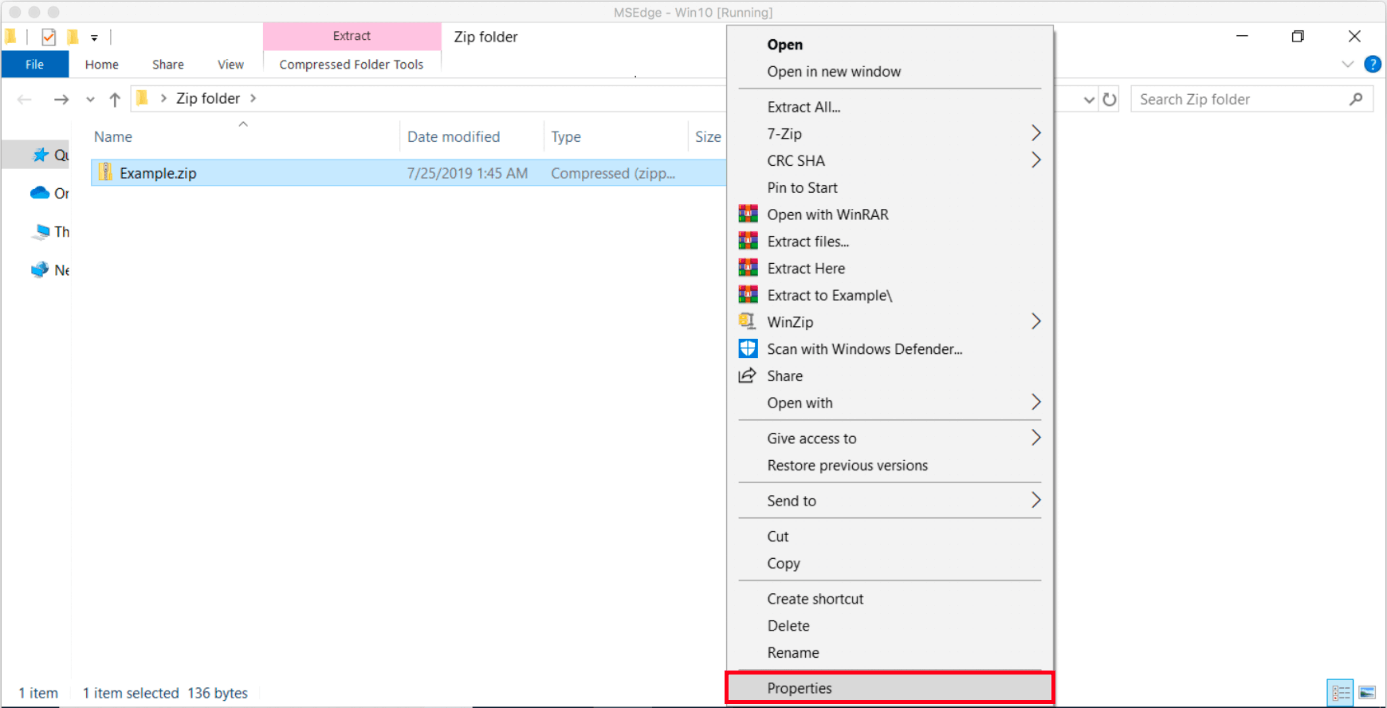
- Right-click on the file or folder you want to encrypt and select “Add to Archive” from the context menu.
- In the window that appears, click on the “Set password” button and enter your desired password.
- Click on the “OK” button to confirm.
That’s it! Your file RAR is now encrypted with a password.
Method 2: Using Archiver on Macos
If you’re using macOS, you can use Archiver to encrypt your files. Here’s how:
- Download and install Archiver from their official website.
- Drag the file or folder you want to encrypt into the Archiver window.
- Click on the “Archive” button and select the RAR format.
- Enter your desired password in the “Password” field and click on the “OK” button.
Your file RAR is now encrypted with a password.
Method 3: Using Rar on Android
If you’re using an Android device, you can use the RAR app to encrypt your files. Here’s how:
- Download and install the RAR app from the Google Play Store.
- Open the app and select the file or folder you want to encrypt.
- Enter your desired password in the “Password” field and click on the “OK” button.
Your file RAR is now encrypted with a password.
Method 4: Using Zip
If you don’t need to generate files in the RAR format, you can consider using the ZIP format instead. Many software and services offer encryption options for ZIP files.
- Use software like WinRAR or Archiver to encrypt your ZIP file.
- Alternatively, use online services that offer ZIP encryption.
Frequently Asked Questions (FAQs)
Q: What is the difference between RAR and ZIP?
A: RAR is a proprietary format developed by WinRAR, while ZIP is an open standard. Both formats can compress files, but RAR offers better compression ratios and security features.
Q: Can I use other software to encrypt my files?
A: Yes, there are many software options available that offer encryption capabilities for various file formats.
Q: How do I decrypt a password-protected file RAR?
A: To decrypt a password-protected file RAR, you’ll need to use the same software and password used to create the encrypted file.
Q: Can I encrypt files on my smartphone or tablet?
A: Yes, many apps offer encryption capabilities for various file formats.
Conclusion
Encrypting a file RAR is an essential step in protecting your sensitive data from unauthorized access. With these methods, you can ensure that only authorized individuals can access the contents of your encrypted file. Remember to use strong passwords and keep them confidential to maintain the security of your files.
Additional Resources
For more information on encryption and file formats, check out our other guides:
- How to Encrypt a File ZIP
- The Best Encryption Software for Android
- How to Protect Your Data with Passwords
We hope this guide has been helpful in showing you how to encrypt a file RAR. If you have any further questions or need more assistance, feel free to ask!


