
How to Find Windtre Puk Code: A Step-by-step Guide
Are you struggling to find your Windtre PUK code? Don’t worry, we’ve got you covered! In this article, we’ll guide you through the process of retrieving your PUK (Personal Unblocking Key) code with ease.
What is a Windtre Puk Code?
Before we dive into the nitty-gritty, let’s quickly understand what a PUK code is. A PUK code is a unique 8-digit code that allows you to unblock your mobile device in case it gets locked due to incorrect PIN entry. It’s an essential security feature that protects your personal data and ensures smooth operation of your phone.
How to Find Windtre Puk Code on The Website
One of the easiest ways to find your Windtre PUK code is by accessing your personal area on the Windtre website. Here’s a step-by-step guide:
- Visit The Windtre Website: Log in to your account using your credentials.
- Select The Correct Numbering: Choose the correct numbering for which you need the PUK code.
- Click on The “Capsize Line” Option: Select the capsize line option from the menu, and then click on the correct phone number in the window that appears.
- Continue With The Process: Follow the prompts to reach the section where your PUK code is displayed.
How to Find Windtre Puk Code Using The App
Another convenient way to find your PUK code is by using the Windtre app. Here’s how:
- Download And Install The App: Get the official Windtre app on your device (available for Android and iOS devices).
- Log in With Your Credentials: Enter your Windtre account credentials, including the OTP sent via SMS or email.
- Access Your Account: Once logged in, navigate to the “My SIM” section.
- Find Your Puk Code: Look for the PUK code displayed under the “Info Line” option.
Alternative Methods to Find Windtre Puk Code
If you’re unable to access your personal area or use the app, there are other methods to find your PUK code:
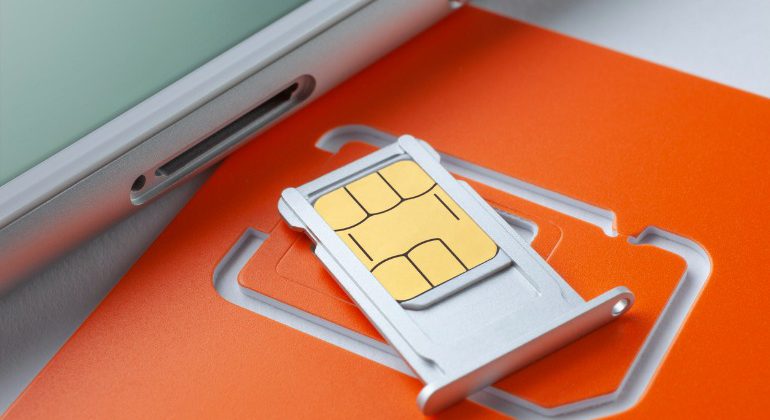
- Check The Sim Card Package: If you still have the original package with your SIM card, check for the PUK code printed on the back.
- Contact Windtre Customer Service: Reach out to Windtre’s customer service via phone (159) and follow their instructions to recover your PUK code.
What to Do if You’re Unable to Find Your Windtre Puk Code
If you’ve tried all the above methods and still can’t find your PUK code, don’t panic! Contact a Windtre center or visit their official website for further assistance. Remember that entering an incorrect PUK code 10 times will lead to the need for SIM replacement, which comes with a cost of €15.
Conclusion
Finding your Windtre PUK code is a straightforward process. By following these steps, you’ll be able to recover your essential security key and continue using your mobile device without any issues.
Faqs:
- What is The Purpose of The Puk Code?
- The PUK code serves as a Personal Unblocking Key, allowing you to unblock your locked mobile device.
- How Many Times Can I Enter an Incorrect Puk Code Before it Becomes Necessary to Replace my Sim Card?
- You have 10 attempts to enter an incorrect PUK code before needing to replace your SIM card.
- What Happens if I Forget or Lose my Windtre Puk Code?
- If you’re unable to recover your PUK code, contact a Windtre center or visit their official website for assistance.
- Can I Use The Same Method to Find my Puk Code on The App as on The Website?
- Yes, the process is similar on both platforms; however, some steps might differ slightly.
Hope this helps!


