
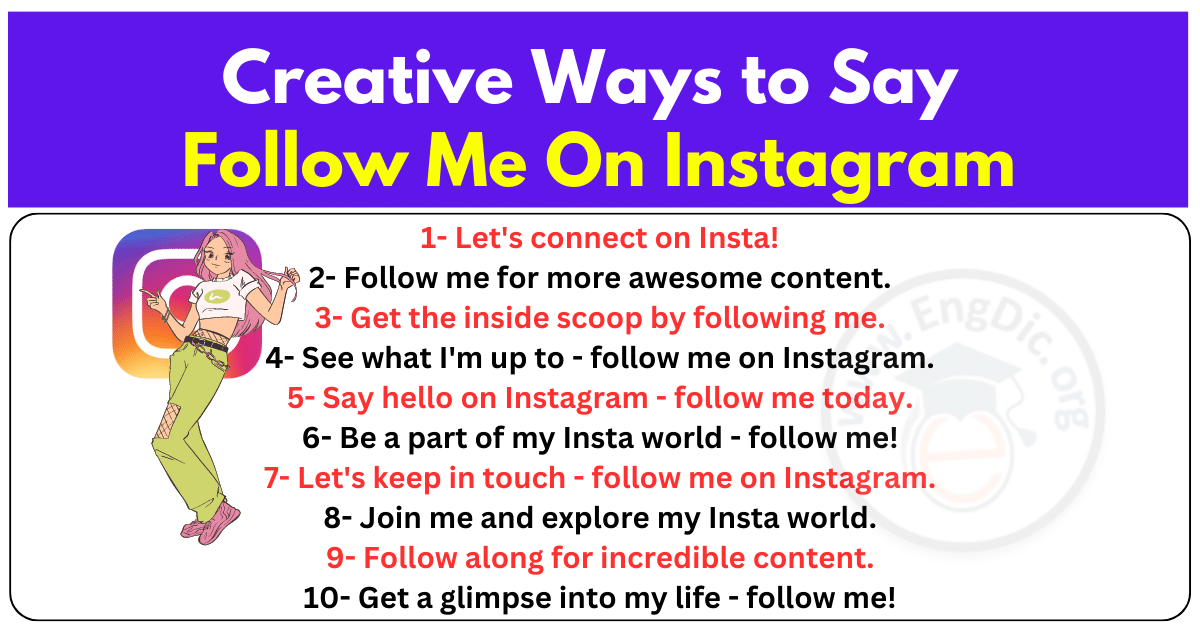
How to Follow People on Instagram: A Step-by-step Guide
Are you interested in learning how to follow people on Instagram? You’re not alone! With over 1 billion active users, Instagram has become one of the most popular social media platforms in the world. In this article, we’ll guide you through the process of following people on Instagram, including friends, contacts, and even hashtags.
Why Follow People on Instagram?
Following people on Instagram allows you to stay updated about their lives, interests, and activities. You can see their posts, stories, and reels, which can be a great way to connect with others who share similar passions or hobbies. Moreover, following people on Instagram can also help you discover new accounts and content that you might not have seen otherwise.
How to Follow People on Instagram
Following people on Instagram is a straightforward process that can be done using either your smartphone or computer. Here’s a step-by-step guide:
- Open The Instagram App: First, open the Instagram app on your smartphone or log in to your account on your computer.
- Go to The Profile Page: Go to the profile page of the person you want to follow. You can do this by searching for their username or clicking on their name from a post or story.
- Click on The “Follow” Button: Click on the “Follow” button below their profile picture. This will add them to your list of followers.
How to Follow Contacts on Instagram
If you want to follow your contacts, including friends and family members, you can do so by synchronizing your phone’s contacts with your Instagram account. Here’s how:
- Open The Instagram App: Open the Instagram app and go to your profile page.
- Go to Settings: Tap on the three horizontal lines in the top-right corner of the screen and select “Settings.”
- Select “Follow Contacts”: Select “Follow Contacts” from the menu.
- Synchronize Contacts: Synchronize your phone’s contacts with your Instagram account.
How to Follow Friends of Facebook on Instagram
If you want to follow friends who are also on Facebook, you can do so by connecting your Facebook account to your Instagram account. Here’s how:
- Open The Instagram App: Open the Instagram app and go to your profile page.
- Go to Settings: Tap on the three horizontal lines in the top-right corner of the screen and select “Settings.”
- Select “Account”: Select “Account” from the menu.
- Connect Facebook Account: Connect your Facebook account to your Instagram account.
How to Follow Private Profiles on Instagram
If you want to follow private profiles, you can do so by sending a request to follow them. Here’s how:
- Open The Instagram App: Open the Instagram app and go to the profile page of the person you want to follow.
- Click on The “Request” Button: Click on the “Request” button below their profile picture.
- Wait For Approval: Wait for the person to approve your request.
How to Follow Hashtags on Instagram
If you want to follow hashtags, you can do so by searching for them in the Instagram app. Here’s how:
- Open The Instagram App: Open the Instagram app and tap on the magnifying glass icon.
- Search For Hashtag: Search for the hashtag you want to follow.
- Click on The “Follow” Button: Click on the “Follow” button next to the hashtag.
Frequently Asked Questions
Here are some frequently asked questions about following people on Instagram:
- Q: How do I Follow Someone on Instagram?
A: To follow someone on Instagram, go to their profile page and click on the “Follow” button. - Q: Can I Follow my Contacts on Instagram?
A: Yes, you can follow your contacts on Instagram by synchronizing your phone’s contacts with your Instagram account. - Q: How do I Follow Friends of Facebook on Instagram?
A: To follow friends of Facebook on Instagram, connect your Facebook account to your Instagram account and then select “Follow Contacts.” - Q: Can I Follow Private Profiles on Instagram?
A: Yes, you can follow private profiles on Instagram by sending a request to follow them. - Q: How do I Follow Hashtags on Instagram?
A: To follow hashtags on Instagram, search for the hashtag in the app and click on the “Follow” button next to it.
Conclusion
Following people on Instagram is a great way to connect with others who share similar interests or hobbies. Whether you want to follow friends, contacts, or even hashtags, the process is straightforward and can be done using either your smartphone or computer. We hope this guide has been helpful in answering any questions you may have had about following people on Instagram.


