
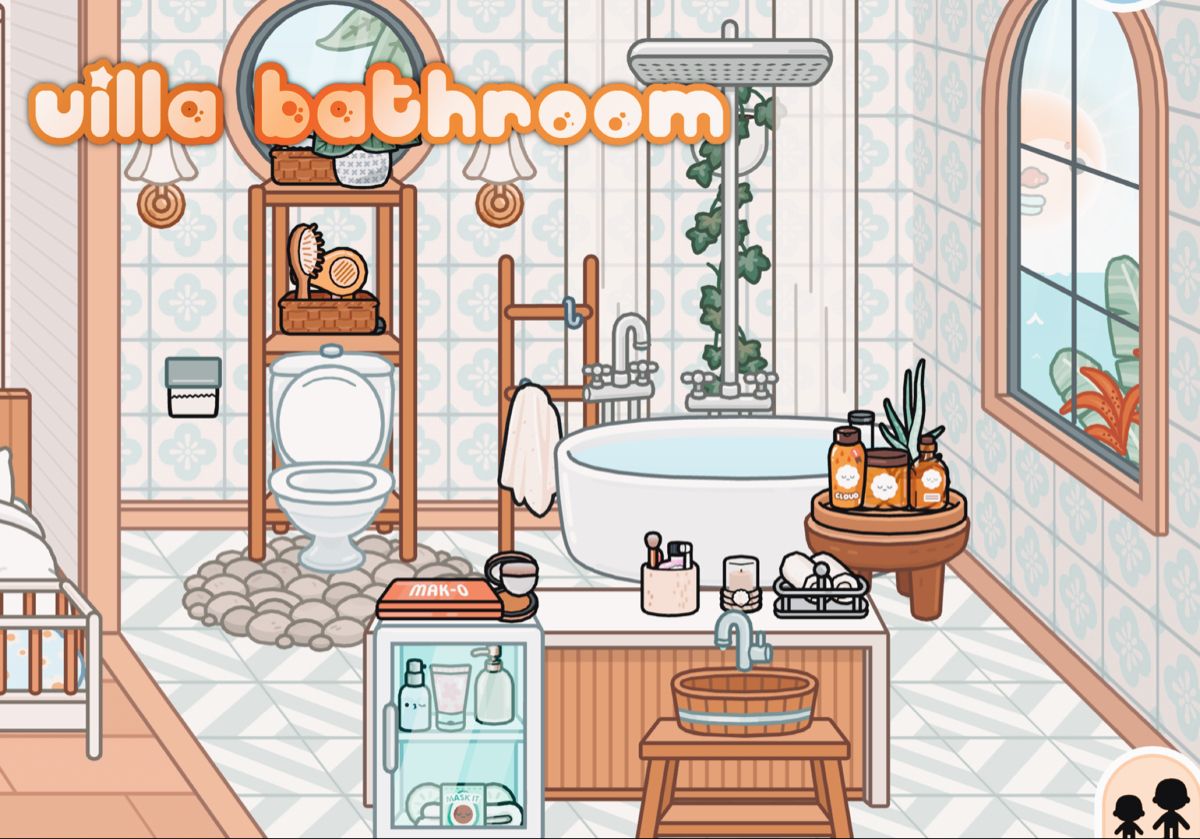
Furnishing a House on Toca World: A Step-by-step Guide
As you explore the virtual world of Toca Life World, you may find yourself wondering how to furnish a house within this popular video game. This article aims to provide a comprehensive guide on how to achieve this goal, making it easier for players to create their dream home.
What is Toca Life World?
Toca Life World is a simulation video game that allows users to build and manage their own virtual world. The game is designed for all ages and features various activities, characters, and settings. It’s available on both Android and iOS devices.
How Does The Furniture System Work in Toca Life World?
The furniture system in Toca Life World is user-friendly and intuitive. Players can create and customize their own characters, which can then be used to interact with the game world. To furnish a house, follow these steps:
Step 1: Creating Your Character
To start furnishing a house on Toca Life World, you need to have your character created. This is done by tapping on the “CREATE CHARACTERS” icon in the top right corner of the screen.
Step 2: Customizing Your Avatar
Once you’ve created your character, you can customize it by selecting from various options such as body type, skin color, accessories, face, hair, beard, glasses, clothes, and more. This allows for a high level of personalization, making each player’s experience unique.
Step 3: Accessing The Furniture Menu
To access the furniture menu, you need to navigate to the “Design Your Own House” option within the game world. This can be done by scrolling through the settings until you find it. It might seem hidden at first, but trust us when we say it’s there.
Step 4: Choosing And Placing Furniture
Once in the furniture menu, you’ll see various objects that can be placed in your house. These range from beds to shower, fridge, divano, and even a television. You can choose any of these items and place them wherever you want within the room by dragging and dropping them.
Step 5: Rotating And Adjusting Objects
Some furniture pieces have an icon that allows for rotation. This is helpful in ensuring they’re placed correctly and look their best in your virtual home. To rotate an object, simply tap on its icon.
Step 6: Saving Your Progress
After you’ve furnished a room to your liking, don’t forget to save it by tapping on the “Save” button. This ensures that all your hard work is preserved for future use.
Tips And Tricks
- When choosing furniture, consider the theme of your house or the activities you plan to do there.
- If you’re unsure about what looks good together, try placing different objects and see how they look before committing to them.
- Don’t hesitate to experiment with different layouts until you find one that suits your taste.
Conclusion
Furnishing a house on Toca Life World is an exciting aspect of the game. With these steps and tips in mind, you’ll be well-equipped to create your dream virtual home. Remember, the possibilities are endless, so have fun experimenting and making your mark on this digital world.
Faqs
Q1: What is Toca Life World?
A1: Toca Life World is a simulation video game that allows players to build and manage their own virtual world.
Q2: How do I Create my Character in Toca Life World?
A2: To create your character, tap on the “CREATE CHARACTERS” icon in the top right corner of the screen.
Q3: Can I Customize my Avatar in Toca Life World?
A3: Yes, you can. The game offers a variety of customization options for your avatar.
Q4: How do I Access The Furniture Menu in Toca Life World?
A4: To access the furniture menu, navigate to the “Design Your Own House” option within the game world. It might seem hidden at first but is actually there.
Q5: Can I Place Multiple Objects of The Same Type in a Room?
A5: Yes, you can. The game allows for flexibility when it comes to placing furniture and other items in your virtual home.
Q6: How do I Save my Progress in Toca Life World?
A6: To save your progress, tap on the “Save” button after you’ve finished furnishing a room.
Q7: Can I Rotate Objects in The Game?
A7: Yes, some furniture pieces have an icon that allows for rotation. This helps in ensuring they’re placed correctly and look their best.
Q8: Is it Possible to Experiment With Different Layouts Without Losing my Work?
A8: Yes, you can try out different arrangements of objects within a room without saving each time. However, remember to save your progress once you’ve finalized the design you like best.


