
How to Answer on Instagram: A Step-by-step Guide
Are you curious about how to answer on Instagram, but don’t know where to start? Look no further! In this article, we’ll provide a step-by-step guide on how to answer on Instagram, including how to follow someone, interact with their stories, comment on their posts, and send private messages.
Why Answer on Instagram?
Before we dive into the nitty-gritty of answering on Instagram, let’s talk about why it’s so important. In today’s digital age, social media has become an essential part of our lives. With over 1 billion active users on Instagram alone, it’s a platform where you can connect with people from all over the world.
Whether you’re looking to make new friends, connect with old ones, or even find love, answering on Instagram is a great way to start conversations and build relationships.
How to Follow Someone on Instagram
The first step in answering on Instagram is to follow someone. Here’s how:
- Open The Instagram App: Open the Instagram app on your Android device (available on the Play Store) or iPhone (available on the App Store).
- Login to Your Account: Log in to your account using your username and password.
- Search For The Person You Want to Follow: Use the search bar at the top of the screen to find the person you want to follow. Type their name, and Instagram will show you a list of possible matches.
- Click on Their Profile: Click on the profile picture or name of the person you want to follow.
- Press The “Follow” Button: Press the “Follow” button next to their profile picture.
How to Interact With Someone’s Stories
Interacting with someone’s stories is a great way to show interest in their life and get them to interact back with you. Here’s how:
- Open Their Profile: Open the profile of the person you want to interact with.
- Click on Their Story Tab: Click on the story tab at the top of their profile picture.
- Choose a Way to Interact: Choose from one of the many ways to interact, such as:
- Sending a text message using the “Message” button
- Liking or commenting on their stories using the heart or comment buttons
- Using an interactive sticker or GIF
- Wait For Them to Respond: Wait for them to respond or engage with your interaction.
How to Comment on Someone’s Posts
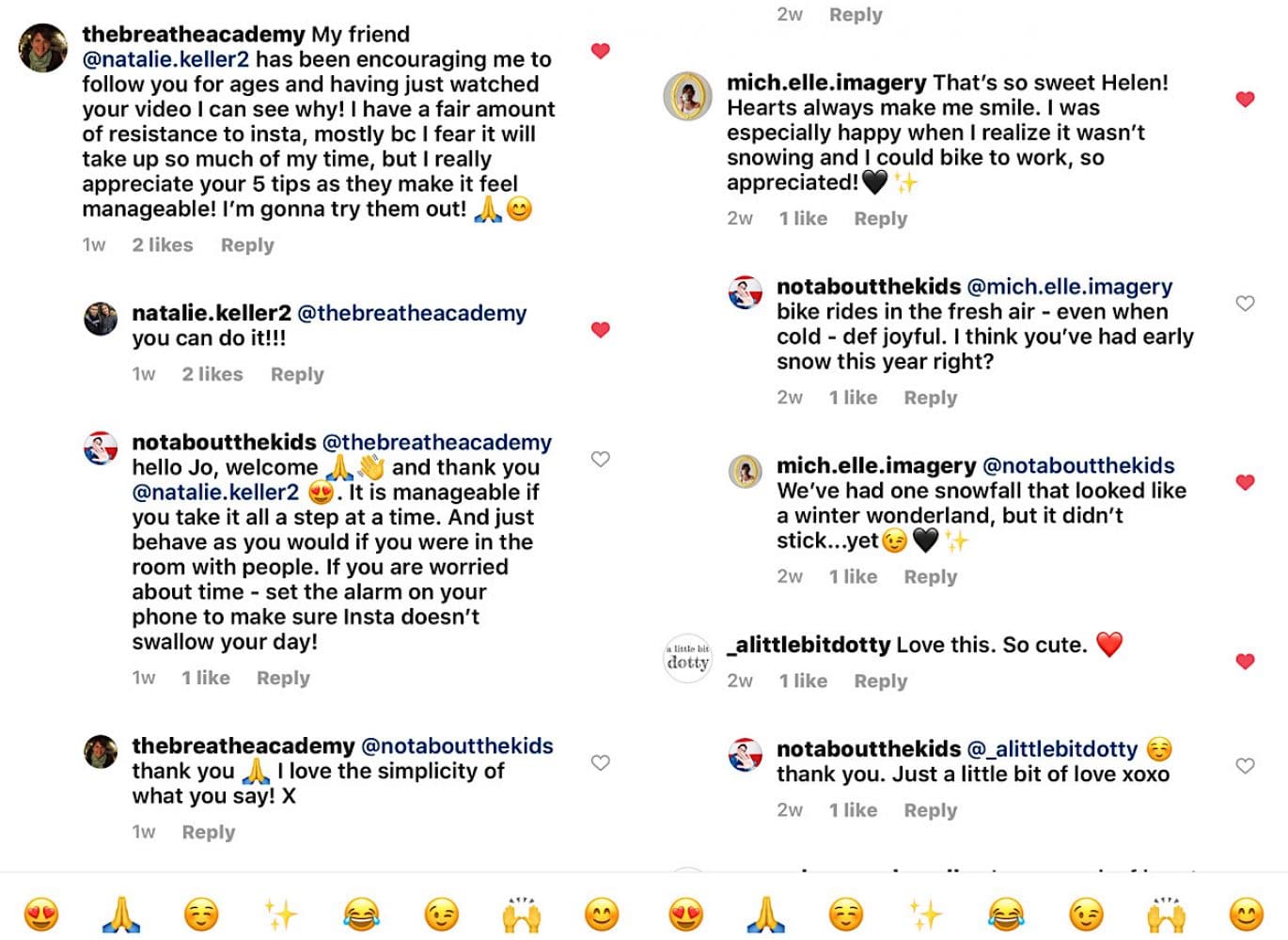
Commenting on someone’s posts is another great way to interact and show interest in their life. Here’s how:
- Open Their Profile: Open the profile of the person you want to comment on.
- Click on Their Post Tab: Click on the post tab at the top of their profile picture.
- Choose a Comment: Choose from one of the many ways to comment, such as:
- Typing a comment in the text box
- Using an emoji or GIF reaction
- Liking the post by pressing the heart button
- Wait For Them to Respond: Wait for them to respond or engage with your comment.
How to Send Private Messages
Sending private messages is a more personal way to interact and connect with someone on Instagram. Here’s how:
- Open The Instagram App: Open the Instagram app on your Android device (available on the Play Store) or iPhone (available on the App Store).
- Login to Your Account: Log in to your account using your username and password.
- Click on The Chat Tab: Click on the chat tab at the bottom of the screen.
- Search For Their Profile: Search for their profile picture or name.
- Send a Message: Send a message by typing it in the text box.
How to Answer on Instagram Like a Pro
Now that you know how to answer on Instagram, here are some pro tips to take your interactions to the next level:
- Be Genuine And Authentic: Be yourself, and don’t try to be someone you’re not.
- Show Interest: Show interest in their life and what they have to say.
- Keep it Light: Keep conversations light and fun, especially when interacting with someone’s stories or posts.
- Respect Boundaries: Respect boundaries and don’t overdo it.
Conclusion
Answering on Instagram is a great way to connect with people from all over the world. By following these simple steps and pro tips, you can take your interactions to the next level and build meaningful relationships.
Whether you’re looking to make new friends or find love, answering on Instagram is a great place to start. Remember to be genuine, show interest, keep it light, and respect boundaries.
Frequently Asked Questions
- Q: How do I Know if Someone Has Read my Message?
A: On Instagram, you can see when someone has read your message by looking for the “read” label next to their name. - Q: Can I Delete a Private Message I Sent?
A: Yes, you can delete a private message you sent by long-pressing on it and selecting the “delete” option. - Q: How do I Block Someone on Instagram?
A: To block someone on Instagram, go to their profile, tap the three dots at the top right corner, and select “block.” - Q: Can I Answer on Instagram if I’m Not in my Country?
A: Yes, you can answer on Instagram from anywhere in the world as long as you have an internet connection. - Q: How do I Know if Someone is Interested in me on Instagram?
A: If someone is interested in you on Instagram, they might send you a message or comment on your posts.


