
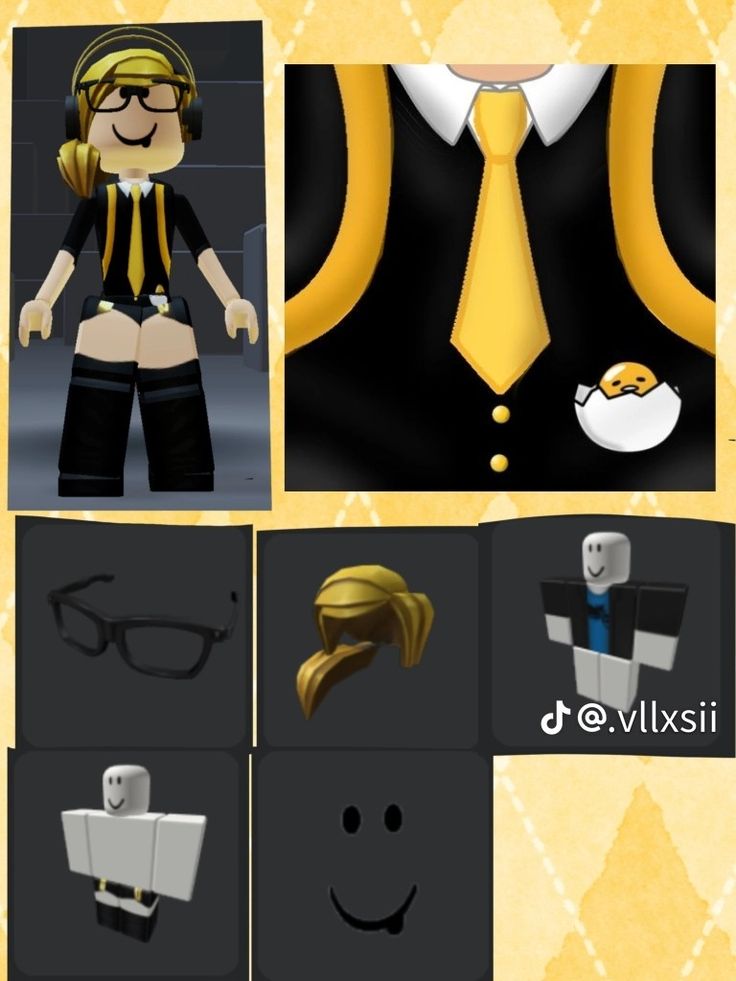
How to Get Free Clothes on Roblox: A Step-by-step Guide
Are you tired of spending Robux on clothes for your avatar in Roblox? Do you want to know the secret to getting free clothes on this popular online gaming platform? Look no further! In this article, we will guide you through a step-by-step process on how to get free clothes on Roblox.
What is Roblox?
For those who are new to Roblox, it’s an online platform where users can create their own games and play games created by others. Players can customize their avatars with various clothes, accessories, and items. With millions of users worldwide, Roblox has become a popular hangout spot for kids and adults alike.
Why Get Free Clothes on Roblox?
Getting free clothes on Roblox is not only fun but also saves you money. With so many games to play and avatars to customize, spending Robux on clothes can quickly add up. By getting free clothes, you can focus on other aspects of the game or try out new looks without breaking the bank.
Method 1: Getting Free Clothes From The Catalogue
To get free clothes from the catalogue, follow these steps:
- Log in to your Roblox account and access the catalogue by clicking on the “Catalog” button.
- Browse through the available clothes and select a category that interests you (e.G., T-shirts, Shirts, Pairs of Pants).
- Click on the “Price” tab and sort the clothes by price from lowest to highest.
- Look for clothes with a price tag of $0.00. These are the free clothes you can claim.
- Click on the image of the dress or shirt to view it in more detail.
- If you like what you see, click on the “Gain” button to add it to your inventory.
Method 2: Creating Your Own Custom Clothes
If you want to create your own custom clothes for your avatar, follow these steps:
- Download a graphics program like Photoshop or GIMP to edit and design your clothes.
- Create a square image (512×512 pixels) of your desired dress or shirt design.
- Open the Roblox Studio software and select the “Avatar” tab.
- Click on the “Build Rig” button and choose the “Men’s Rig” or “Women’s Rig” option, depending on your avatar’s gender.
- Select the “Shirt Graphic” or “Pants” option to upload your custom design.
- Once uploaded, click on the “Publish” button to share your creation with the Roblox community.
Tips And Tricks
- Make sure to check the compatibility of your custom clothes with your avatar’s rig.
- Use a program like Roblox Studio to test your designs before uploading them to the catalogue.
- Experiment with different colors, patterns, and shapes to create unique and eye-catching designs.
Conclusion
Getting free clothes on Roblox is easier than you think. By following these steps and tips, you can save money and customize your avatar’s look without breaking the bank. Happy gaming and happy designing!
Faqs
Q: Can I get free clothes on Roblox by just clicking on them?
A: Yes, some clothes are available for free in the catalogue. Look for clothes with a price tag of $0.00.
Q: How do I create my own custom clothes on Roblox?
A: Use a graphics program like Photoshop or GIMP to design your clothes and upload them to the Roblox Studio software.
Q: Can I share my custom clothes with others on Roblox?
A: Yes, once you’ve uploaded your designs to the catalogue, they can be shared with other users.
Q: Are all free clothes on Roblox of good quality?
A: While some free clothes may not be as high-quality as purchased ones, many users have reported success with getting free clothes that look great on their avatars.


