
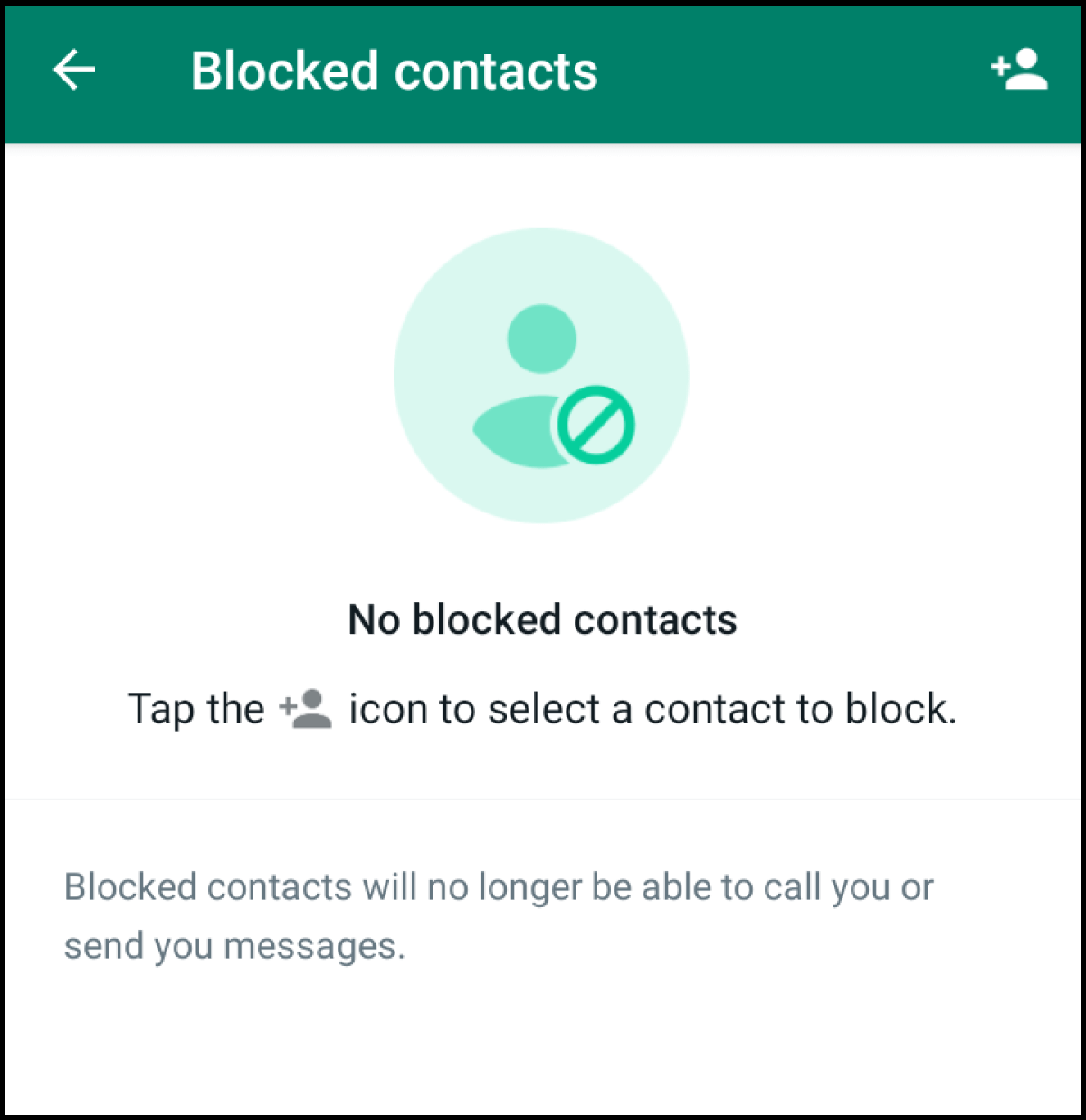
Unblocking on Whatsapp: A Step-by-step Guide
Are you frustrated because your contact has blocked you on WhatsApp? Don’t worry, this guide will help you unblock them or at least understand why they’ve done it.
Understanding Why You’ve Been Blocked
Before we dive into the solution, let’s first try to understand why you’ve been blocked. Have you been sending too many messages or making unwanted calls? Maybe your contact has decided to take a break from WhatsApp or is experiencing some technical issues.
Factors to Consider When Checking if You’ve Been Blocked
To determine whether you’ve been blocked, consider the following factors:
- Profile Image: If you can’t see the image of your contact’s profile, it could be an indication that they’ve blocked you.
- Last Access: Check the last access date and time for your contact. If you can’t see this information, it might mean they’ve blocked you.
- Message Delivery: If messages you send to your contact are not being delivered or marked as “delivered” but not “read”, it could be a sign that they’ve blocked you.
- Calls And Video Calls: If you’re unable to make calls or video calls to your contact, it might mean they’ve blocked you.
How to Check if You’ve Been Blocked
To confirm whether you’ve been blocked, follow these steps:
- Open WhatsApp and go to the chat with the person you suspect has blocked you.
- Look for the “last access” information. If you can’t see this, it might mean they’ve blocked you.
- Try sending a message or making a call. If your messages are not being delivered or marked as “delivered” but not “read”, it could be a sign that they’ve blocked you.
What to Do if You’re Blocked
If you’ve been blocked on WhatsApp, here are some steps you can take:
- Wait For a Bit: Sometimes, people get busy or experience technical issues. Try waiting for a day or two before taking further action.
- Contact The Person Directly: If you feel like talking to your contact, try calling them or sending them a message on another platform like Facebook Messenger or Telegram.
- Join a Whatsapp Group Together: If you’re in a group chat with multiple people, including the person who’s blocked you, try sending a message to the group.
How to Unblock Someone on Whatsapp
If you’ve been blocked by someone and want to unblock them, here are some steps you can take:
- Change Your Phone Number: If you’re unable to contact the person directly, try changing your phone number associated with your WhatsApp account.
- Use Another Messaging Platform: Try contacting the person on another messaging platform like Facebook Messenger or Telegram.
Conclusion
Being blocked on WhatsApp can be frustrating, but it’s not always a reason for alarm. By understanding why you’ve been blocked and taking steps to communicate with your contact directly, you might be able to resolve the issue amicably.
Frequently Asked Questions (FAQs)
- Q: How do I Know if Someone Has Blocked me on Whatsapp?
A: Look for signs like an absence of profile image, last access information, or message delivery issues. - Q: What Should I do if I’m Blocked on Whatsapp?
A: Try waiting for a bit, contacting the person directly, or joining a group chat together. -
Q: How Can I Unblock Someone on Whatsapp?
A: Change your phone number associated with your WhatsApp account or use another messaging platform to contact them. -
Q: Is it Possible to be Blocked on Whatsapp And Still Receive Messages?
A: Yes, if you’ve been blocked but not completely suspended from the platform, you might still receive messages. -
Q: How Long Does it Take For a Message to Deliver When Someone Has Blocked me on Whatsapp?
A: It depends on your internet connection and phone signal. Messages might not be delivered or marked as “delivered” but not “read”. -
Q: Can I Call Someone Who Has Blocked me on Whatsapp?
A: Yes, you can try calling them directly. -
Q: What Should I do if my Contact Doesn’t Respond to Messages or Calls After Being Unblocked?
A: Try contacting them again in a few days or using another messaging platform. -
Q: Can I be Blocked on Whatsapp And Still Receive Notifications?
A: Yes, you can still receive notifications even though your messages might not be delivered.


