
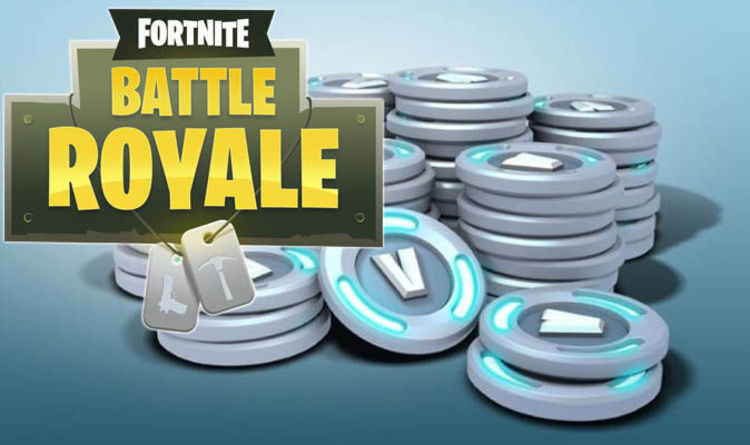
Giving V-bucks on Fortnite: A Step-by-step Guide
Are you looking for a way to give your friend a special gift in the world of Fortnite? Look no further! In this article, we will guide you through the process of giving V-Bucks on Fortnite, a virtual currency that can be used to purchase various items and cosmetics.
What Are V-bucks?
V-Bucks is the virtual currency used in Fortnite. It can be used to purchase aesthetic elements, consumables, and other items from the game’s shop. Players can earn V-Bucks by completing certain tasks or purchasing them with real money.
How to Give V-bucks on Fortnite
There are several ways to give V-Bucks on Fortnite, depending on your platform of choice. Here are a few options:
Console (PlayStation, Xbox)
One way to give V-Bucks on Fortnite is by using a gift card. You can purchase a V-Buck gift card from various online stores, such as Amazon or the PlayStation Store. The code on the gift card can be redeemed for V-Bucks in-game.
To redeem a V-Buck gift card on your console:
- Open the game and select the “Shop” tab.
- Select the “V-Bucks” option.
- Enter the code from the gift card to receive the V-Bucks.
PC
On PC, you can also give V-Bucks by purchasing a V-Buck gift card or by gifting the Pass Battle package.
To redeem a V-Buck gift card on your PC:
- Open the game and select the “Shop” tab.
- Select the “V-Bucks” option.
- Enter the code from the gift card to receive the V-Bucks.
Smartphone And Tablet
On mobile devices, you can also give V-Bucks by purchasing a V-Buck gift card or by gifting the Pass Battle package.
To redeem a V-Buck gift card on your mobile device:
- Open the game and select the “Shop” tab.
- Select the “V-Bucks” option.
- Enter the code from the gift card to receive the V-Bucks.
Packs of Fortnite
If you want to give your friend a more substantial gift, you can consider purchasing a Pack of Fortnite. Packs contain various items and cosmetics, including V-Bucks. Here are some examples:
- Fortnite: Legends to The Mint: This pack includes 1,000 V-Bucks, a Custom Aura, a Pickaxe, and other exclusive items.
- Fortnite: Transformers Pack: This pack includes exclusive Transformers-themed skins, emotes, and other items, as well as 1,000 V-Bucks.
- Fortnite: Laugh Well Who Last: This pack includes exclusive Joker, Poison Ivy, and Midas Rex skins, emotes, and other items, as well as 1,000 V-Bucks.
How to Give a Pack of Fortnite
To give a Pack of Fortnite to your friend:
- Open the game and select the “Shop” tab.
- Select the pack you want to gift.
- Follow the instructions to purchase the pack and have it delivered to your friend’s account.
Conclusion
Giving V-Bucks on Fortnite is a great way to show your friend that you care about their gaming experience. With this guide, you should be able to easily give V-Bucks or Packs of Fortnite to your friend on any platform. Happy gifting!
Frequently Asked Questions (FAQs)
- What Are V-bucks?
V-Bucks is the virtual currency used in Fortnite. - How do I Give V-bucks on Fortnite?
You can give V-Bucks by purchasing a gift card or gifting the Pass Battle package, depending on your platform of choice. - Can I Give V-bucks on Pc?
Yes, you can give V-Bucks on PC by purchasing a gift card or gifting the Pass Battle package. - Can I Give V-bucks on Mobile Devices?
Yes, you can give V-Bucks on mobile devices by purchasing a gift card or gifting the Pass Battle package. - What Are Packs of Fortnite?
Packs of Fortnite contain various items and cosmetics, including V-Bucks. - How do I Give a Pack of Fortnite to my Friend?
You can give a Pack of Fortnite to your friend by selecting the pack you want to gift and following the instructions to purchase it and have it delivered to their account.
Recommended Packs For You
- Fortnight: Legends to the Mint
- Fortnight: Transformers Pack
- Fortnight: Laugh Well Who Last


