
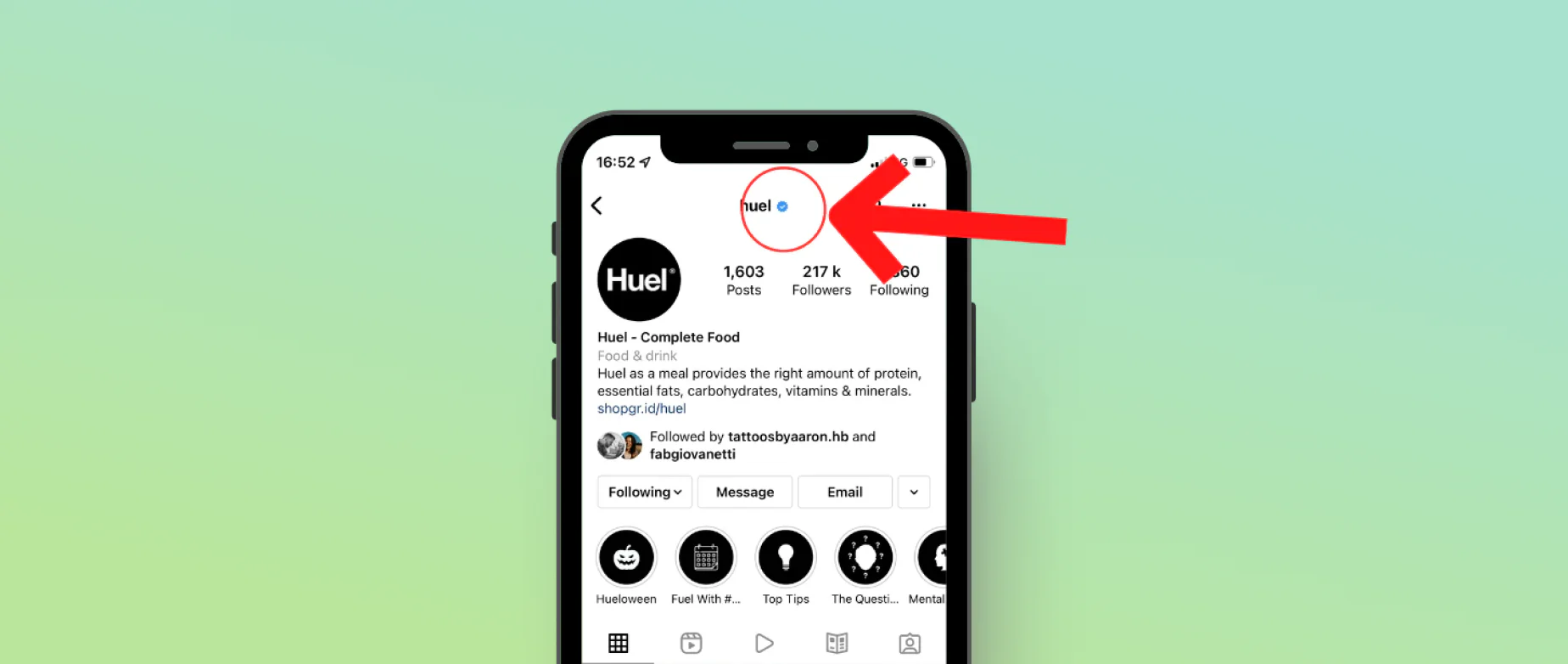
Meta Verified: A Comprehensive Guide
Are you curious about the new service from Meta that’s been making waves online? Look no further! In this article, we’ll delve into everything you need to know about Meta Verified.
What is Meta Verified?
Meta Verified is a new service offered by Meta, the parent company of Facebook and Instagram. It aims to provide users with an official verification badge, ensuring that their profiles are genuine and authentic. This service is designed to combat online impersonation and scams, providing users with a secure and trustworthy experience.
How Does Meta Verified Work?
To obtain a verified profile through Meta Verified, you’ll need to follow these steps:
- Sign up For Meta Verified: Head over to the Meta Verified website and sign up for an account.
- Meet The Requirements: Ensure that your profile meets the necessary requirements, such as having a public profile on Instagram or Facebook, being at least 18 years old, and possessing a valid government-issued ID.
- Pay The Subscription Fee: Choose your preferred plan (either $13.99/Month for Facebook or $16.99/Month for Instagram) and pay the subscription fee.
- Verify Your Identity: Upload a clear photo of your government-issued ID and record a video selfie to confirm your identity.
Benefits of Meta Verified
By becoming verified through Meta Verified, you’ll enjoy several benefits, including:
- A blue verification badge on your profile
- Increased protection against online impersonation and scams
- Direct assistance from Meta’s support team in case of issues
- Exclusive access to features like custom adhesives for your stories and reels
How to Get Verified on Instagram
To get verified on Instagram, follow these steps:
- Open the Instagram app and navigate to your profile.
- Tap the three horizontal lines on the top-right corner to access the menu.
- Select “Settings” and then “Account management.”
- Tap on “Meta Verified” and follow the prompts to sign up for an account.
- Meet the requirements, pay the subscription fee, and verify your identity.
How to Get Verified on Facebook
To get verified on Facebook, follow these steps:
- Open the Facebook app or website and navigate to your profile.
- Tap the three horizontal lines on the top-right corner (for the app) or click on “Settings” (for the website).
- Select “Account settings” and then “Meta Verified.”
- Meet the requirements, pay the subscription fee, and verify your identity.
Why Should You Get Verified?
Getting verified through Meta Verified is a great way to ensure that your online presence is authentic and trustworthy. By doing so, you’ll enjoy increased protection against online impersonation and scams, as well as exclusive access to features like custom adhesives for your stories and reels.
Conclusion
Meta Verified offers users an official verification badge, ensuring their profiles are genuine and authentic. To get verified, users must meet the necessary requirements, pay the subscription fee, and verify their identity. By becoming verified through Meta Verified, users can enjoy increased protection against online impersonation and scams, as well as exclusive access to features like custom adhesives for their stories and reels.
Frequently Asked Questions
- Q: What is Meta Verified?
A: Meta Verified is a new service offered by Meta that provides users with an official verification badge, ensuring their profiles are genuine and authentic. - Q: How do I Get Verified on Instagram?
A: To get verified on Instagram, follow the steps outlined in the article. - Q: How do I Get Verified on Facebook?
A: To get verified on Facebook, follow the steps outlined in the article. - Q: What Are The Benefits of Getting Verified Through Meta Verified?
A: The benefits of getting verified through Meta Verified include a blue verification badge, increased protection against online impersonation and scams, direct assistance from Meta’s support team, and exclusive access to features like custom adhesives for your stories and reels. - Q: How Much Does it Cost to Get Verified on Instagram?
A: The subscription fee for getting verified on Instagram is $16.99/Month. - Q: How Much Does it Cost to Get Verified on Facebook?
A: The subscription fee for getting verified on Facebook is $13.99/Month.
Additional Resources


