
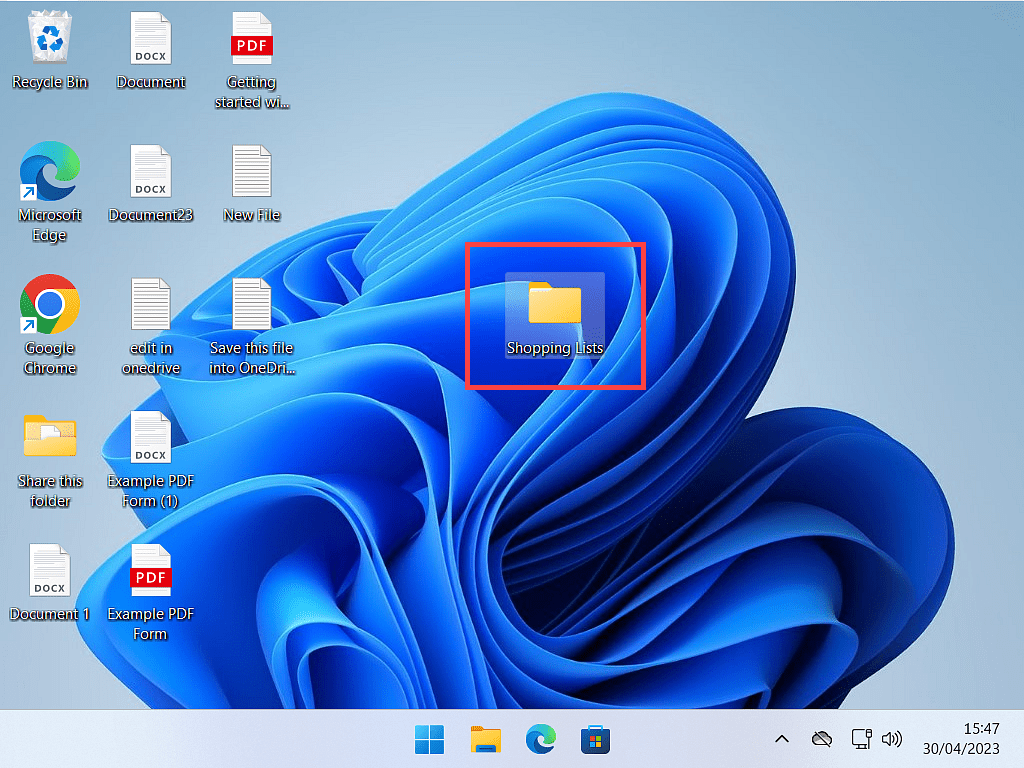
How to Conceal a Folder on Your PC or Mac: A Step-by-step Guide
Are you tired of having your private files snooped around by others? Do you want to keep your important documents and folders safe from prying eyes? Look no further! In this article, we will guide you through the process of concealing a folder on both Windows and Mac operating systems.
Why Conceal Folders?
Concealing folders is an essential aspect of maintaining online privacy. With the increasing threat of cyber attacks and data breaches, it’s crucial to protect sensitive information from unauthorized access. By hiding your folders, you can prevent others from snooping around and accessing your private files.
Concealing a Folder on Windows
To conceal a folder on Windows, follow these steps:
- Right-click on the folder you want to hide.
- Select “Properties” from the context menu.
- Check the box next to “Hidden” in the Properties window.
- Click “Apply” and then “OK”.
This will conceal the folder from view in the File Explorer.
However, be aware that there are workarounds to access hidden folders using advanced techniques.
Using Veracrypt to Conceal Folders
VeraCrypt is a powerful encryption tool that can help you create secure volumes and conceal your files. Here’s how to use it:
- Download VeraCrypt from the official website.
- Install the software on your Windows or Mac device.
- Launch VeraCrypt and select “Create Volume”.
- Choose the encryption algorithm and password.
- Create a new volume by selecting a file system (e.G., ExFAT) and setting the desired size.
Once created, you can mount and access your encrypted volume using VeraCrypt.
Concealing a Folder on Mac
To conceal a folder on Mac, follow these steps:
- Open Terminal from the Utilities folder.
- Type
chflags hiddenfollowed by the path to the folder you want to hide. - Press Enter to execute the command.
Alternatively, you can use the “Hide” application to conceal folders easily.
Using Hide Folders on Mac
To conceal a folder using the Hide Folders app:
- Download and install the free version of Hide Folders from the official website.
- Open the app and select the folders you want to hide.
- Click “Conceal” to hide the selected folders.
This will make your hidden folders invisible in the Finder.
Tips And Variations
- To access hidden folders on Windows, press the
Ctrl+Hkeys while in File Explorer. - On Mac, you can use Terminal commands like
chflags nohiddento unhide a folder. - Use strong passwords and encryption algorithms to protect your concealed files.
- Consider using VeraCrypt or other encryption tools for added security.
Conclusion
Concealing folders on Windows and Mac is an essential step in maintaining online privacy. By following the steps outlined above, you can protect your sensitive information from unauthorized access. Remember to use powerful encryption tools like VeraCrypt and strong passwords to add an extra layer of security. Stay safe and private!
Faqs
- What is The Purpose of Concealing Folders?
Concealing folders helps maintain online privacy by preventing unauthorized access to sensitive files.
- How do I Conceal a Folder on Windows?
To conceal a folder on Windows, right-click on it, select Properties, check the “Hidden” box, and apply changes.
- Can I Use Veracrypt to Conceal Folders on Mac?
Yes, you can use VeraCrypt on both Windows and Mac devices to create secure volumes and conceal your files.
- How do I Access Hidden Folders on Mac?
You can access hidden folders on Mac using Terminal commands or by using the “Hide” application.
- Is Concealing Folders a Foolproof Way to Protect my Data?
While concealing folders is a good step in maintaining online privacy, it’s essential to use strong passwords and encryption algorithms for added security.
- Can I Conceal Multiple Folders at Once?
Yes, you can conceal multiple folders using VeraCrypt or the Hide Folders app on Mac.
- How do I Unhide a Folder on Windows?
To unhide a folder on Windows, right-click on it, select Properties, and uncheck the “Hidden” box.
- Can I Use Terminal Commands to Unhide Folders on Mac?
Yes, you can use Terminal commands like chflags nohidden to unhide a folder on Mac.


