
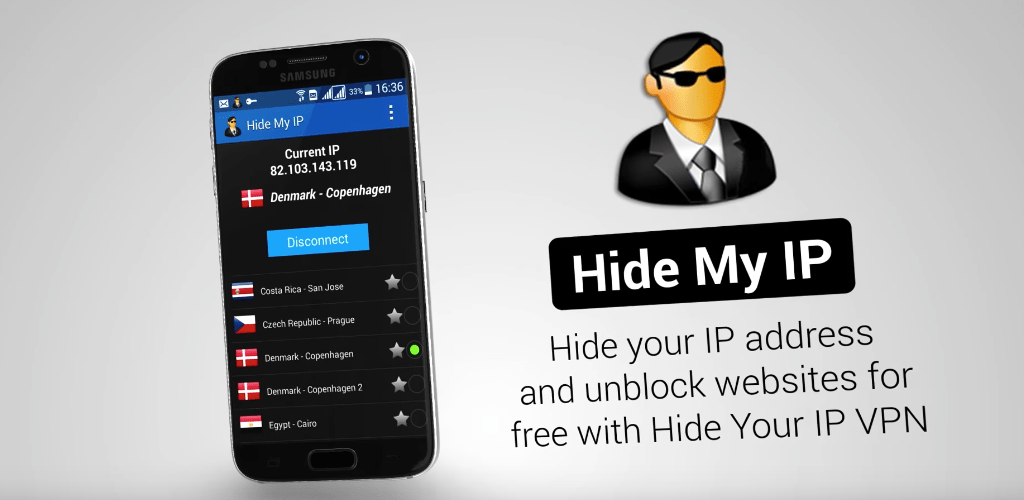
How to Conceal Your IP Address on Android
Are you looking for ways to conceal your IP address on Android? Do you want to access a website that has been blocked in Italy or for reasons of privacy? You’re not alone! In this article, we’ll show you how to conceal your IP address on Android using various solutions.
Preliminary Information
Before we dive into the tutorial, let’s cover some preliminary information. There are several ways to conceal your IP address on Android, each with its own advantages and disadvantages. You can use a VPN (Virtual Private Network) to encrypt your internet traffic, a proxy web service to filter out certain websites, or the Tor browser to anonymize your online activities.
Why Conceal Your IP Address?
Concealing your IP address is essential for maintaining your online security and anonymity. When you browse the internet without any protection, your device’s IP address can be easily tracked by hackers, advertisers, and other malicious entities. By concealing your IP address, you can protect yourself from online threats, maintain your online privacy, and access blocked websites.
Solution 1: Using a Vpn
One of the most effective ways to conceal your IP address on Android is by using a VPN. A VPN creates a secure, encrypted tunnel between your device and a server in a different location, masking your IP address and encrypting all your internet traffic.
Nordvpn Review
NordVPN is one of the best VPN services available for Android devices. It offers advanced security features, including AES-256 encryption and DNS leak protection. NordVPN also has a strict no-log policy, which means that they don’t keep any records of your online activities.
To use NordVPN on your Android device:
- Download and install the NordVPN app from the Google Play Store.
- Launch the app and sign up for an account or log in if you already have one.
- Select a server location and connect to it using the VPN tunnel.
- You can now browse the internet securely, with your IP address concealed.
Solution 2: Using a Proxy Web Service
Another solution is to use a proxy web service, which filters out certain websites and routes your requests through a different server. However, this method has some security drawbacks, as most proxy services don’t encrypt your traffic.
Hide.Me Review
Hide.Me is a popular proxy web service that allows you to access blocked websites in Italy or other countries. It’s easy to use and offers various server locations around the world.
To use Hide.Me on your Android device:
- Open the browser of your choice (e.G., Chrome) and navigate to the Hide.Me website.
- Enter the URL of the website you want to access and select the proxy server location.
- Click the “Go” button, and you’ll be directed to the website.
Solution 3: Using Tor Browser
Tor Browser is a free, open-source browser that anonymizes your online activities by routing your traffic through multiple servers. This method provides excellent security but can be slower than using a VPN or proxy service.
To use Tor Browser on your Android device:
- Download and install the Tor Browser app from the Google Play Store.
- Launch the app and connect to the Tor network.
- You’ll see a blue onion icon in the address bar, indicating that you’re connected to the Tor network.
- Now, you can browse the internet securely, with your IP address concealed.
Other Vpn Services
There are other VPN services available for Android devices, including ExpressVPN and PrivadoVPN. These services offer advanced security features and easy-to-use interfaces, making it simple to conceal your IP address on Android.
Conclusion
Concealing your IP address on Android is essential for maintaining your online security and anonymity. By using a VPN, proxy web service, or Tor Browser, you can protect yourself from online threats, maintain your online privacy, and access blocked websites. We hope this article has provided you with valuable insights into how to conceal your IP address on Android.
Frequently Asked Questions
- What is The Difference Between a Vpn And a Proxy?
A VPN creates a secure tunnel for all your internet traffic, while a proxy only filters out certain websites. - Is it Safe to Use a Free Vpn Service?
Some free VPN services may compromise your online security by logging your activities or displaying ads. - Can I Access Blocked Websites Using a Vpn?
Yes, many VPN services allow you to bypass geo-restrictions and access blocked websites. - How do I Know if my Vpn is Working Correctly?
Check for the presence of a secure connection icon (e.G., A lock) in your browser or device settings. - Can I Use Multiple Vpns on One Device?
Yes, some VPN services allow you to connect multiple devices at once, but it’s essential to check with each service provider before doing so.
By understanding how to conceal your IP address on Android, you can maintain your online security and anonymity while accessing blocked websites or protecting yourself from online threats.


