
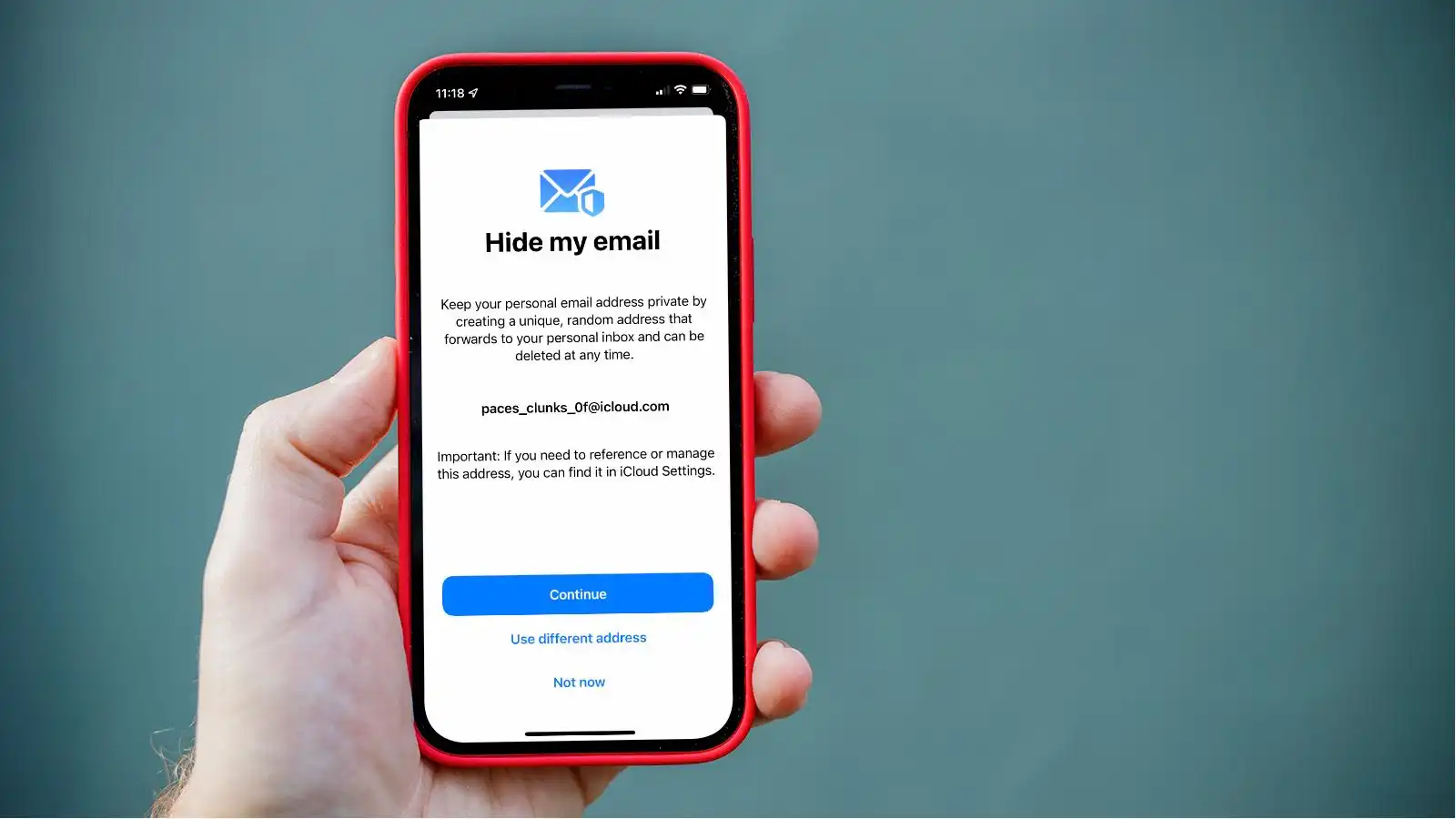
How to Conceal Your Email Address: A Comprehensive Guide
Are you tired of receiving unwanted emails or spam messages? Do you want to keep your email address private while still being able to use it for online services? Look no further! In this article, we will show you how to conceal your email address using various methods, including aliases and third-party services.
Why Conceal Your Email Address?
Concealing your email address can be beneficial in several ways. Firstly, it helps prevent spam messages from reaching your inbox. Secondly, it keeps your personal information private, reducing the risk of identity theft or phishing attacks. Finally, it gives you more control over who can contact you online.
Method 1: Using Aliases
An alias is an alternative email address that forwards emails to your primary email account. Most email services, including Gmail, Outlook, and iCloud, allow you to create aliases. Here’s how to do it:
Creating a Gmail Alias
To create a Gmail alias, follow these steps:
- Log in to your Google Account.
- Click on the gear icon in the upper right corner and select “Settings.”
- Scroll down to the “Accounts and Import” section.
- Click on “Add another email address you own.”
- Enter the new email address you want to use as an alias.
- Follow the instructions to verify your alias.
Creating an Outlook Alias
To create an Outlook alias, follow these steps:
- Log in to your Microsoft Account.
- Click on the profile picture or icon in the upper right corner and select “Settings.”
- Scroll down to the “Mail” section.
- Click on “Manage accounts.”
- Click on “Add a new email address.”
- Enter the new email address you want to use as an alias.
Creating an Icloud Alias
To create an iCloud alias, follow these steps:
- Log in to your Apple ID account.
- Click on the profile picture or icon in the upper right corner and select “Settings.”
- Scroll down to the “iCloud” section.
- Click on “Account Settings.”
- Click on “Add a new email address.”
- Enter the new email address you want to use as an alias.
Method 2: Using Third-party Services
If your email service provider doesn’t support aliases or you prefer not to use them, there are third-party services that can help you conceal your email address. Some popular options include:
- Firefox Relay: A free service that allows you to create multiple aliases and forward emails to your primary email account.
- Simplelogin: A paid service that provides a secure way to manage multiple aliases and forward emails to your primary email account.
- Anonaddy: A paid service that allows you to create unlimited aliases and forward emails to your primary email account.
Method 3: Using Temporary Email Addresses
Temporary email addresses, also known as throwaway email addresses, can be used for a short period of time. They are useful when you need a temporary email address for online services or when you want to keep your primary email address private. Some popular options include:
- Mailinator: A free service that provides temporary email addresses.
- Temp-mail: A paid service that provides temporary email addresses.
Conclusion
Concealing your email address can be beneficial in several ways, including reducing spam messages and keeping your personal information private. In this article, we showed you three methods to conceal your email address: Using aliases, third-party services, and temporary email addresses. Choose the method that best suits your needs and stay safe online!
Frequently Asked Questions
-
Q: What is an Alias?
A: An alias is an alternative email address that forwards emails to your primary email account. -
Q: How do I Create a Gmail Alias?
A: To create a Gmail alias, follow the steps outlined in Method 1: Using Aliases. -
Q: Can I Use Multiple Aliases With Outlook?
A: Yes, you can use up to 10 aliases with Outlook. -
Q: What is The Difference Between an Alias And a Temporary Email Address?
A: An alias is a permanent email address that forwards emails to your primary email account, while a temporary email address is a short-lived email address used for a specific purpose. -
Q: Are Third-party Services Secure?
A: Most third-party services are secure, but it’s essential to research and read reviews before using them. -
Q: Can I Use a Temporary Email Address With Online Services?
A: Yes, you can use a temporary email address with online services, but be aware that they may not provide the same level of security as aliases or primary email addresses. -
Q: How do I Delete an Alias?
A: To delete an alias, follow the steps outlined in Method 1: Using Aliases for each service provider. -
Q: Can I Use Multiple Third-party Services at Once?
A: Yes, you can use multiple third-party services simultaneously to conceal your email address.


