
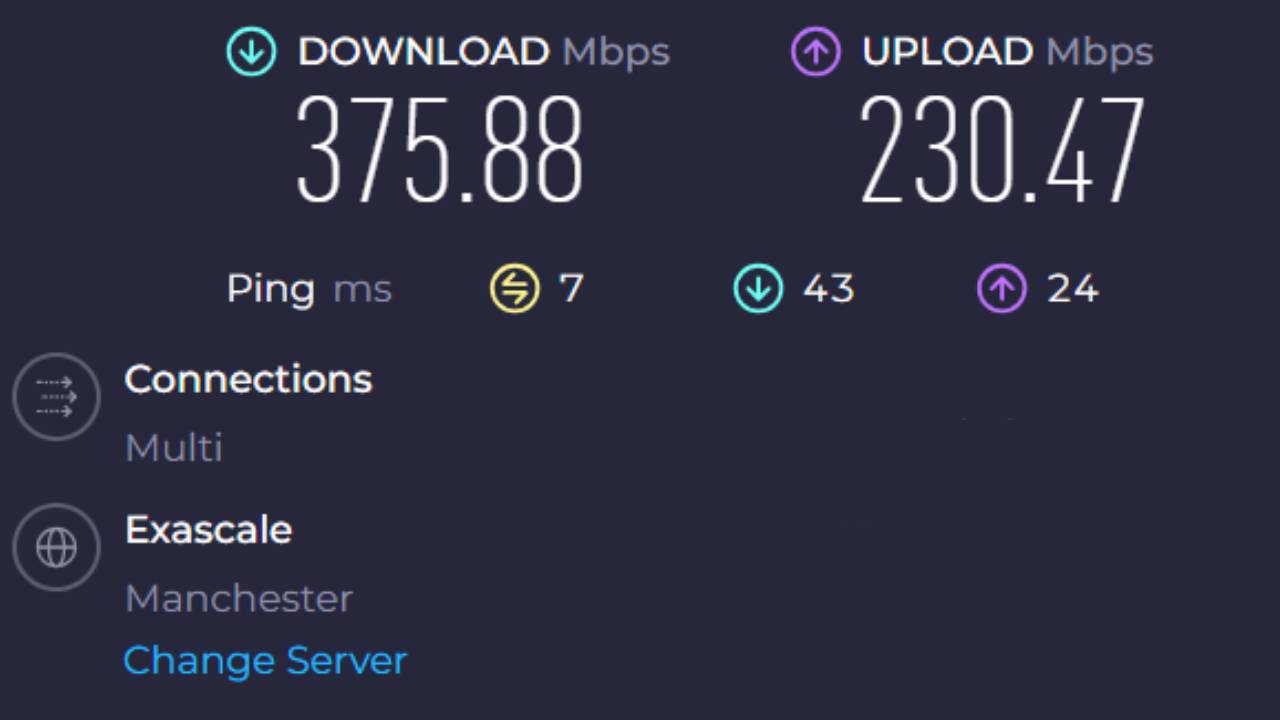
Optimizing Your Download Speed: A Comprehensive Guide
Are you tired of waiting for files to download on your computer or mobile device? Do you struggle with slow internet speeds, buffer-ing videos, and frustrating wait times? Look no further! In this article, we will explore the ways to optimize your download speed, whether you’re using a PC, Mac, smartphone, or tablet.
Understanding Download Speed
Before we dive into the tips and tricks, let’s understand what affects our download speed. There are several factors that can impact our internet speed, including:
- Internet Service Provider (ISP): The quality of your ISP can greatly affect your download speed.
- Router: A poor-quality router or one that is congested with devices can slow down your download speed.
- Device: The type and age of your device can also impact your download speed.
- Network Congestion: If multiple devices are connected to the same network, it can lead to congestion and slower speeds.
Tips For Optimizing Download Speed on a PC
- Use Ethernet Cable: Connect your computer directly to the router using an Ethernet cable for faster speeds.
- Check Your Isp’s Speed: Ensure that your ISP is providing the speed you’re paying for by checking their website or contacting them directly.
- Update Your Router Firmware: Regularly update your router firmware to ensure it’s running with the latest software.
- Limit Device Connections: Avoid connecting too many devices to the same network, as it can lead to congestion and slower speeds.
Tips For Optimizing Download Speed on a Mac
- Use Ethernet Cable: Connect your Mac directly to the router using an Ethernet cable for faster speeds.
- Check Your Isp’s Speed: Ensure that your ISP is providing the speed you’re paying for by checking their website or contacting them directly.
- Update Your Router Firmware: Regularly update your router firmware to ensure it’s running with the latest software.
- Close Unnecessary Programs: Close any unnecessary programs on your Mac to free up resources and improve download speeds.
Tips For Optimizing Download Speed on a Smartphone
- Use Wi-fi: Use a reliable Wi-Fi network for faster downloads, rather than mobile data.
- Check Your Phone’s Network Settings: Ensure that your phone is set to use the fastest available network (e.G., 4G or 5G).
- Close Unnecessary Apps: Close any unnecessary apps on your smartphone to free up resources and improve download speeds.
Tips For Optimizing Download Speed on a Tablet
- Use Wi-fi: Use a reliable Wi-Fi network for faster downloads, rather than mobile data.
- Check Your Device’s Network Settings: Ensure that your device is set to use the fastest available network (e.G., 4G or 5G).
- Close Unnecessary Apps: Close any unnecessary apps on your tablet to free up resources and improve download speeds.
Additional Tips For Optimizing Download Speed
- Use a Download Manager: Consider using a download manager like uTorrent or eMule to optimize your download speed.
- Split Large Files: Split large files into smaller ones to reduce congestion and improve download speeds.
- Avoid Peak Hours: Try to avoid downloading during peak hours when networks are congested.
Conclusion
Optimizing your download speed can be achieved by following these simple tips and tricks. By understanding the factors that affect your internet speed, you can take steps to improve it. Whether you’re using a PC, Mac, smartphone, or tablet, there are ways to optimize your download speed. So, next time you need to download a file or stream a video, try out some of these tips and enjoy faster speeds!
Frequently Asked Questions (FAQs)
-
Q: What Affects my Internet Speed?
A: Your ISP, router, device, and network congestion can all impact your download speed. -
Q: How Can I Optimize my Download Speed on a Pc?
A: Use an Ethernet cable, check your ISP’s speed, update your router firmware, and limit device connections. -
Q: Can I Use Ethernet Cable With a Smartphone or Tablet?
A: No, Ethernet cables are not compatible with smartphones or tablets. -
Q: What is a Download Manager?
A: A download manager like uTorrent or eMule can help optimize your download speed by splitting large files and managing connections. -
Q: How Often Should I Update my Router Firmware?
A: Regularly update your router firmware every few months to ensure it’s running with the latest software. -
Q: Can I Use Wi-fi on a Smartphone or Tablet Instead of Mobile Data?
A: Yes, using Wi-Fi can provide faster download speeds than mobile data. -
Q: How Can I Split Large Files For Faster Downloads?
A: Use a download manager like uTorrent or eMule to split large files into smaller ones for improved download speeds. -
Q: Are There Any Additional Tips For Optimizing Download Speed?
A: Yes, consider using a download manager, splitting large files, and avoiding peak hours to improve your download speed.


