
How to Augment Iphone Memory: A Step-by-step Guide
Are you tired of running out of space on your iPhone? Do you find yourself constantly deleting photos, videos, and apps just to free up some memory? Look no further! In this article, we’ll show you how to augment your iPhone’s memory without breaking the bank.
Why Is My Iphone Running Out of Space?
Before we dive into the solution, let’s talk about why this is happening in the first place. It’s quite simple: With more and more features being added to our phones every day, it’s no wonder that our storage space is dwindling. From social media apps to music streaming services, our phones are becoming increasingly resource-intensive.
Disabling Unused Apps
The first step to augmenting your iPhone’s memory is to disable unused apps. Here’s how:
- Go to Settings > General > iPhone Storage
- Tap on the “Unused Apps” section
- Select the apps you no longer use and tap “Delete”
By disabling these apps, you’ll free up a significant amount of space on your phone.
Deleting App Data
Another way to augment your iPhone’s memory is to delete app data. Here’s how:
- Go to Settings > General > iPhone Storage
- Tap on the “Manage Storage” section
- Select the app you want to delete data from and tap “Delete”
- Confirm that you want to delete the data by tapping “Delete Data”
Organizing Your Photos
If you’re like most people, your photos are taking up a significant amount of space on your phone. Here’s how to organize them:
- Go to Photos > Albums
- Tap on the “Recently Added” section
- Select the photos and videos you want to delete and tap the trash icon
- Confirm that you want to delete the media by tapping “Delete”
Using Icloud Photo Library
If you’re running out of space on your phone, it’s time to consider using iCloud Photo Library. Here’s how:
- Go to Settings > [Your Name] > iCloud > Photos
- Tap on the toggle switch next to “iCloud Photo Library” to turn it on
- Set up iCloud Photo Library by following the prompts
Using Cloud Storage
Another way to augment your iPhone’s memory is to use cloud storage. Here are some options:
- Icloud Drive: Apple’s cloud storage service offers 5GB of free space, with options to upgrade to 50GB for €0.99, 200GB for €2.99, Or 2TB for €9.99.
- Google Drive: Google’s cloud storage service offers 15GB of free space, with options to upgrade to 100GB for €1.99.
- Microsoft Onedrive: Microsoft’s cloud storage service offers 5GB of free space, with options to upgrade to 100GB for €20/year.
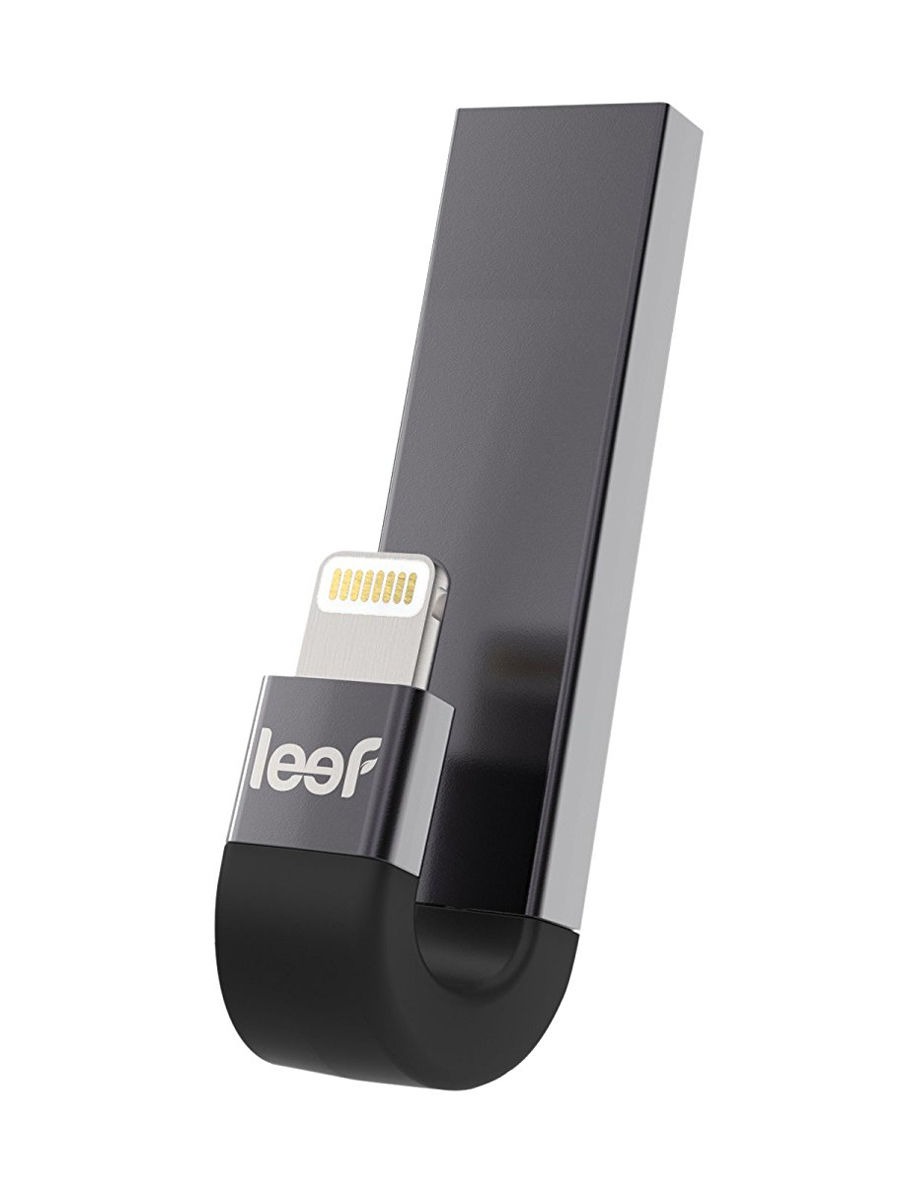
Using Portable Storage Devices
If you’re running out of space on your phone, it’s time to consider using portable storage devices. Here are some options:
- Lightning-to-usb Adapters: Apple’s Lightning-to-USB adapters allow you to connect external storage devices directly to your iPhone.
- Ixpand Flash Drives: SanDisk’s iXpand flash drives offer up to 128GB of storage space and can be connected directly to your iPhone.
Conclusion
Augmenting your iPhone’s memory doesn’t have to break the bank. By disabling unused apps, deleting app data, organizing your photos, using iCloud Photo Library, cloud storage, and portable storage devices, you can free up a significant amount of space on your phone. Remember to always back up your important data before making any changes.
Frequently Asked Questions
- Q: Why is my Iphone Running Out of Space?
A: Your iPhone is running out of space because of the increasing demand for storage caused by new features and apps. - Q: How do I Disable Unused Apps on my Iphone?
A: To disable unused apps, go to Settings > General > iPhone Storage and select the apps you no longer use. - Q: How do I Delete App Data on my Iphone?
A: To delete app data, go to Settings > General > iPhone Storage and select the app you want to delete data from. - Q: What is Icloud Photo Library And How Does it Work?
A: ICloud Photo Library allows you to store your photos and videos in the cloud, freeing up space on your phone. - Q: How do I Use Cloud Storage on my Iphone?
A: To use cloud storage on your iPhone, go to Settings > [Your Name] > iCloud > Photos and select the cloud storage service of your choice. - Q: What Are Portable Storage Devices And How do They Work?
A: Portable storage devices, such as Lightning-to-USB adapters and iXpand flash drives, allow you to connect external storage devices directly to your iPhone. - Q: How Much Space Does Icloud Drive Offer For Free?
A: ICloud Drive offers 5GB of free space, with options to upgrade to 50GB for €0.99, 200GB for €2.99, Or 2TB for €9.99. - Q: How do I Connect an External Storage Device to my Iphone?
A: To connect an external storage device to your iPhone, use a Lightning-to-USB adapter or iXpand flash drive.
We hope this article has been helpful in answering your questions about augmenting your iPhone’s memory!


