
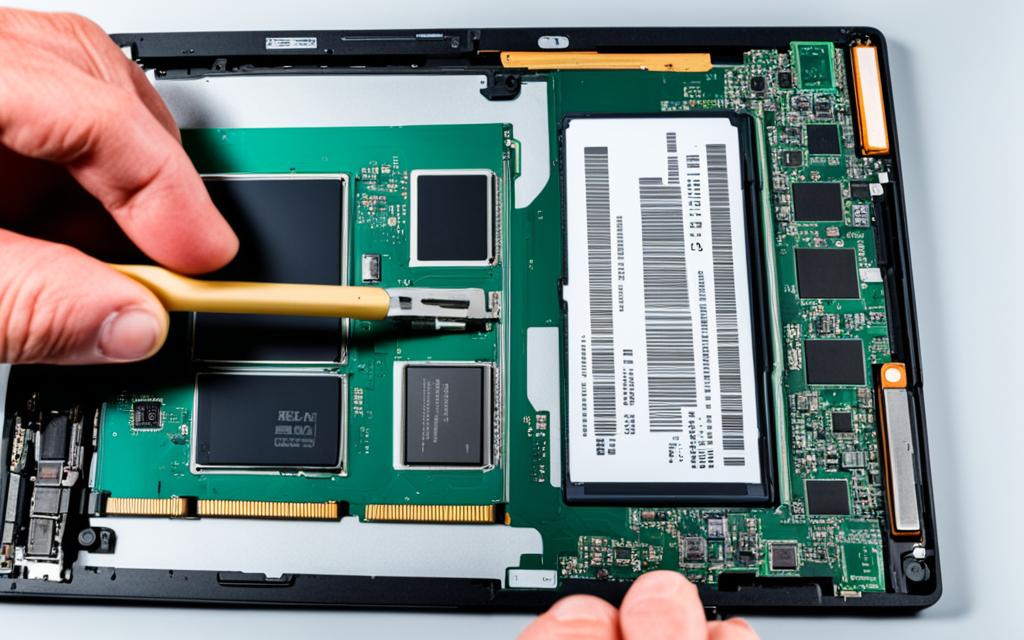
How to Augment Your Smartphone’s Ram: A Comprehensive Guide
Are you tired of your smartphone slowing down due to low RAM? Do you want to know how to augment your phone’s RAM without buying a new device? Look no further! In this article, we’ll guide you through the process of increasing your smartphone’s RAM using various methods, including software tweaks and device-specific features.
Understanding Your Smartphone’s Ram
Before we dive into the solutions, it’s essential to understand how your smartphone’s RAM works. RAM (Random Access Memory) is a type of computer memory that temporarily stores data for quick access by the processor. When you run multiple apps simultaneously, they consume RAM, causing your phone to slow down.
Method 1: Closing Unused Apps
The first and simplest method to augment your smartphone’s RAM is to close unused apps. This process is called “closing background apps” or “task killing.” Closing unused apps frees up memory space on your device, allowing other apps to run smoothly.
To close unused apps on an Android device:
- Go to the Recent Apps screen (usually found by swiping up from the bottom of the screen).
- Swipe left or right to find the app you want to close.
- Tap the “Close” button (represented by a red minus sign) to remove it from memory.
On an iOS device:
- Double-click the Home button to open the App Switcher.
- Swipe left or right to find the app you want to close.
- Tap the “X” button in the top-left corner of the app’s window to close it.
Method 2: Using Device-specific Features
Some smartphones come with built-in features that allow you to augment your RAM. Here are a few examples:
- Samsung Galaxy: Samsung offers a feature called “RAM Plus” that allows you to add virtual RAM to your device. To activate this feature:
- Go to Settings > Advanced features > Performance modes.
- Tap the “RAM Plus” toggle switch to enable it.
- Choose the amount of virtual RAM you want to add (up to 4GB).
- Xiaomi Devices: Xiaomi offers a feature called “Memory Extension” that allows you to add virtual RAM to your device. To activate this feature:
- Go to Settings > Additional settings > Memory extension.
- Tap the toggle switch to enable it.
- Choose the amount of virtual RAM you want to add (up to 3GB).
- Oppo, Oneplus, And Realme Devices: These devices offer a feature called “RAM Expansion” that allows you to add virtual RAM to your device. To activate this feature:
- Go to Settings > About phone > RAM expansion.
- Tap the toggle switch to enable it.
- Choose the amount of virtual RAM you want to add (up to 4GB).
Method 3: Closing Background Processes
Another way to augment your smartphone’s RAM is to close background processes. These are system processes that run in the background, consuming memory and resources. To close background processes:
- On an Android device:
- Go to Settings > Developer options.
- Enable the “Close all apps” toggle switch.
- On an iOS device:
- Go to Settings > General > iPhone Storage.
- Tap the “Empty Now” button.
Method 4: Updating Your Operating System
Keeping your operating system up-to-date can also help improve your smartphone’s RAM performance. Ensure you’re running the latest version of your OS by checking for updates regularly.
Conclusion
Augmenting your smartphone’s RAM is a straightforward process that can be done using various methods, including software tweaks and device-specific features. By closing unused apps, utilizing device-specific features, closing background processes, and updating your operating system, you can improve your phone’s performance and extend its lifespan.
Frequently Asked Questions (FAQs)
- What is Ram, And Why Does it Matter?
RAM (Random Access Memory) is a type of computer memory that temporarily stores data for quick access by the processor. Low RAM can cause your smartphone to slow down. - How do I Close Unused Apps on my Android Device?
To close unused apps on an Android device, go to the Recent Apps screen and swipe left or right to find the app you want to close. Tap the “Close” button (represented by a red minus sign) to remove it from memory. - How do I Close Unused Apps on my Ios Device?
On an iOS device, double-click the Home button to open the App Switcher. Swipe left or right to find the app you want to close and tap the “X” button in the top-left corner of the app’s window to close it. - What Are Device-specific Features That Can Augment Ram?
Some smartphones come with built-in features like Samsung’s “RAM Plus,” Xiaomi’s “Memory Extension,” and OPPO, OnePlus, and Realme’s “RAM Expansion.” These features allow you to add virtual RAM to your device. - How do I Close Background Processes on my Android Device?
On an Android device, go to Settings > Developer options and enable the “Close all apps” toggle switch. - How do I Close Background Processes on my Ios Device?
On an iOS device, go to Settings > General > iPhone Storage and tap the “Empty Now” button.
We hope this article has provided you with a comprehensive guide to augmenting your smartphone’s RAM. Remember to regularly clean up your phone’s memory by closing unused apps, utilizing device-specific features, closing background processes, and updating your operating system to keep your device running smoothly!


