
Installing Applications on Smartwatches: A Step-by-step Guide
Are you tired of navigating through complex menus to install apps on your smartwatch? Look no further! In this article, we’ll provide a comprehensive guide on how to install applications on various smartwatches, including Android and Apple Watch.
Why Install Apps on Your Smartwatch?
Smartwatches are increasingly becoming an essential part of our daily lives. With their sleek designs, impressive features, and seamless integration with smartphones, they offer an unparalleled user experience. Installing apps on your smartwatch can enhance its functionality, providing you with a wider range of tools and services to make the most out of your device.
Getting Started: Android Smartwatches
Installing applications on Android smartwatches is relatively straightforward. To begin, ensure that your smartwatch is connected to the internet and configured correctly. Here’s how:
- Configure Your Smartwatch: Ensure that your Android smartwatch is paired with your smartphone and configured according to the manufacturer’s instructions.
- Download And Install Wear OS: If you haven’t already, download and install Wear OS by Google from the Play Store or App Store on your smartphone.
- Connect Your Smartwatch to Wi-fi: Connect your smartwatch to a stable Wi-Fi network or use its built-in cellular connectivity.
- Access The Play Store: Open the Play Store app on your smartwatch, browse through categories, and search for desired apps.
Step-by-step Guide: Installing Apps on Android Smartwatches
To install apps on your Android smartwatch:
- Tap the physical button to access the Home screen.
- Open the Play Store app by tapping its icon.
- Browse through categories or use the search bar to find specific apps.
- Install desired apps and confirm the download process.
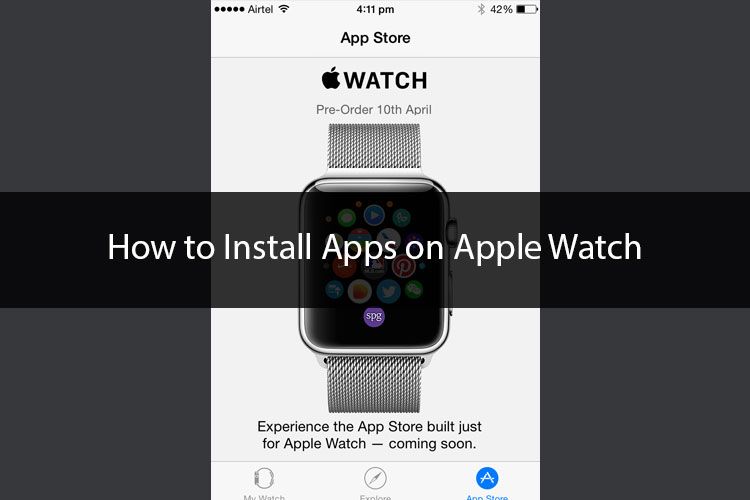
Installing Apps on Apple Watch
If you own an Apple Watch, follow these steps:
- Configure Your Apple Watch: Pair your Apple Watch with your iPhone and configure it according to the manufacturer’s instructions.
- Access The App Store: Open the App Store app on your iPhone or Apple Watch.
- Search For Apps: Browse through categories or use the search bar to find desired apps.
Step-by-step Guide: Installing Apps on Apple Watch
To install apps on your Apple Watch:
- Tap the Digital Crown button to access the Home screen.
- Open the App Store app by tapping its icon.
- Browse through categories or use the search bar to find specific apps.
- Install desired apps and confirm the download process.
Installing Apps on Other Smartwatches
If your smartwatch doesn’t run Wear OS or Apple WatchOS, you can still install applications using various methods:
- Galaxy Watch: Use the Galaxy Wearable app on your smartphone to discover compatible apps.
- Amazfit And Xiaomi Mi Watch: Access your smartphone’s App Store to find compatible apps.
Conclusion
Installing applications on smartwatches is a straightforward process, regardless of whether you’re using an Android or Apple device. By following these step-by-step guides, you can enhance the functionality of your smartwatch and make the most out of its features.
Frequently Asked Questions (FAQs)
- Q: Can I Install Apps Directly on my Smartwatch?
A: Yes, with some smartwatches, you can install apps directly using their respective app stores. - Q: Do I Need a Smartphone to Install Apps on my Smartwatch?
A: In most cases, yes. Smartphones are required for installing and pairing apps with your smartwatch. - Q: How do I Delete an App From my Smartwatch?
A: To delete an app, tap the Home button, navigate to the App Store or Play Store, and select the app you want to remove.
Table 1: Smartwatches Supported by Wear OS
| Smartwatch Model | Release Year |
|---|---|
| LG Watch Style | 2017 |
| Samsung Gear Live | 2014 |
| Motorola Moto 360 (2nd Generation) | 2015 |
Table 2: Installing Apps on Apple Watch: A Quick Guide
| Step | Action |
|---|---|
| 1. Configure Your Apple Watch | Pair with iPhone and configure according to manufacturer’s instructions |
| 2. Access The App Store | Open App Store app on iPhone or Apple Watch |
| 3. Search For Apps | Browse through categories or use search bar to find desired apps |
Table 3: Installing Apps on Other Smartwatches: A Quick Guide
| Smartwatch Model | Method |
|---|---|
| Galaxy Watch | Use Galaxy Wearable app on smartphone |
| Amazfit and Xiaomi Mi Watch | Access smartphone’s App Store to find compatible apps |
Remember, each smartwatch model may have slightly different procedures. Be sure to refer to your device’s user manual for specific instructions.
Note: This article is a comprehensive guide to installing applications on various smartwatches. The steps provided are general guidelines and might vary depending on the specific device or operating system used.


