
How to Install Chatgpt: A Step-by-step Guide
Are you interested in leveraging the power of Artificial Intelligence (AI) through ChatGPT, the popular chatbot developed by OpenAI? If so, this article will provide a detailed guide on how to install ChatGPT on your PC, smartphone, and tablet.
What is Chatgpt?
Before we dive into the installation process, let’s take a brief look at what ChatGPT is. ChatGPT is a chatbot that uses advanced algorithms to generate human-like responses to user queries. It has been trained on a vast amount of data, including books, articles, and conversations, making it an incredibly useful tool for various purposes.
Key Features of Chatgpt
ChatGPT offers several key features, including:
- Answering Complex Questions: ChatGPT can provide detailed answers to complex questions across various subjects.
- Generating Text: It can create content, such as messages, articles, and even code snippets.
- Summarizing Documents: ChatGPT can summarize long documents, saving you time and effort.
- Conversational Interface: The chatbot provides a conversational interface, allowing users to interact with it in a natural way.
Installing Chatgpt on PC
If you’re using a Windows 11 or 10 device, installing ChatGPT is relatively straightforward. Since ChatGPT doesn’t have an official program, we’ll use the browser-based version instead. Here’s how:
- Access The Chatgpt Website: Open your preferred web browser (e.G., Google Chrome, Microsoft Edge) and navigate to the ChatGPT website.
- Sign up or Log in: If you already have a ChatGPT account, sign in using your credentials. Otherwise, click on “Sign Up” and follow the registration process.
- Create a Desktop Shortcut: Once logged in, click on the three dots (⋮) in the top-right corner of the browser window. Select “More tools” > “Create shortcut.” Name the shortcut as “ChatGPT” and click “Create.”
- Pin to Taskbar: Right-click on the new shortcut and select “Pin to taskbar.”
Installing Chatgpt on Mac
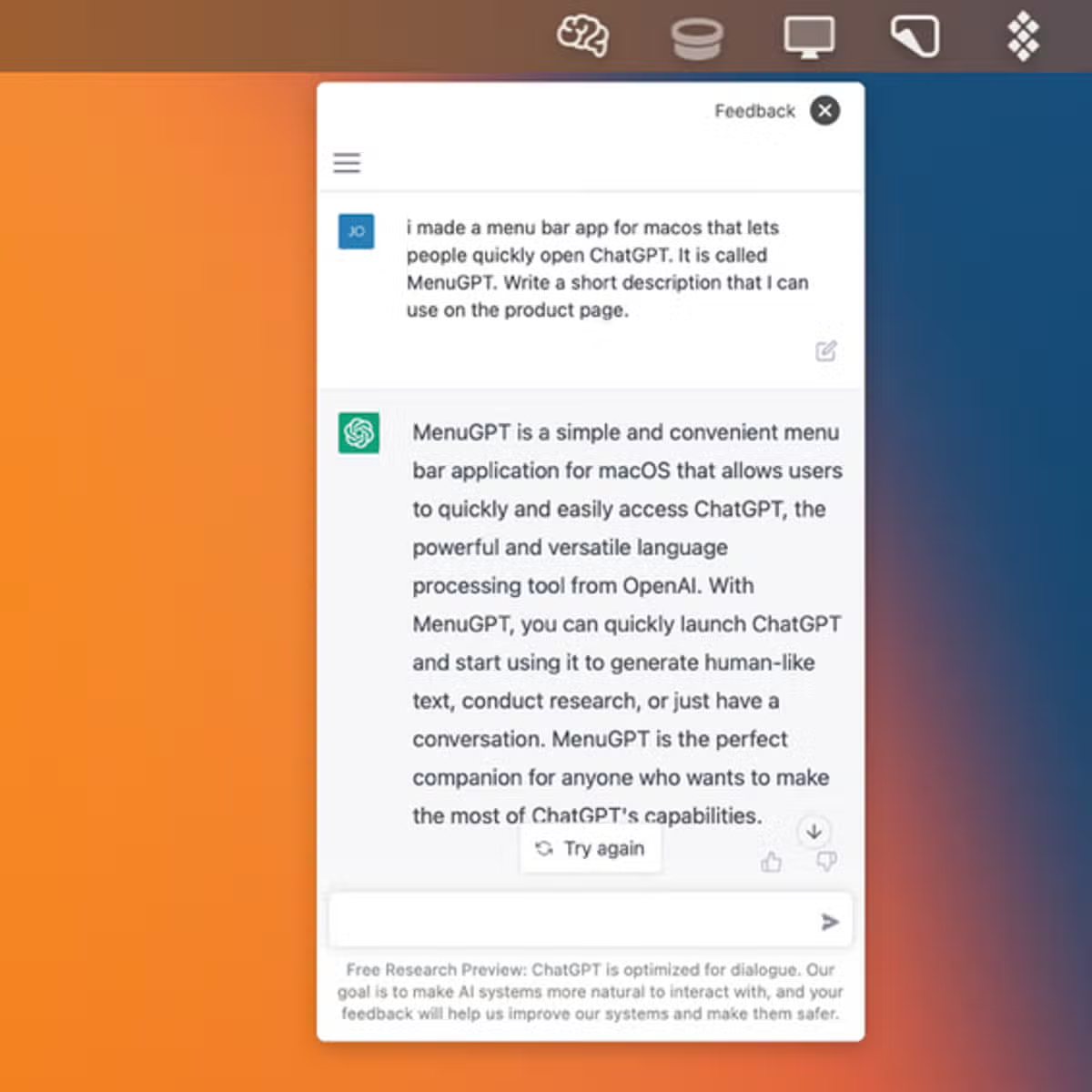
If you’re using a Mac, installing ChatGPT is similarly straightforward:
- Download The .Dmg File: Visit the ChatGPT website and click on the download button.
- Drag The Icon to Applications: Once downloaded, drag the ChatGPT icon to the Applications folder.
- Open Chatgpt: Right-click (or Ctrl-click) on the ChatGPT icon in the Applications folder and select “Open.” This will circumvent Apple’s security restrictions.
- Log in or Sign up: Follow the same steps as for PC users.
Installing Chatgpt on Smartphone And Tablet
ChatGPT can also be installed on smartphones and tablets using the official app:
- Android Devices: Search for “ChatGPT” in the Google Play Store, select the official app (marked with OpenAI under the chatbot logo), and follow the installation process.
- Ios Devices: Search for “ChatGPT” in the App Store, select the official app (marked with the black flower icon on a white background), and follow the installation process.
Using Chatgpt
Now that you have installed ChatGPT, you can start using it to answer complex questions, generate text, summarize documents, or simply engage in conversations. Remember to explore the various features and settings to get the most out of this powerful tool.
Conclusion
Installing ChatGPT on your PC, smartphone, or tablet is a straightforward process that takes just a few minutes. With its advanced algorithms and vast knowledge base, ChatGPT can be an incredibly useful tool for various purposes. Whether you’re looking to answer complex questions, generate text, or simply engage in conversations, ChatGPT has got you covered.
Frequently Asked Questions
- Q: What is Chatgpt?
A: ChatGPT is a chatbot developed by OpenAI that uses advanced algorithms to generate human-like responses to user queries. - Q: Can I Install Chatgpt on my Smartphone or Tablet?
A: Yes, you can install the official ChatGPT app on your Android device through the Google Play Store or on your iOS device through the App Store. - Q: How do I Use Chatgpt?
A: Simply open the chatbot in your browser or launch the app on your mobile device and start interacting with it using natural language. - Q: Is Chatgpt Free to Use?
A: Yes, you can use ChatGPT for free, but some features may require a subscription or purchase. - Q: Can I Download The Apk File Directly From The Website?
A: No, we recommend downloading the APK file from trusted sources like APKMirror, and always exercise caution when installing apps from unknown sources.
Recommended Reading
For a more in-depth understanding of how to use ChatGPT, please refer to our tutorial on using ChatGPT.


