
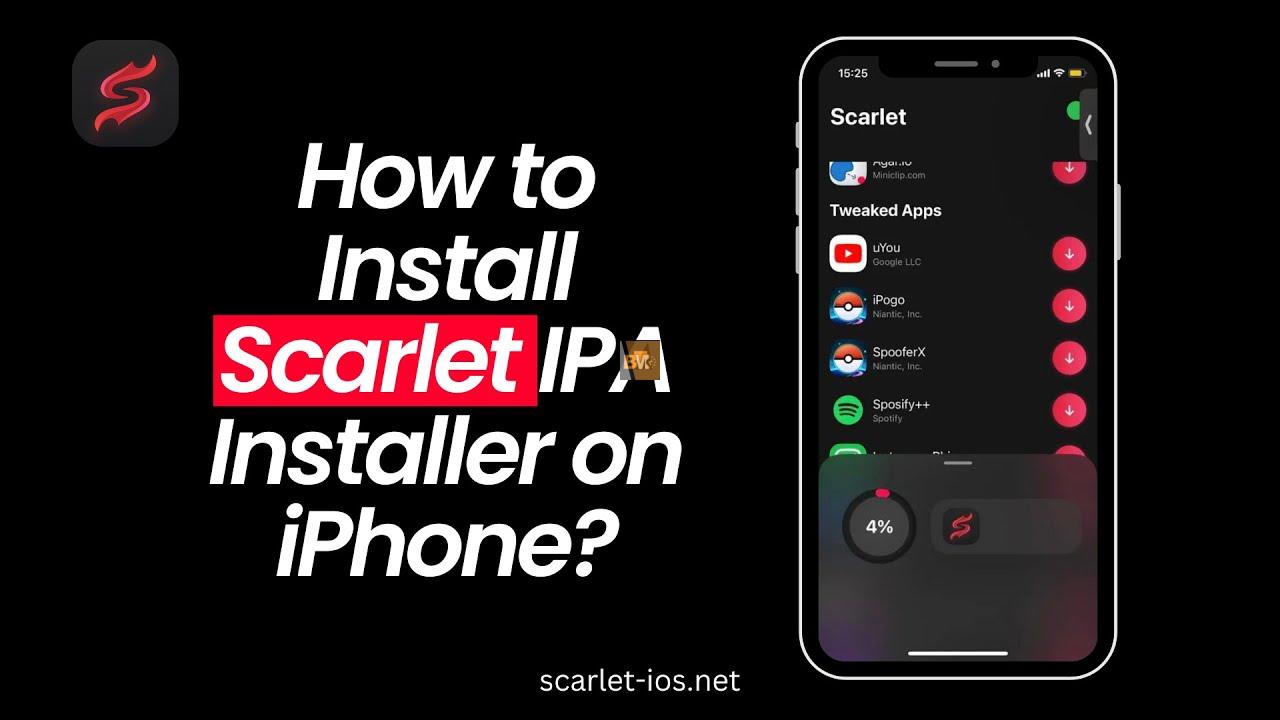
Installing Ipa Files on Iphone: A Step-by-step Guide
Are you struggling to install IPA files on your iPhone? Look no further! In this article, we’ll guide you through the process of installing IPA files on your iPhone without jailbreaking or using alternative app stores.
Introduction
Installing IPA files on your iPhone can be a bit tricky, but with the right instructions, it’s easier than ever. In this tutorial, we’ll show you how to install IPA files on your iPhone using AltStore, an alternative app store that allows you to install apps not available on the official App Store.
Why Install Ipa Files?
IPA files are compressed archives containing all the necessary files for a specific app. Installing them can be useful if:
- An app is no longer available on the App Store.
- You want to download an older version of an app.
- You need access to an app not available in your region.
Installing Altstore
To install IPA files, you’ll first need to install AltStore on your iPhone. This process involves a few steps:
- Download Altserver: On your PC or Mac, download the AltServer software from the official website.
- Install Altserver: Follow the instructions to install AltServer on your computer.
- Connect Your Iphone: Connect your iPhone to your computer using a USB cable.
- Install Altstore: Open AltServer and select “Install” to install AltStore on your iPhone.
Installing Ipa Files
Once you have AltStore installed, follow these steps:
- Open Altstore: Open the AltStore app on your iPhone.
- Navigate to My Apps: Tap the “My Apps” tab in AltStore.
- Add a New App: Tap the “+” icon at the top-right corner of the screen.
- Select Ipa File: Navigate to the IPA file you want to install and select it.
Tips And Variations
- Installing on Ipad: The instructions above also apply to installing IPA files on an iPad using iPadOS.
- Renewing Licenses: You can renew licenses by keeping your iPhone connected to Wi-Fi and leaving AltServer running. The app will automatically update its license.
- Using Siri Shortcuts: You can create a custom Siri shortcut to refresh all apps in the “My Apps” tab.
Conclusion
Installing IPA files on your iPhone is now easier than ever with AltStore. Follow these steps, and you’ll be able to install your favorite apps not available on the App Store.
Frequently Asked Questions (FAQs)
- Q: What is an Ipa File?
A: An IPA file is a compressed archive containing all necessary files for a specific app. - Q: Why Use Altstore Instead of Jailbreaking?
A: AltStore allows you to install apps without compromising your iPhone’s security, unlike jailbreaking which can expose your device to vulnerabilities. - Q: Can I Install Ipa Files on my Ipad?
A: Yes! The instructions above also apply to installing IPA files on an iPad using iPadOS. - Q: How do I Renew Licenses For Installed Apps?
A: Simply keep your iPhone connected to Wi-Fi, and leave AltServer running to automatically update licenses. - Q: Can I Use Siri Shortcuts With Altstore?
A: Yes! You can create custom Siri shortcuts to refresh all apps in the “My Apps” tab. - Q: Are Ipa Files Safe to Install?
A: While IPA files are generally safe, always download them from reputable sources to avoid potential security risks. - Q: Can I Use Altstore on my Iphone 13 Series Devices?
A: Yes! AltStore is compatible with all iPhone and iPad models, including the latest iPhone 13 series devices.
I hope this article has helped you understand how to install IPA files on your iPhone using AltStore. If you have any further questions or need additional guidance, feel free to ask!


