
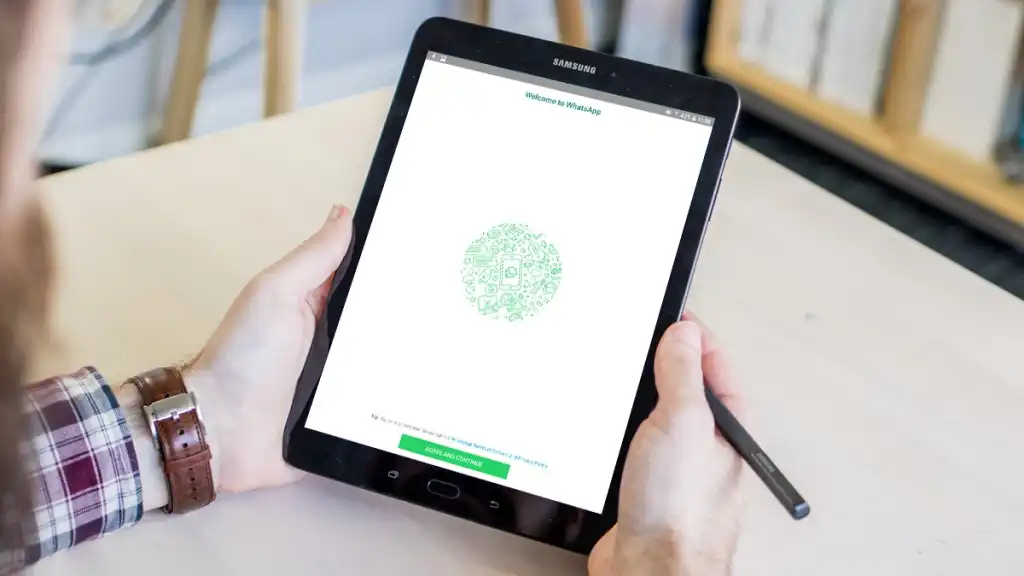
Installing Whatsapp on Android Tablet: A Comprehensive Guide
Are you looking to install WhatsApp on your Android tablet? Look no further! This article will guide you through the process, providing step-by-step instructions and troubleshooting tips.
Why Install Whatsapp on Your Tablet?
Before we dive into the installation process, let’s consider why you might want to install WhatsApp on your tablet. With the increasing use of tablets for personal and professional purposes, having a messaging app like WhatsApp can be incredibly convenient. You can stay in touch with friends and family, receive important notifications, and even use WhatsApp Web to access your messages from other devices.
Installing Whatsapp on Android Tablet: A Step-by-step Guide
To install WhatsApp on your Android tablet, follow these steps:
- Download The App: Open the Google Play Store on your tablet and search for “WhatsApp”. Select the app from the search results, and tap the “Install” button.
- Activate The App: Once the installation is complete, open WhatsApp and follow the prompts to activate the app using a SIM card or a phone number associated with an existing account.
- Configure Your Account: If you’re activating a new account, you’ll need to provide your name, phone number, and other details.
Alternative Method: Installing Whatsapp Without a Sim Card
If you don’t have a SIM card inserted in your tablet, you can still install WhatsApp using the following method:
- Download Whatsapp Web: Open the Google Play Store on your tablet and download WhatsApp Web.
- Scan The QR Code: Scan the QR code displayed on the WhatsApp website to connect your tablet to your smartphone’s WhatsApp account.
Installing Whatsapp on Apple Tablet (iPad)
If you have an iPad, installing WhatsApp is a bit more complicated. Since there’s no official WhatsApp app for iOS, you can use WhatsApp Web instead:
- Open Safari: Open the Safari browser on your iPad and navigate to the WhatsApp website.
- Scan The QR Code: Scan the QR code displayed on the WhatsApp website using your smartphone’s camera.
Tips And Tricks
- Make sure your tablet is running the latest version of Android or iOS for a smooth installation experience.
- If you encounter any issues during the installation process, try restarting your device or checking your internet connection.
- To use WhatsApp Web, ensure that your smartphone is connected to the same Wi-Fi network as your iPad.
Troubleshooting Common Issues
If you’re experiencing issues with WhatsApp on your tablet, here are some common problems and solutions:
- Whatsapp Not Installing: Check if your device meets the minimum requirements for installing WhatsApp. If you’ve already installed WhatsApp, try uninstalling and reinstalling it.
- Cannot Activate Account: Ensure that you have a valid phone number or SIM card inserted in your device. If you’re using WhatsApp Web, make sure your smartphone is connected to the same Wi-Fi network as your tablet.
Conclusion
Installing WhatsApp on your Android tablet or iPad is a straightforward process. By following these steps and troubleshooting tips, you can enjoy seamless messaging with your friends and family. Remember to always keep your device’s software up-to-date for a smooth experience.
Frequently Asked Questions (FAQs)
- Q: Can I Install Whatsapp on my Tablet Without a Sim Card?
A: Yes, you can use WhatsApp Web on your tablet without a SIM card. - Q: Do I Need to Have a Smartphone With Whatsapp Installed to Use Whatsapp on my Tablet?
A: No, but having a smartphone with WhatsApp will make it easier to connect your tablet using WhatsApp Web. - Q: Can I Install Whatsapp on my Ipad?
A: Unfortunately, there’s no official WhatsApp app for iOS. However, you can use WhatsApp Web by scanning the QR code displayed on the WhatsApp website. - Q: What Are Some Common Issues That Might Occur During Installation?
A: Some common issues include failing to meet minimum requirements or encountering problems with activation. Try restarting your device and checking your internet connection.
Additional Resources
For more detailed information, check out our tutorials on:
- Installing WhatsApp on Android tablet without a SIM card
- Using WhatsApp Web on iPad


