
How to Come in Live on Tiktok: A Step-by-step Guide
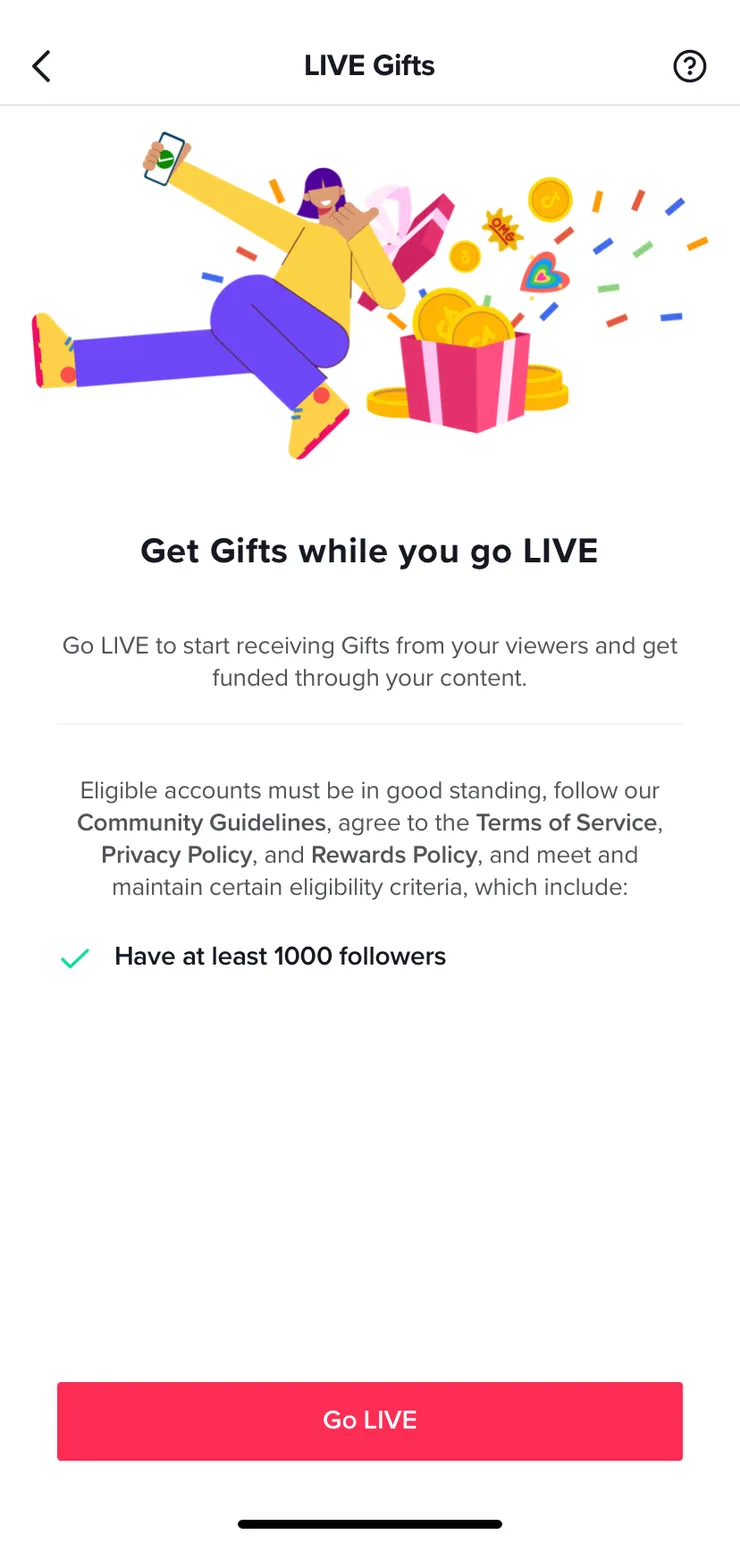
Are you ready to go live on TikTok? In this article, we’ll show you how to come in live on TikTok as a viewer or participant, whether it’s by invitation or of your own initiative.
Why Go Live on Tiktok?
Going live on TikTok can be an exciting way to connect with your audience and showcase your creativity. Whether you’re a seasoned creator or just starting out, the platform offers a unique opportunity to engage with your followers in real-time.
How to Come in Live on Tiktok as a Viewer
- Accessing The Live Section: To access the live section on TikTok, open the app and swipe left from the main screen. You’ll see a list of live videos that are currently streaming.
- Finding Live Videos: You can also find live videos by searching for specific keywords or hashtags. Tap on the “For You” tab to see a curated feed of live videos that TikTok thinks you’ll be interested in.
How to Come in Live on Tiktok as a Participant
- Accessing The Live Section From Your Computer: If you want to access the live section from your computer, go to the TikTok website and sign in with your account credentials.
- Finding Live Videos: Once you’re logged in, click on the “Live” tab at the top of the screen. You’ll see a list of live videos that are currently streaming.
How to Join a Live Video as a Guest
- Receiving an Invitation: If someone has invited you to join their live video, you’ll receive a notification on your phone or computer.
- Accepting The Invitation: To accept the invitation, tap on the “Join” button and choose whether you want to join with video or audio only.
How to Join a Live Video as an Initiative
- Finding a Live Video: If you’ve found a live video that you’d like to join, tap on the “Join” button.
- Requesting Permission: The host of the live video will receive your request and can choose whether or not to accept it.
Tips And Tricks For Going Live on Tiktok
- Using Good Lighting And Sound: Make sure you have good lighting and sound quality when going live on TikTok.
- Engaging With Your Audience: Interact with your followers in real-time by responding to comments and engaging in conversations.
- Being Authentic And Yourself: Be true to yourself and your audience, and don’t be afraid to show your personality.
Conclusion
Going live on TikTok can be a fun and rewarding experience for creators and viewers alike. By following these steps and tips, you’ll be able to come in live on TikTok as a viewer or participant, whether it’s by invitation or of your own initiative.


