
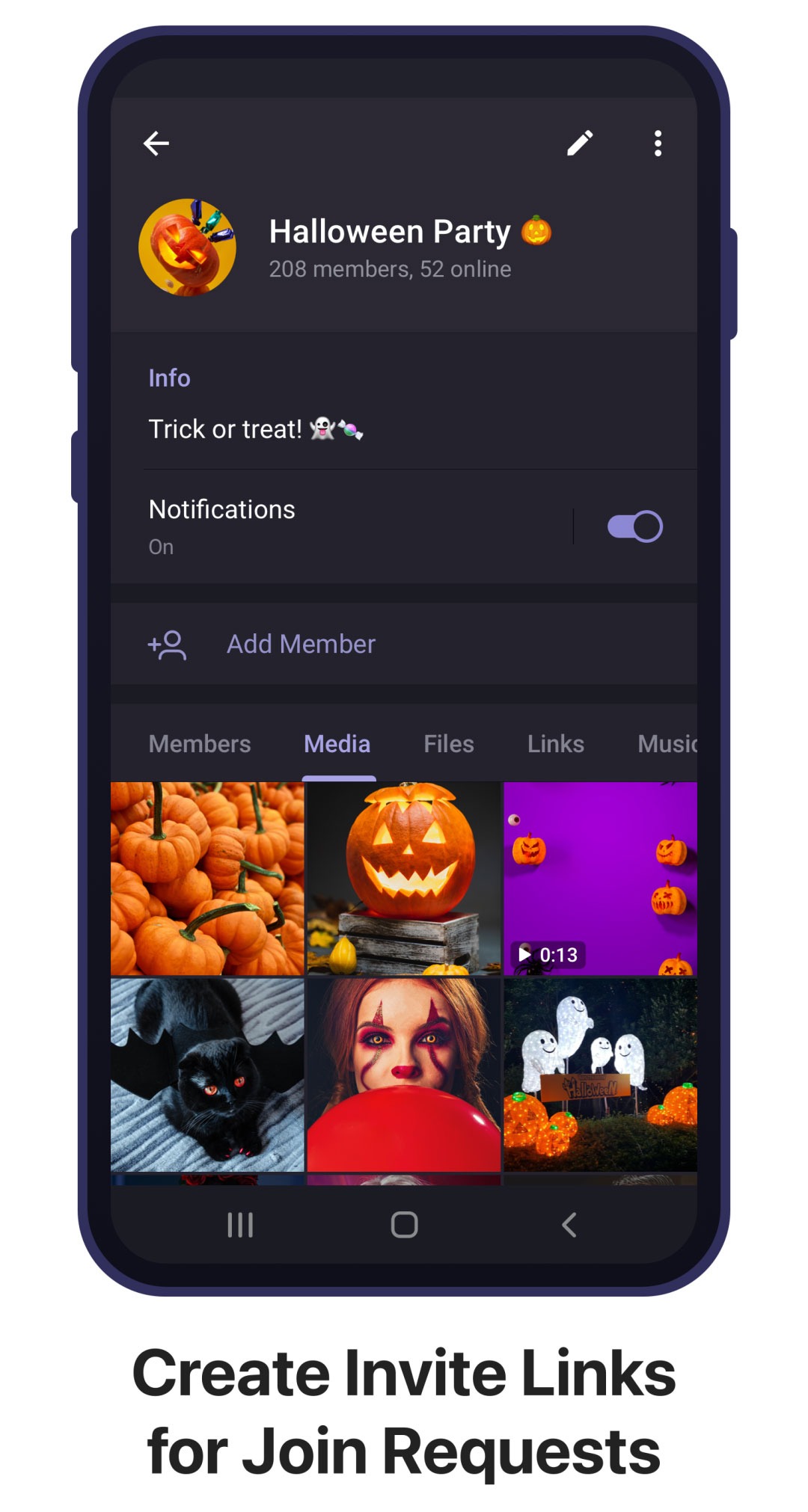
How to Join a Channel on Telegram: A Step-by-step Guide
Are you curious about joining a channel on Telegram? Look no further! In this article, we will guide you through the process of joining both public and private channels on Telegram.
What Are Channels on Telegram?
Before we dive into the steps, let’s briefly discuss what channels are on Telegram. A channel is essentially a discussion group where users can share information, ideas, and opinions with each other. Channels can be either public or private, depending on the settings chosen by the creator.
Joining a Public Channel on Telegram
To join a public channel on Telegram, follow these steps:
- Open Telegram: Open the Telegram app on your smartphone or tablet.
- Search For The Channel: Search for the name of the channel you want to join in the search bar at the top of the screen.
- Select The Channel: Select the channel from the search results.
- Tap on Join: Tap on the “Join” button to join the channel.
Joining a Private Channel on Telegram
To join a private channel on Telegram, you need an invitation from the creator or administrator of the channel. Here’s how:
- Get Invited: Get invited by the creator or administrator of the channel.
- Tap on Join: Tap on the “Join” button to join the channel.
What if I Want to Share a Channel With Others?
If you want to share a channel with others, follow these steps:
- Open Telegram: Open the Telegram app.
- Select The Channel: Select the channel you want to share.
- Tap on The Menu: Tap on the menu icon (⋮) at the top right corner of the screen.
- Tap on Share Link: Tap on “Share link” to share the link with others.
Can I Join a Channel Without an Account?
Unfortunately, you cannot join a private channel without an account. However, you can preview public channels without logging in.
- Open Telegram Web: Open Telegram Web in your browser.
- Search For The Channel: Search for the name of the channel you want to join in the search bar at the top of the screen.
- Tap on Preview Channel: Tap on “Preview channel” to preview the channel without logging in.
Troubleshooting: What if I Get a Message Saying The Channel is Blocked?
If you get a message saying that the channel is blocked, it’s likely because the channel has been removed or blocked by Telegram. Unfortunately, there’s not much you can do in this case.
- Try to Reopen Telegram: Try reopening Telegram and see if the issue resolves itself.
- Check For Updates: Check for updates on your device and ensure that Telegram is up-to-date.
- Contact Support: If none of the above steps work, contact Telegram support for further assistance.
Conclusion
Joining a channel on Telegram can be easy and straightforward once you know the steps involved. Whether it’s a public or private channel, we hope this guide has helped you navigate the process with ease.
Frequently Asked Questions (FAQs)
- Q: How do I Join a Public Channel on Telegram?
A: To join a public channel on Telegram, simply search for the name of the channel and tap on “Join”. - Q: Can I Join a Private Channel Without an Invitation?
A: No, you cannot join a private channel without an invitation from the creator or administrator. - Q: How do I Share a Channel With Others?
A: To share a channel with others, open Telegram and select the channel. Tap on the menu icon (⋮) and tap on “Share link”. - Q: Can I Join a Channel Without an Account?
A: Unfortunately, you cannot join a private channel without an account. - Q: What if I Get a Message Saying That The Channel is Blocked?
A: If you get a message saying that the channel is blocked, it’s likely because the channel has been removed or blocked by Telegram. - Q: How do I Contact Telegram Support?
A: You can contact Telegram support through their website or app. - Q: Can I Join Multiple Channels at Once?
A: No, you cannot join multiple channels at once. Each channel requires a separate invitation or login process. - Q: Are Public Channels Visible to Everyone?
A: Yes, public channels are visible to everyone who searches for them.
By following these steps and troubleshooting tips, you should be able to navigate the world of Telegram channels with ease!


