
How To Know If Your Account Has Been Violated: A Guide To Online Safety
As an online user, you’re likely no stranger to the idea that your personal data and accounts can be compromised. With the rise of cyber threats and data breaches, it’s essential to take proactive measures to protect yourself from potential violations.
In this article, we’ll delve into the world of online safety, exploring ways to detect if your account has been breached and providing practical tips on how to prevent future intrusions.
What Happens When Your Account Is Violated?
When an unauthorized individual gains access to your online account, they can:
- View sensitive information such as passwords, emails, and personal details
- Use your account for malicious activities like spamming, phishing, or spreading malware
- Steal your identity by accessing your login credentials and using them to commit crimes
Detecting Account Violations: A Step-by-step Guide
To detect if your account has been breached, follow these steps:
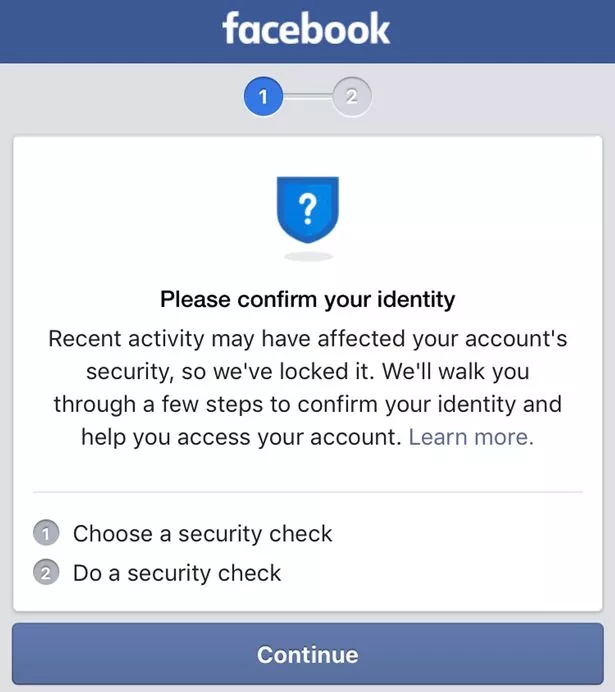
1. Control Accesses To Your Facebook Account
Monitor the last accesses to your Facebook account by checking the “Activity Log” section. If you notice any suspicious activity or unknown devices connected, take immediate action.
2. Change Passwords And Enable Two-factor Authentication (2FA)
Update your password and enable 2FA on both Facebook and Instagram. This will add an extra layer of security to prevent unauthorized access.
Preventing Account Violations: Additional Tips
In addition to monitoring account activity and enabling 2FA, here are some more tips to keep your online presence secure:
- Use strong passwords that combine uppercase letters, numbers, and special characters.
- Avoid using the same password across multiple platforms.
- Regularly update your operating system, browser, and other software to ensure you have the latest security patches.
- Be cautious when clicking on links or downloading attachments from unknown sources.
- Use reputable antivirus software to protect against malware and viruses.
What To Do If Your Account Is Compromised
If you suspect that your account has been breached, take immediate action by:
- Changing your password and enabling 2FA
- Reporting the incident to the platform’s customer support team
- Monitoring your account activity closely for any further suspicious behavior
Conclusion: Taking Control Of Your Online Safety
Protecting your online presence is a continuous process that requires vigilance, awareness, and proactive measures. By following the tips outlined in this article, you’ll be well-equipped to detect potential violations and take steps to prevent them.
Stay informed, stay secure!
Frequently Asked Questions: Account Violations And Online Safety
-
What are some common signs of account violation?
- Unauthorized logins or access attempts
- Suspicious activity on your account’s Activity Log
- Unfamiliar devices connected to your account
-
How can I prevent account violations?
- Use strong passwords and avoid sharing them
- Enable Two-Factor Authentication (2FA) on all accounts
- Regularly update your operating system, browser, and other software
- Be cautious when clicking on links or downloading attachments
-
What should I do if my account is compromised?
- Change your password and enable 2FA immediately
- Report the incident to the platform’s customer support team
- Monitor your account activity closely for any further suspicious behavior


